Buying an AI platform is rarely just a feature decision anymore. For most marketing teams, the bigger question is what the tool will connect to, what data it will touch and what it can do once it gets access.
That is why integration due diligence deserves its own process. A demo can make an AI workflow look effortless, but the real risk sits behind the scenes: OAuth scopes, CRM permissions, browser access, API rate limits, data retention, audit logs and approval controls. If you wait until after purchase to review those details, you may find that the tool creates more governance work than marketing leverage.
This guide gives marketing leaders, RevOps teams and IT partners a practical way to audit AI tool integrations before signing a contract. Use it when evaluating content automation tools, AI analytics platforms, CRM copilots, ad creative assistants, SEO platforms or any product that connects to your marketing stack.
A long list of integrations can look impressive, but it does not prove the tool will fit your workflow. Start by writing down the exact jobs the AI tool is expected to support.
For example, a content tool might need to pull product messaging from a knowledge base, generate draft landing page copy, push finished content into a CMS and report engagement data back to an analytics platform. A customer feedback tool might connect to surveys, support tickets, call transcripts and CRM records. Those are very different integration patterns, even if both vendors say they integrate with your stack.
Before you look at technical details, define the operational outcome:
This keeps the conversation grounded. You are not buying a generic integration ecosystem. You are buying a tool that will either support or disrupt a real marketing process.
If you are still comparing platform categories, AIMarketer Hub’s guide on how to pick the right AI marketing platform can help you narrow the field before you run a deeper integration audit.
AI vendors often describe integrations in friendly terms: “connect your CRM,” “sync your content library,” “analyze customer data” or “automate campaign workflows.” Those phrases are too broad for a buying decision.
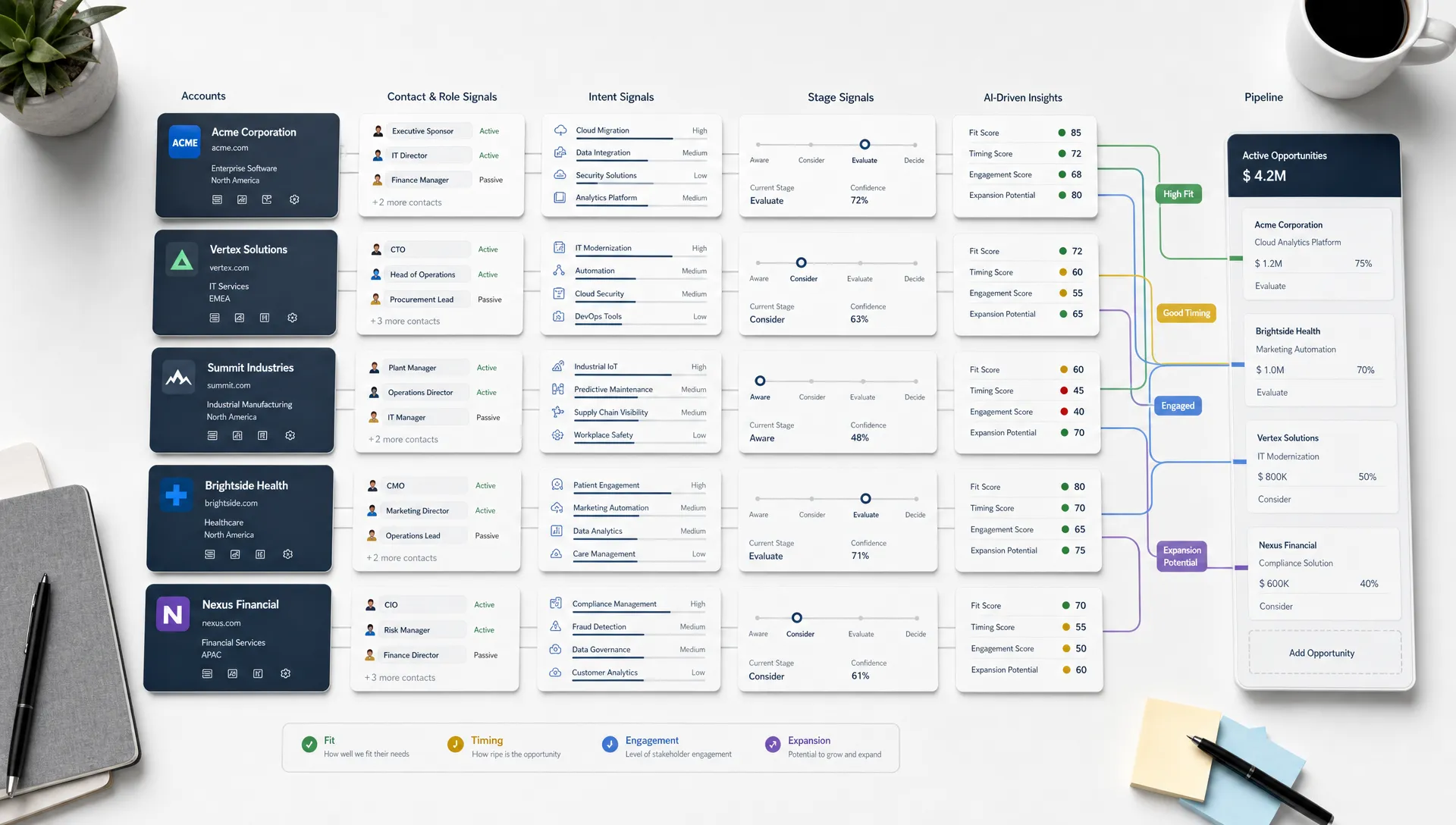
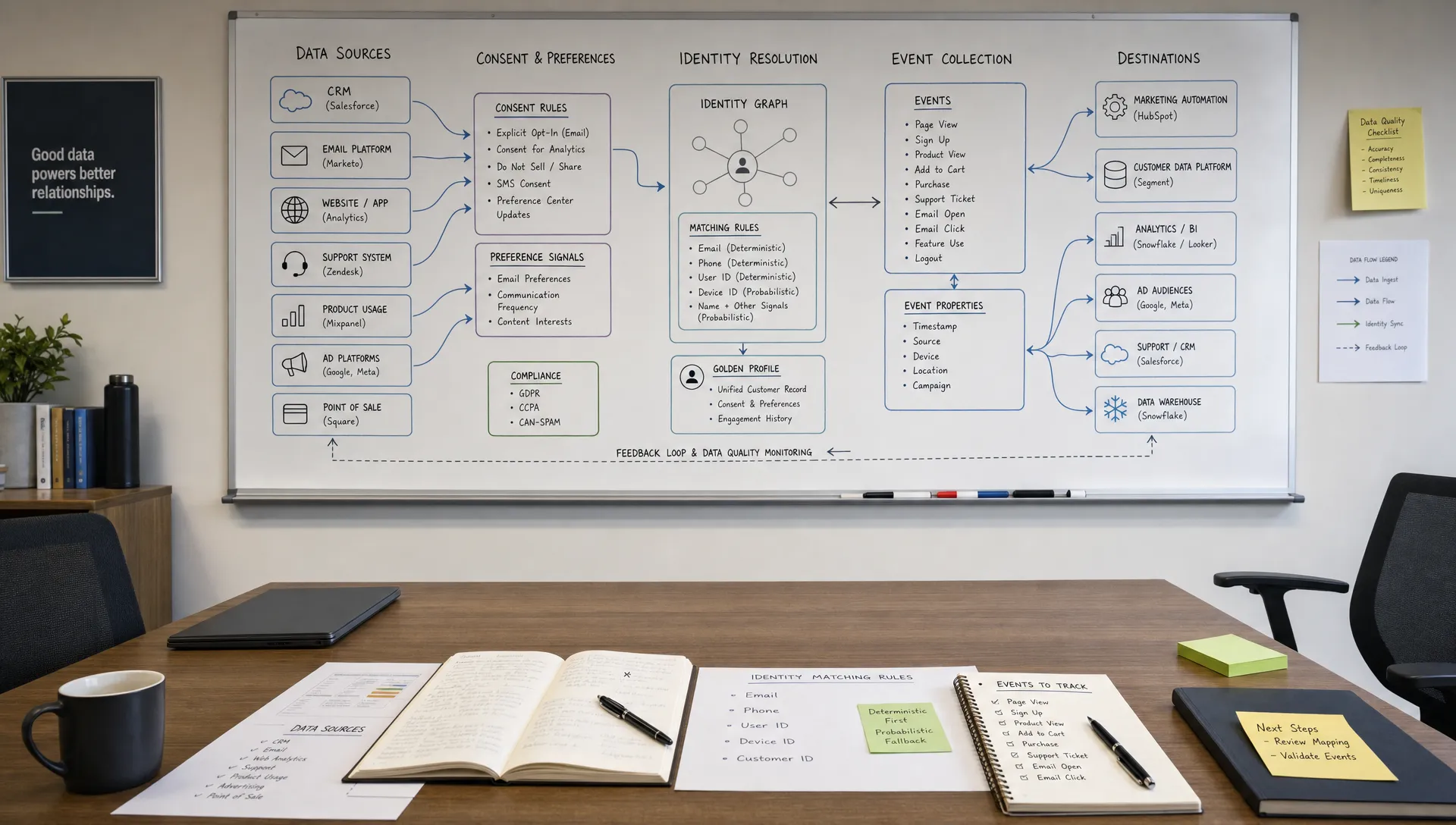
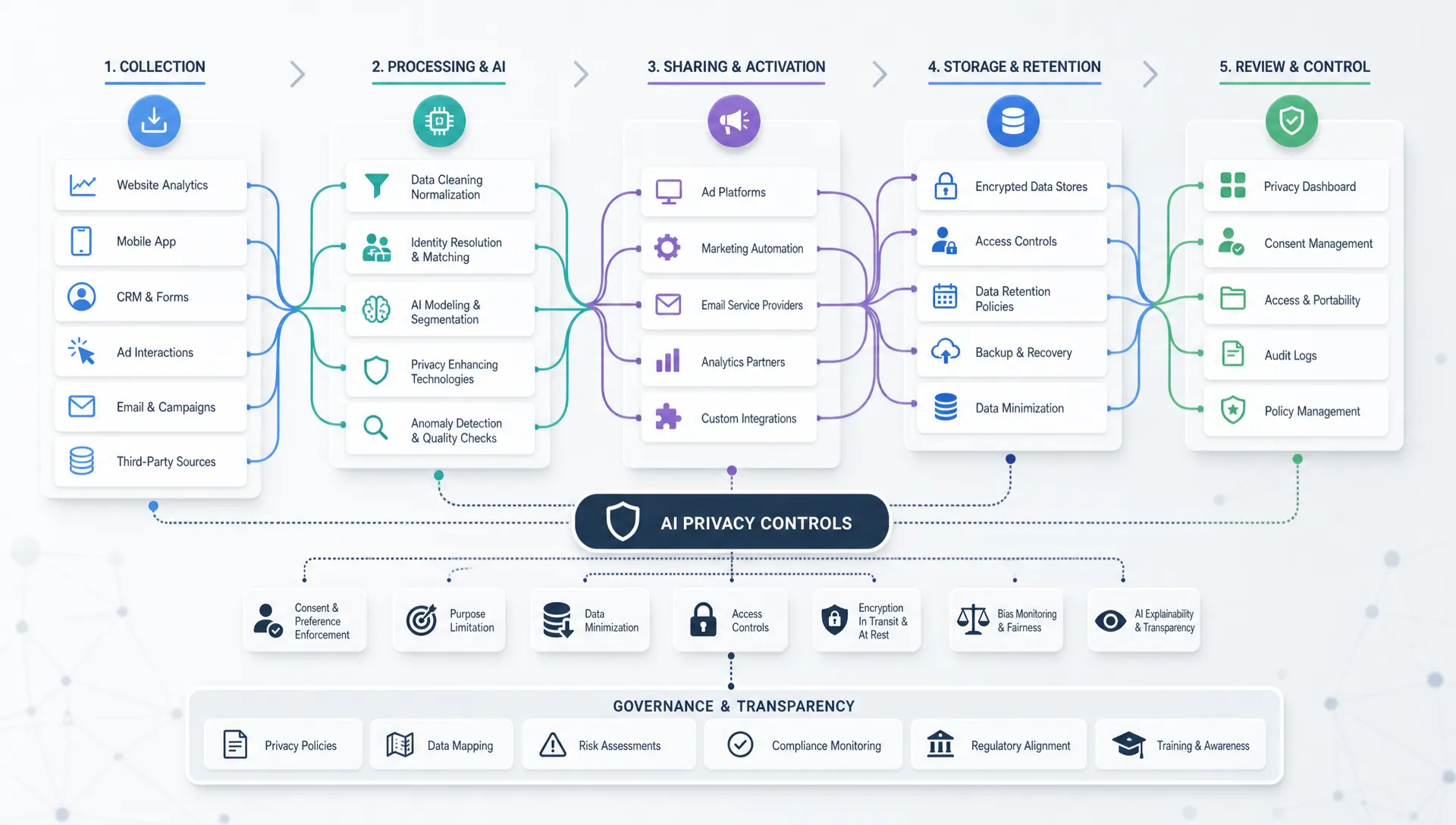
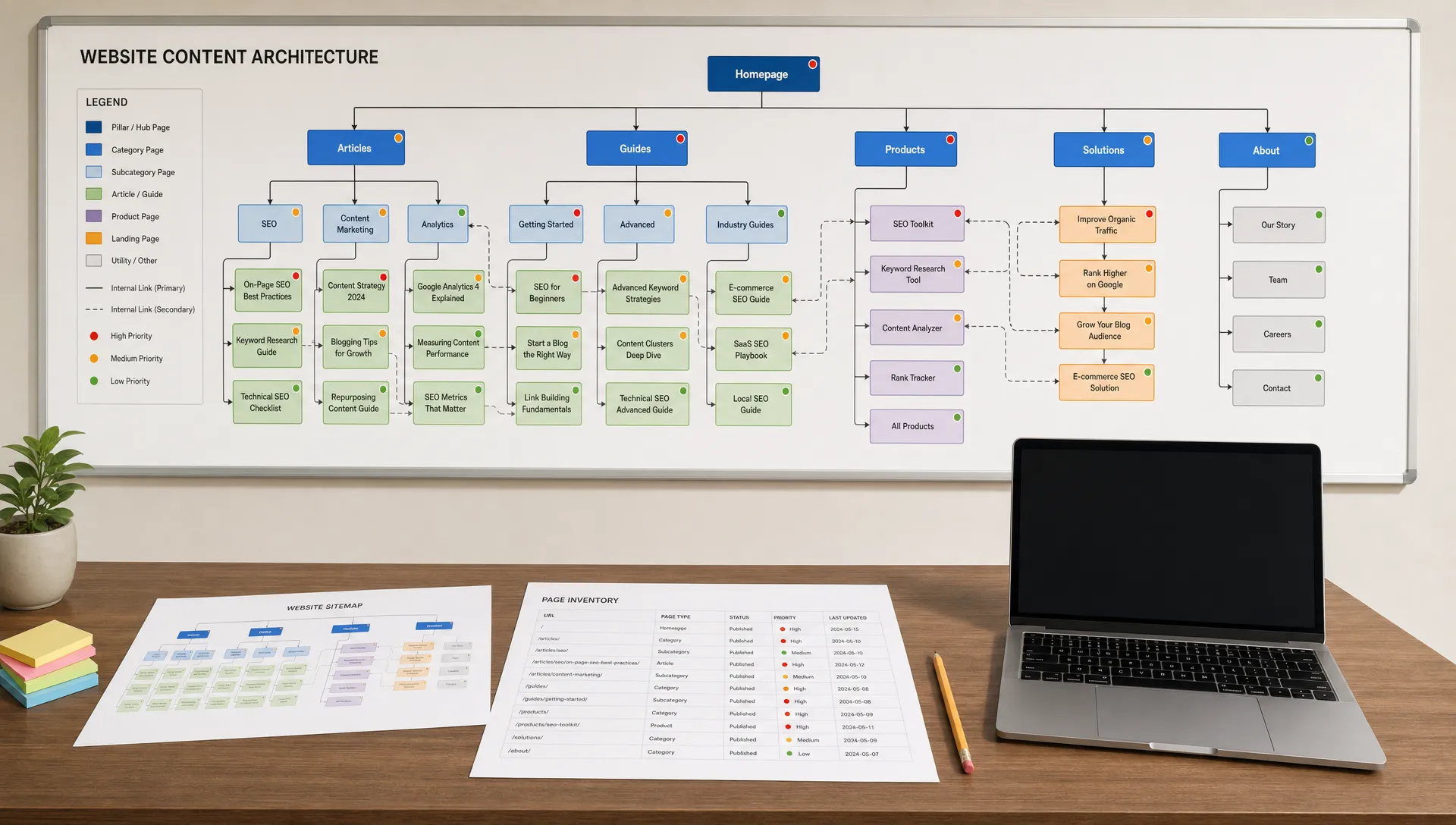
Create a data access map for each shortlisted tool. At minimum, document the source system, data categories, direction of access and business purpose. This does not need to be a formal enterprise architecture diagram. A simple table can reveal risks quickly.
| Integration area | What to ask | Why it matters |
|---|---|---|
| CRM | Which objects and fields does the tool read or update? | CRM data may include personal data, deal information and customer history. |
| CMS | Can the tool publish directly or only create drafts? | Direct publishing can create brand, legal and SEO risk if approvals are weak. |
| Email platform | Can it access lists, segments, templates or send functions? | Email integrations can affect consent, deliverability and campaign compliance. |
| Analytics | Does it read aggregated metrics or user-level events? | User-level analytics may trigger stricter privacy and retention requirements. |
| Ad platforms | Can it create, edit or launch campaigns? | Budget controls and approval workflows are essential. |
| File storage | Can it read all folders or only approved workspaces? | Broad file access may expose contracts, financials or client data. |
This map should answer one central question: does the tool need every permission it requests? If not, ask whether scopes can be reduced. If a vendor cannot explain why access is needed, that is a procurement risk.
The most common mistake when auditing AI tool integrations is treating “connects with” as a yes-or-no item. What matters is the permission level behind the connection.
A tool that reads campaign performance data is not the same as a tool that can create audiences, launch ads and modify budgets. A tool that drafts CMS content is not the same as a tool that can publish live pages. A tool that summarizes CRM activity is not the same as one that can overwrite fields across accounts.
Ask the vendor for a plain-language permissions breakdown for each integration. If the tool uses OAuth, request the exact scopes. If it uses an API key, ask whether access can be restricted by role, workspace, object, endpoint or IP address. If the tool uses a browser extension, desktop agent or AI browser, treat that as a separate access layer, not a minor convenience feature.
Browser-based AI tools deserve special attention because they may observe page content across multiple systems. Shring Technologies has a useful warning on why teams should decide how AI browsers are allowed at work before deployment, especially when staff handle client data, internal dashboards or sensitive systems in the same browsing environment.
For marketing teams, the principle is simple: give the tool the least access it needs to perform the approved job. Then verify that the vendor can support that permission model in practice.
When you audit AI tool integrations, separate permissions into three categories: read, write and act.
Read access means the tool can view data. Write access means it can change data. Act access means it can trigger external outcomes, such as sending an email, launching an ad, publishing a webpage or updating a sales record.
This distinction is especially important with AI agents and automation features. A tool that generates recommendations is lower risk than a tool that applies those recommendations automatically. A copilot that drafts a nurture email is different from an agent that sends it to a customer segment.
Use this simple control model during evaluation:
| Permission type | Example | Recommended control |
|---|---|---|
| Read | Analyze campaign results from Google Analytics | Limit to required properties, views or reports. |
| Write | Update campaign descriptions in a project management tool | Restrict to approved workspaces and keep change logs. |
| Act | Launch paid media variations or send customer emails | Require human approval, budget limits and audit trails. |
If the vendor cannot separate these permission levels, your team may have to accept an all-or-nothing integration. That can be acceptable for low-risk workflows, but it should be a conscious decision, not a surprise found during implementation.
Data use terms are one of the most important parts of AI procurement. Do not assume that “secure” means your prompts, documents, customer records or campaign data are excluded from model training.
Ask direct questions:
For privacy-sensitive marketing workflows, align this review with your broader data governance program. AIMarketer Hub’s AI marketing data privacy guide covers practical steps like data mapping, minimization and vendor review that pair well with an integration audit.
Also verify whether the vendor can support your regulatory obligations. Depending on your market, that may involve GDPR, CCPA, HIPAA-adjacent policies, financial services rules or contractual client confidentiality requirements. The point is not to turn marketers into lawyers. It is to catch data exposure issues before a tool becomes embedded in daily work.
Security pages are useful, but they are marketing assets. Your audit should request evidence for claims that matter to your environment.
For any AI tool that connects to core marketing systems, ask for documentation on:
SOC 2 Type II and ISO 27001 are common signals of mature security programs, but they are not magic stamps. Review what the certification covers. A vendor may have a certified core platform while a newer AI feature, extension or integration partner sits outside the assessed scope.
The National Institute of Standards and Technology’s AI Risk Management Framework is also a helpful reference for structuring risk conversations around AI systems. It encourages organizations to govern, map, measure and manage AI risk rather than relying on vague assurances.

A sales demo usually shows the happiest path. Your audit should include a controlled pilot using test data or a restricted workspace. This is where teams discover whether the integration actually behaves as promised.
During the pilot, observe what happens when the tool encounters incomplete data, duplicate records, conflicting permissions, unusual naming conventions and real approval steps. Marketing stacks are rarely tidy. A good AI integration should handle messy operating conditions without creating data quality problems.
Test practical scenarios such as:
Document the result of each test. If the vendor says a control exists, verify it. If the tool fails safely, that is a positive sign. If it fails by exposing data, publishing content or making changes without approval, the integration is not ready for broad rollout.
A technically secure integration can still create operational friction. Look at how the tool fits into your team’s existing processes, ownership model and reporting habits.
Key questions include who will administer the tool, who approves new integrations, who reviews AI outputs and who owns troubleshooting when synced data is wrong. If every issue requires a support ticket to the vendor, implementation may slow down. If admins can configure controls without engineering support, adoption is usually easier.
This is where marketing operations discipline matters. AI tools often touch content, data, analytics and campaign execution at the same time. Without clear ownership, small configuration choices can turn into cross-functional problems.
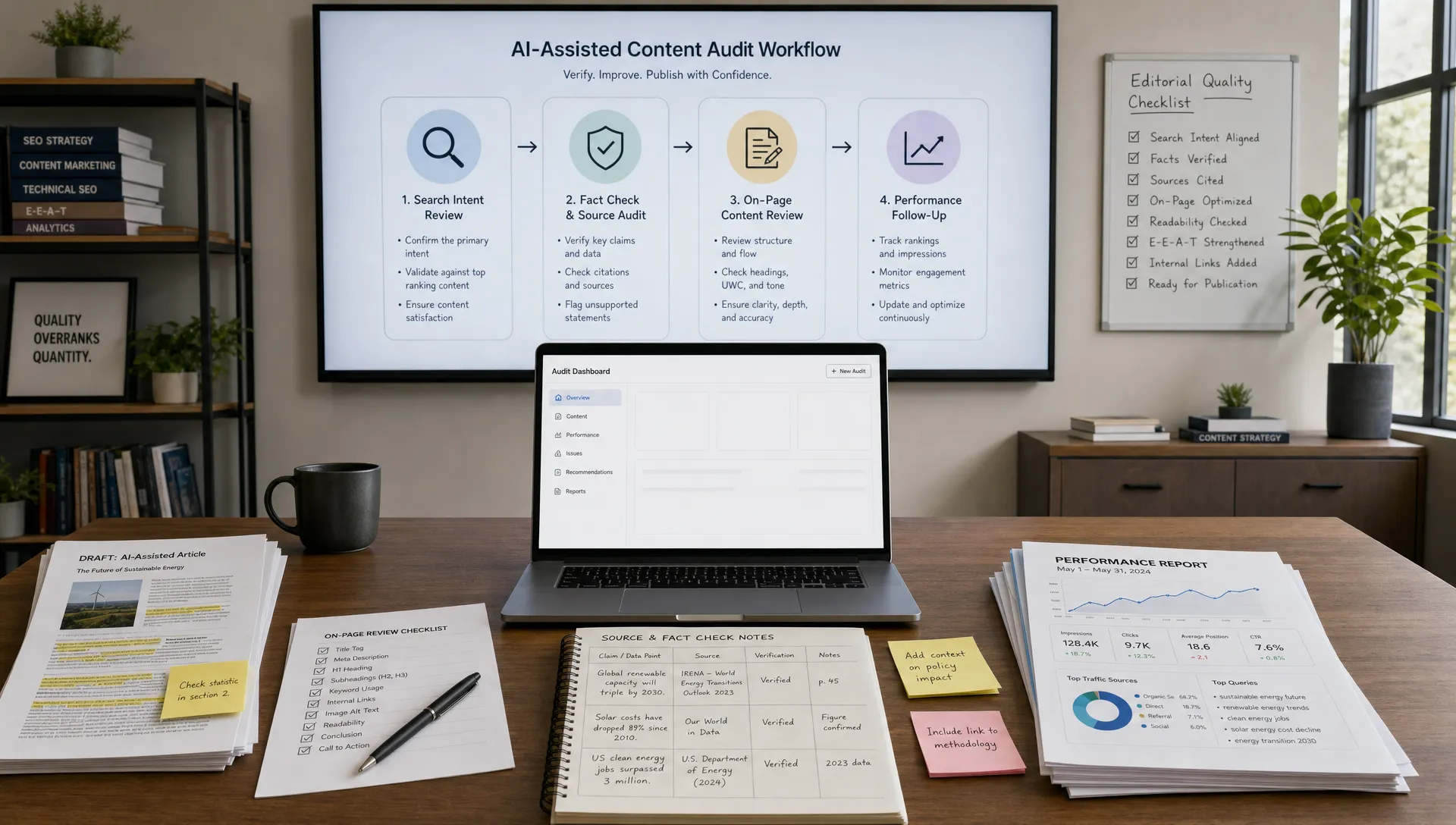
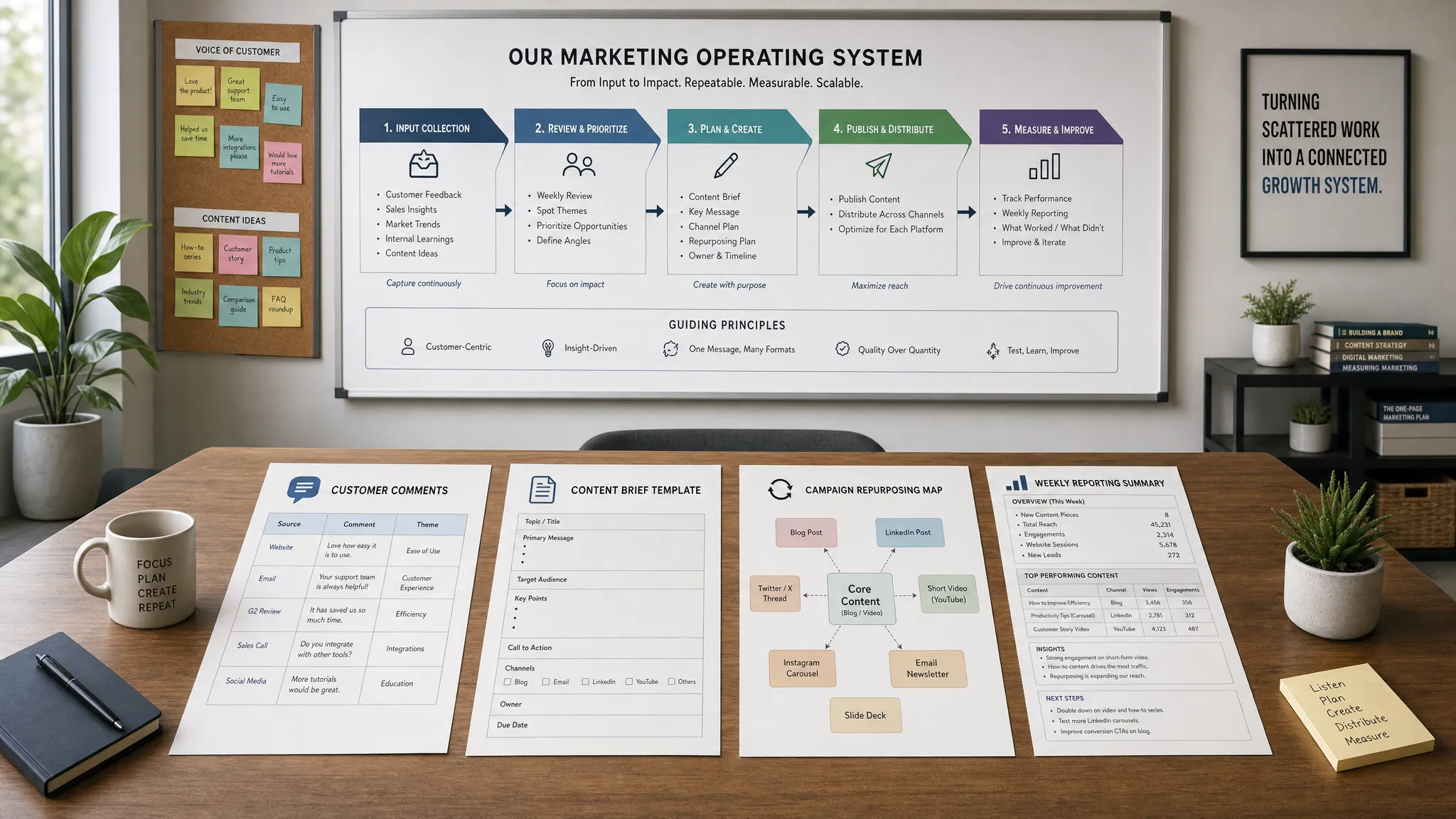
For teams building a more mature operating model, the AIMarketer Hub article on building an AI-powered marketing operations system offers a broader framework for connecting workflows, governance and measurement.
Reliability is part of the buying decision, not just an IT detail. If an AI tool depends on live access to your CRM, CMS, analytics or ad platforms, downtime and sync failures can affect daily execution.
Ask vendors how integrations handle rate limits, API changes, expired tokens, duplicate records and partial failures. Also ask how your team will be notified when something breaks. A silent failure can be worse than a visible outage because teams may continue making decisions based on stale or incomplete data.
Your audit should cover:
| Reliability issue | Buyer question | Red flag |
|---|---|---|
| API rate limits | What happens when the source platform throttles requests? | The vendor cannot explain retry logic or limits. |
| Token expiration | How are admins alerted when a connection breaks? | Users discover broken syncs only after work is missing. |
| Data conflicts | Which system is the source of truth? | The tool overwrites records without conflict handling. |
| Platform changes | How quickly are integrations updated after API changes? | No documented process or support commitment. |
| Rollback | Can changes be reversed or exported for review? | No audit log or restore path exists. |
You do not need perfect uptime for every workflow. You do need a realistic view of what happens when an integration fails.
AI procurement often gets stuck because legal, security and marketing teams ask different questions at different times. A strong vendor should help you collect the documentation needed for internal review.
Before purchase, request a standard due diligence packet. This may include security documentation, data processing terms, subprocessor lists, privacy policy details, acceptable use terms and admin control guides. If the vendor serves regulated or enterprise customers, they should be familiar with this process.
You should also ask whether the tool can generate logs that support internal audits. For AI marketing automation, useful logs may include who connected an integration, what data was accessed, which prompts or workflows were run, which outputs were approved and which actions were executed.
These records help answer important questions after deployment. They also discourage risky workarounds because teams know that sensitive actions are traceable.
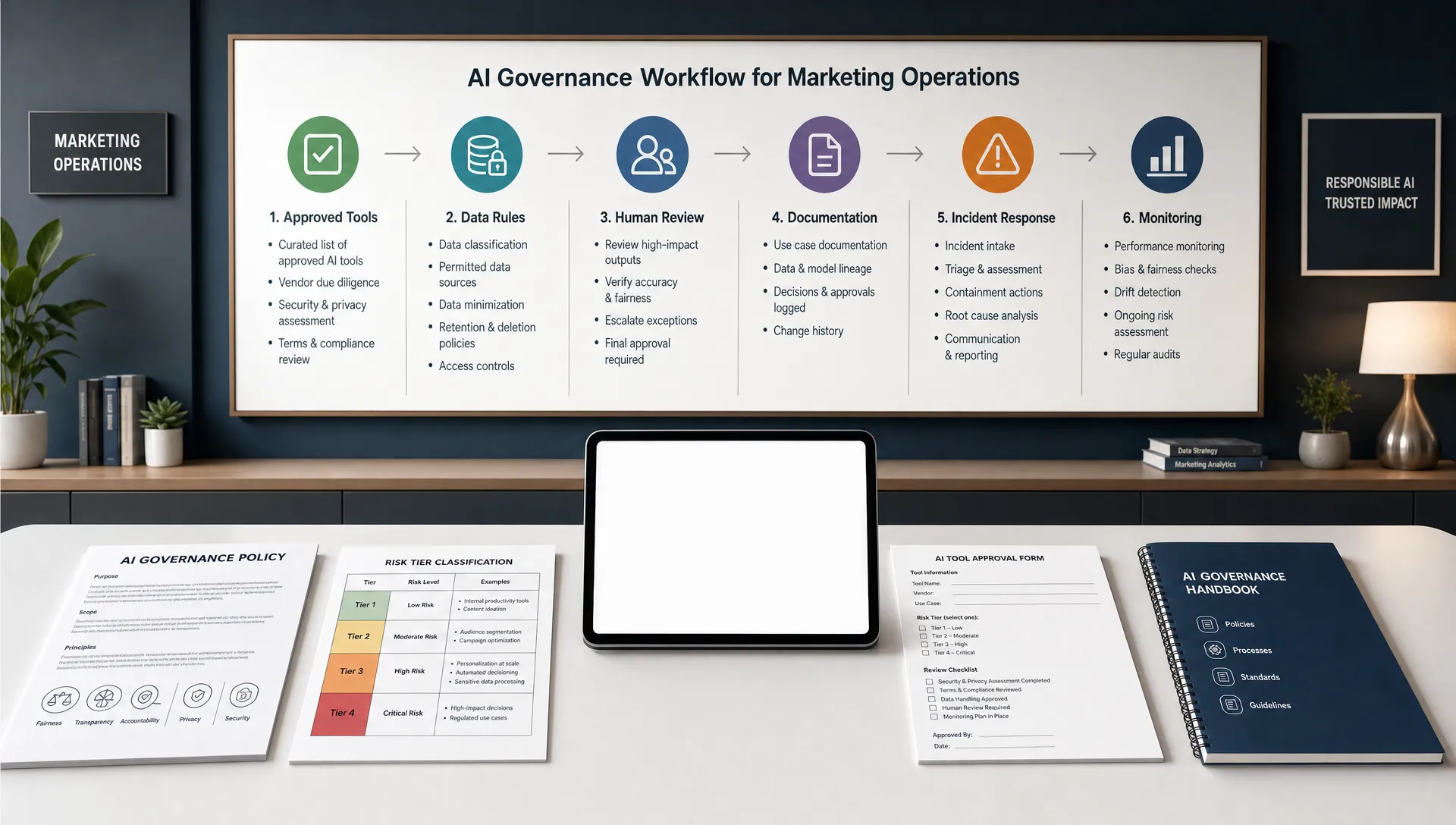
A scoring model helps keep the audit objective. It also gives procurement, IT and marketing a shared language for tradeoffs.
Use a simple 1 to 5 score for each category, where 1 means high concern and 5 means strong confidence.
| Audit category | What a strong score looks like |
|---|---|
| Business fit | The integration supports a clearly defined workflow with measurable value. |
| Permission control | Access can be limited by role, scope, workspace or system function. |
| Data protection | Data use, retention, deletion and model training terms are clear. |
| Security maturity | Authentication, logs, encryption and incident processes are documented. |
| Operational usability | Marketing admins can manage routine settings without excessive friction. |
| Reliability | Failure modes, alerts, retries and support paths are understood. |
| Compliance readiness | Vendor documentation supports legal, privacy and security review. |
Set a threshold before vendor preference takes over. For example, you might require every high-risk integration to score at least 4 on permission control, data protection and security maturity. Lower scores do not always mean you should reject a tool, but they should trigger mitigation steps such as limiting access, delaying automation features or requiring contract changes.
Some integration risks reveal themselves through vague answers. If a vendor avoids specifics, slow down the buying process.
Common red flags include broad admin permissions with no scoped alternative, unclear model training terms, no audit logs, no way to disable risky features, no data deletion process and no documented incident response. Be cautious if the vendor says a security or privacy concern “has never been an issue” instead of explaining the control.
Also watch for roadmap promises. A vendor may say granular permissions, SSO, regional data storage or approval workflows are coming soon. Those features may arrive, but your buying decision should be based on what exists now unless the contract clearly defines delivery commitments.
Use this checklist before signing, renewing or expanding access to an AI marketing tool.
The documentation does not need to be long. A concise audit record is often enough to prevent confusion later, especially when a tool expands from one team to several departments.
What is an AI tool integration audit? An AI tool integration audit is a pre-purchase review of how an AI product connects to your systems, what data it can access, what actions it can take and which controls exist to manage security, privacy and operational risk.
Who should be involved in auditing AI tool integrations? Marketing operations, IT, security, legal and the business owner of the workflow should all be involved. Smaller teams can combine roles, but the review should still cover business value, permissions, data protection and implementation ownership.
Should every AI marketing tool go through the same audit? No. Match the audit depth to the risk. A tool that uses public content ideas needs a lighter review than a platform connected to CRM records, customer emails, paid media accounts or confidential client files.
What is the biggest integration risk when buying AI tools? The biggest risk is usually excessive access. Many tools request broader permissions than the workflow requires, which can expose sensitive data or allow unintended actions if controls are weak.
Can a pilot replace a security review? A pilot helps validate behavior, but it should not replace security and privacy review. Use the pilot to test claims, then combine those findings with documentation, contract terms and internal risk scoring.
AI tools can speed up research, content creation, analysis and campaign execution, but the value depends on safe and reliable connections to the rest of your stack. A strong pre-purchase audit helps you separate useful automation from hidden operational risk.
Before you buy, map the workflow, challenge the permission model, verify data terms, test the integration and document the decision. That discipline protects your team without slowing innovation to a crawl.
AIMarketer Hub helps marketers evaluate AI tools, build smarter workflows and apply practical governance across modern marketing operations. Use the resources on the site to make your next AI purchase faster, safer and easier to defend.