AI can improve website search results by helping your site understand what a visitor means, not just the exact words they type. For marketers, that matters because the search box is often used by people with clear intent: they want a product, article, pricing page, support answer, calculator or guide fast.
Traditional site search is mostly literal. It matches keywords, titles and tags. AI-enhanced site search can interpret synonyms, spelling errors, natural language questions, behavioral signals and content relationships. That shift can improve user experience, increase engagement and surface marketing insights your team might otherwise miss.
Many teams invest heavily in SEO, paid acquisition and content creation, then let visitors struggle once they arrive. If a user searches your site for budget calculator, pricing benchmark or AI marketing automation guide, the results page becomes part of the conversion path.
Poor internal search creates friction in subtle ways. Visitors may not complain, but they bounce, click irrelevant results or switch to Google to search your site from the outside. For SaaS, publishing, e-commerce, B2B services and resource-heavy websites, internal search is also a valuable source of first-party intent data.
There is an important distinction: improving website search results does not mean only improving rankings in Google. This article focuses on the search experience inside your own website, with some overlap into SEO, content architecture and AI-powered analytics.
AI does not magically fix messy content or weak UX. It works best when paired with clean data, useful content and clear business rules. Its value comes from adding understanding and adaptability to the search process.
A visitor searching for lead gen templates may also mean demand generation resources, outreach examples or campaign planning worksheets. A rigid keyword engine may miss those connections. Natural language processing, semantic search and vector embeddings help a system identify related meaning even when the words differ.
This is especially useful for long-tail queries. People increasingly search websites the way they ask AI tools questions, using full phrases such as how do I calculate marketing ROI for a SaaS campaign. AI can map that query to calculators, explainers and relevant case studies instead of returning nothing.
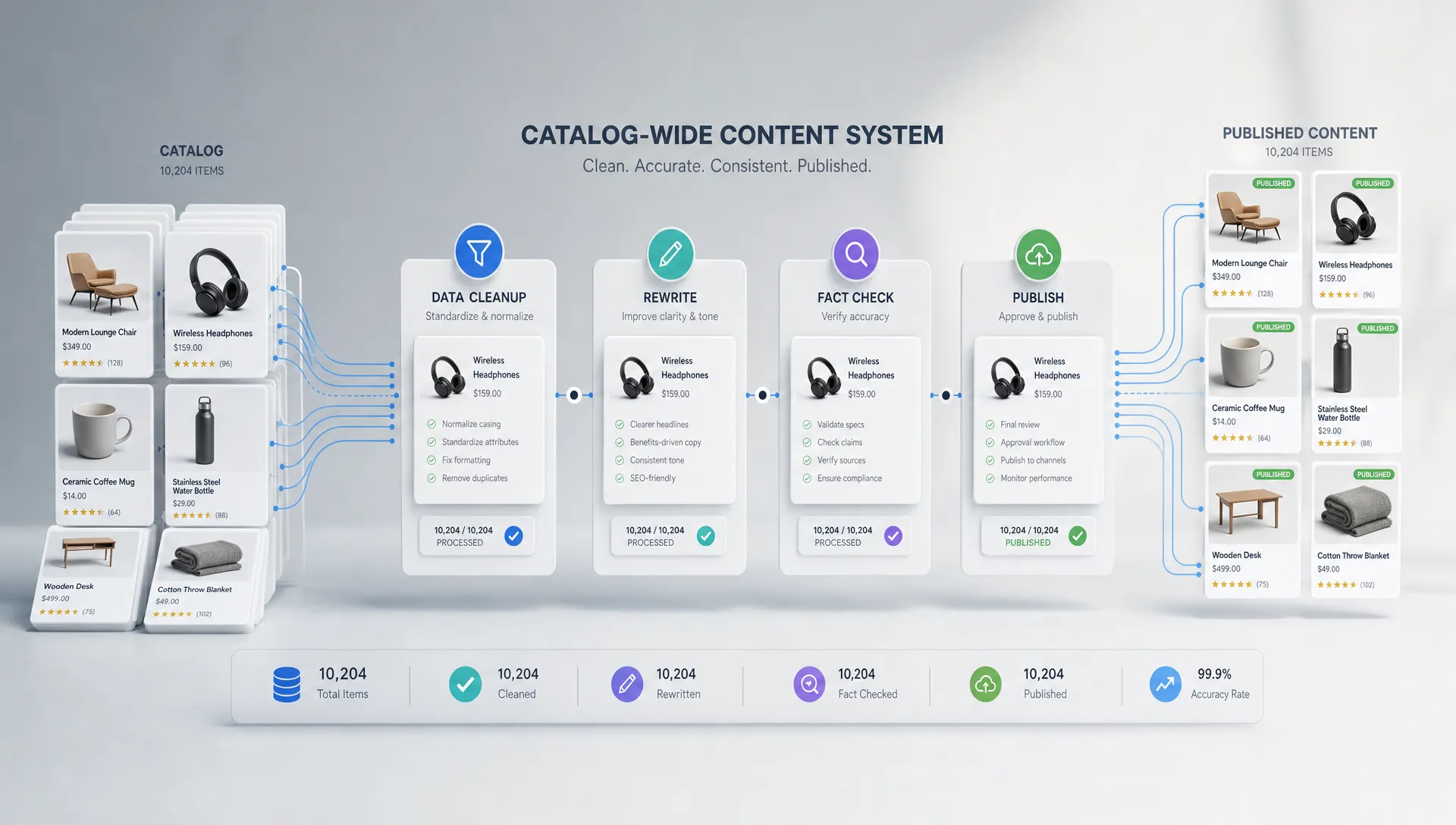
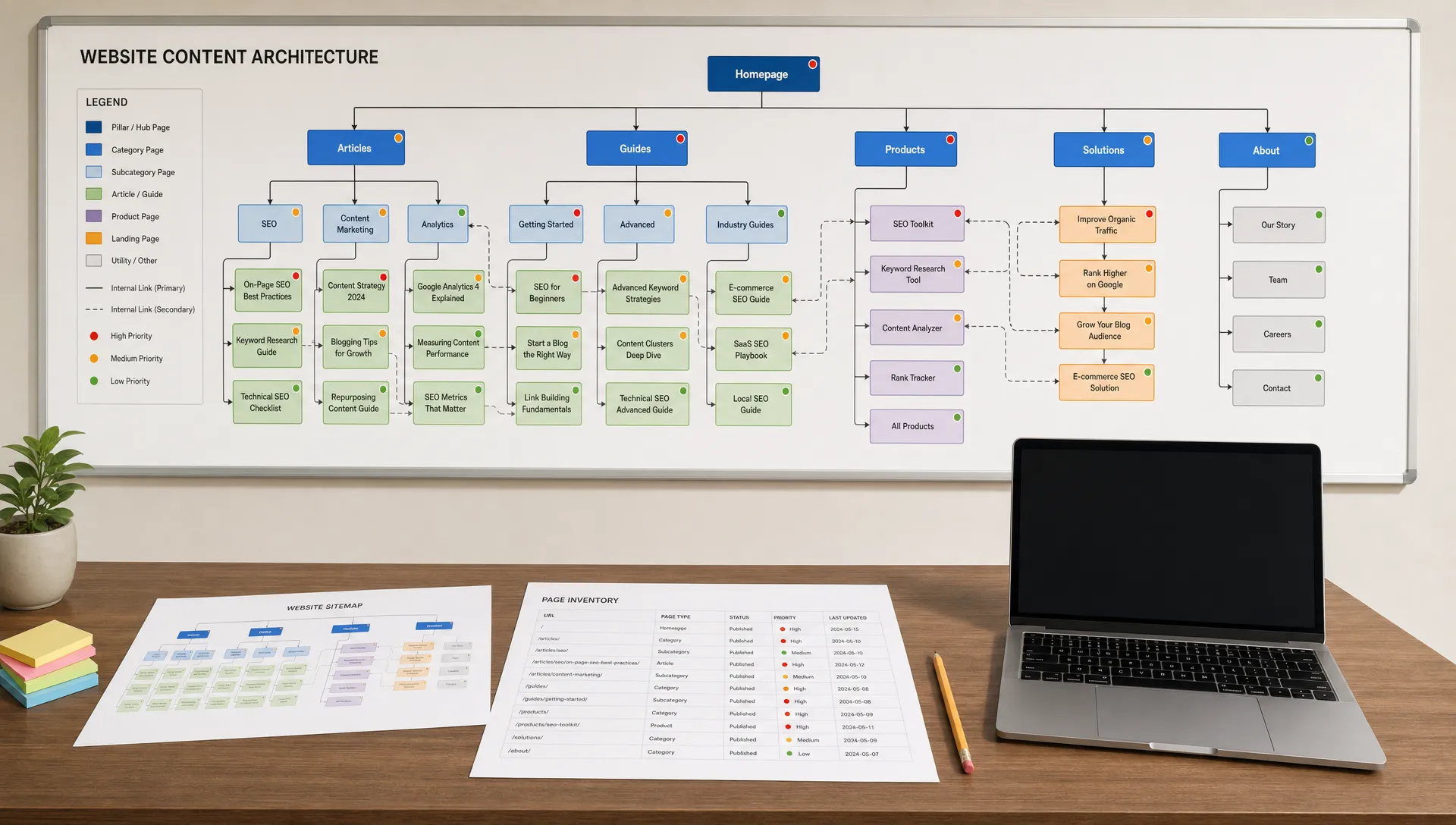
AI can classify pages by topic, audience, funnel stage, format, industry, product category and intent. For a resource hub, that means a guide, calculator and comparison article can be connected because they solve the same problem, not because they share one tag.
This helps marketing teams keep search results useful as the site grows. A content library with 50 pages may be manageable manually. A library with hundreds of blog posts, tools, landing pages and guides needs better metadata and relationships.
Classic site search often ranks by keyword density, title matches or recency. AI-enhanced systems can combine relevance with engagement signals, conversion paths, freshness and user context. The goal is not to manipulate visitors. The goal is to place the most useful result near the top.
| Search challenge | Traditional approach | AI-enhanced approach |
|---|---|---|
| Synonyms | Manual synonym lists | Semantic matching across related terms |
| Misspellings | Exact or fuzzy matching | Context-aware correction and suggestions |
| Long queries | Keyword extraction | Intent detection and natural language understanding |
| Content tagging | Manual categories | Automated topic, format and audience classification |
| Ranking | Static rules | Relevance plus behavior, freshness and business signals |
| No results | Empty page or generic message | Suggested alternatives and related resources |
Before you add AI tools, define the baseline. Site search improvements should be measured against real user behavior, not internal assumptions about what visitors want.
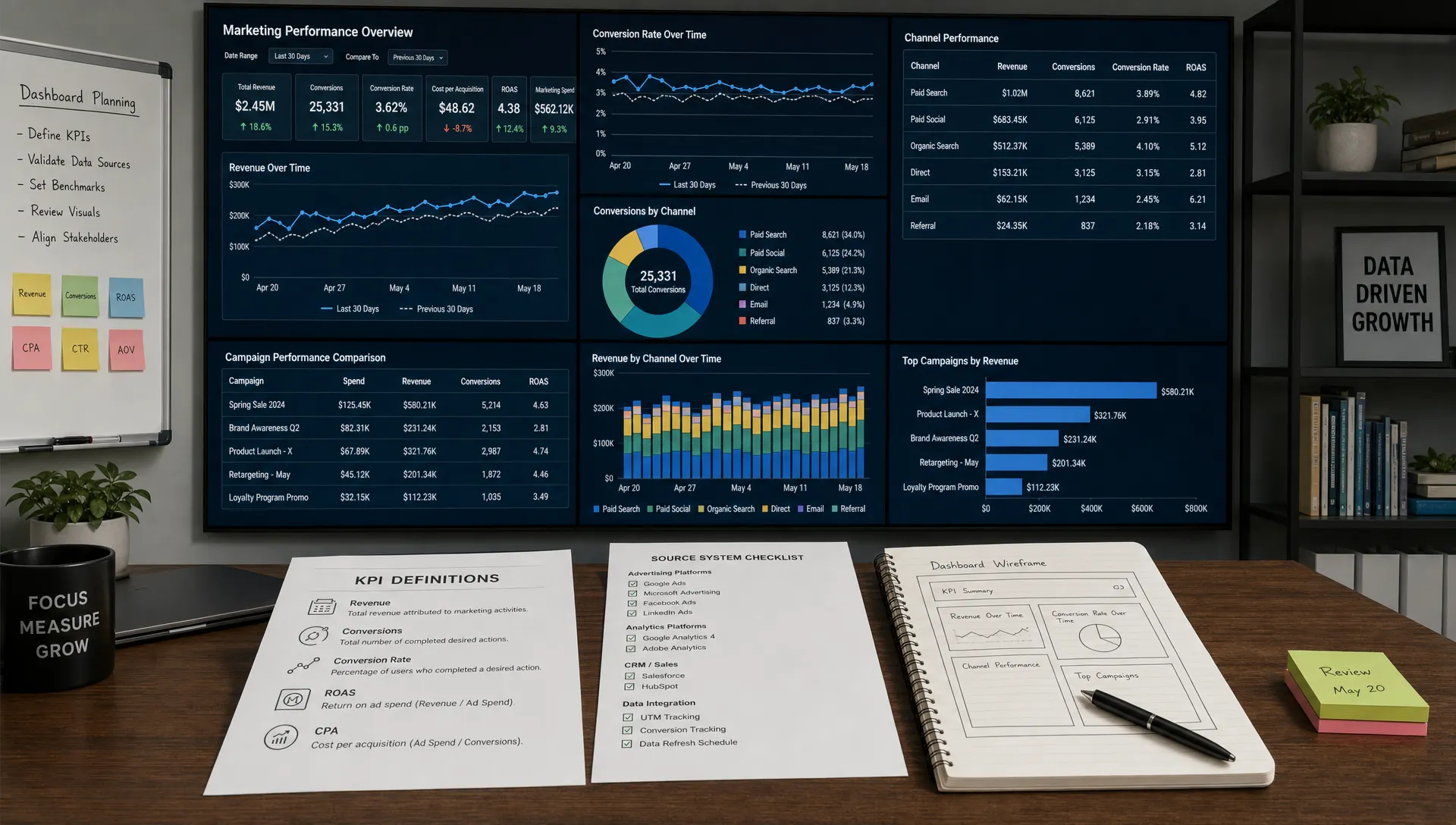
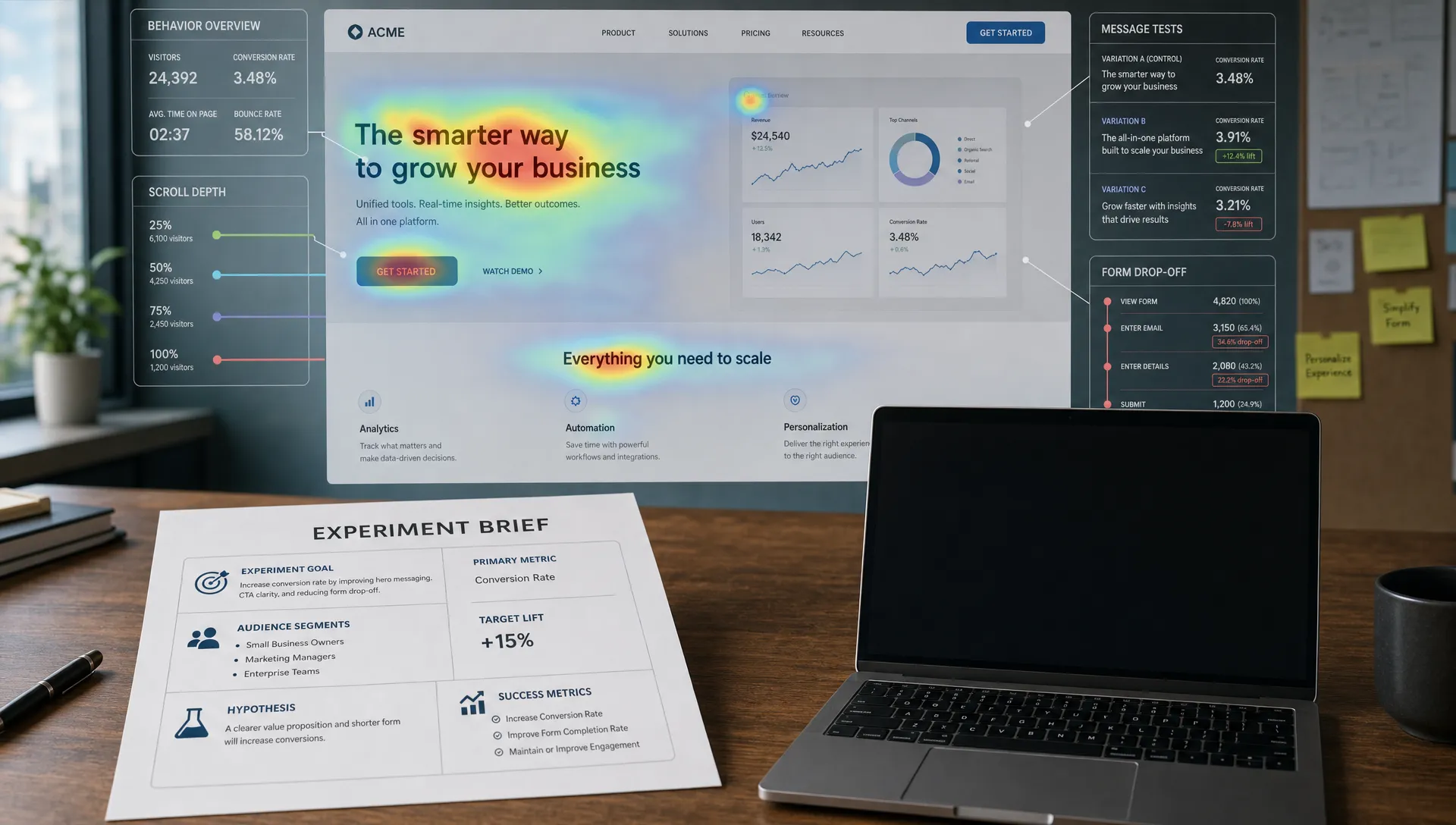
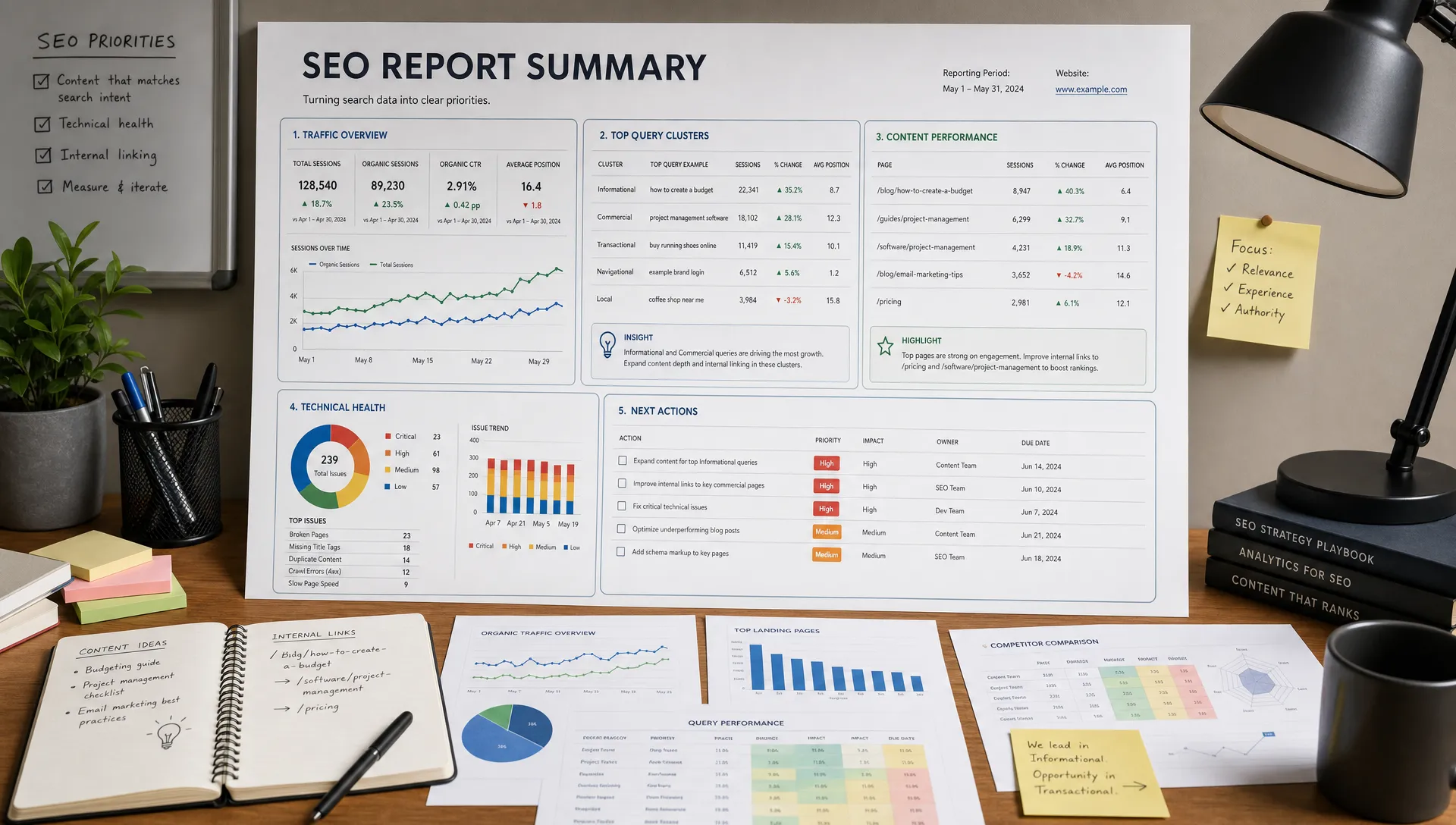
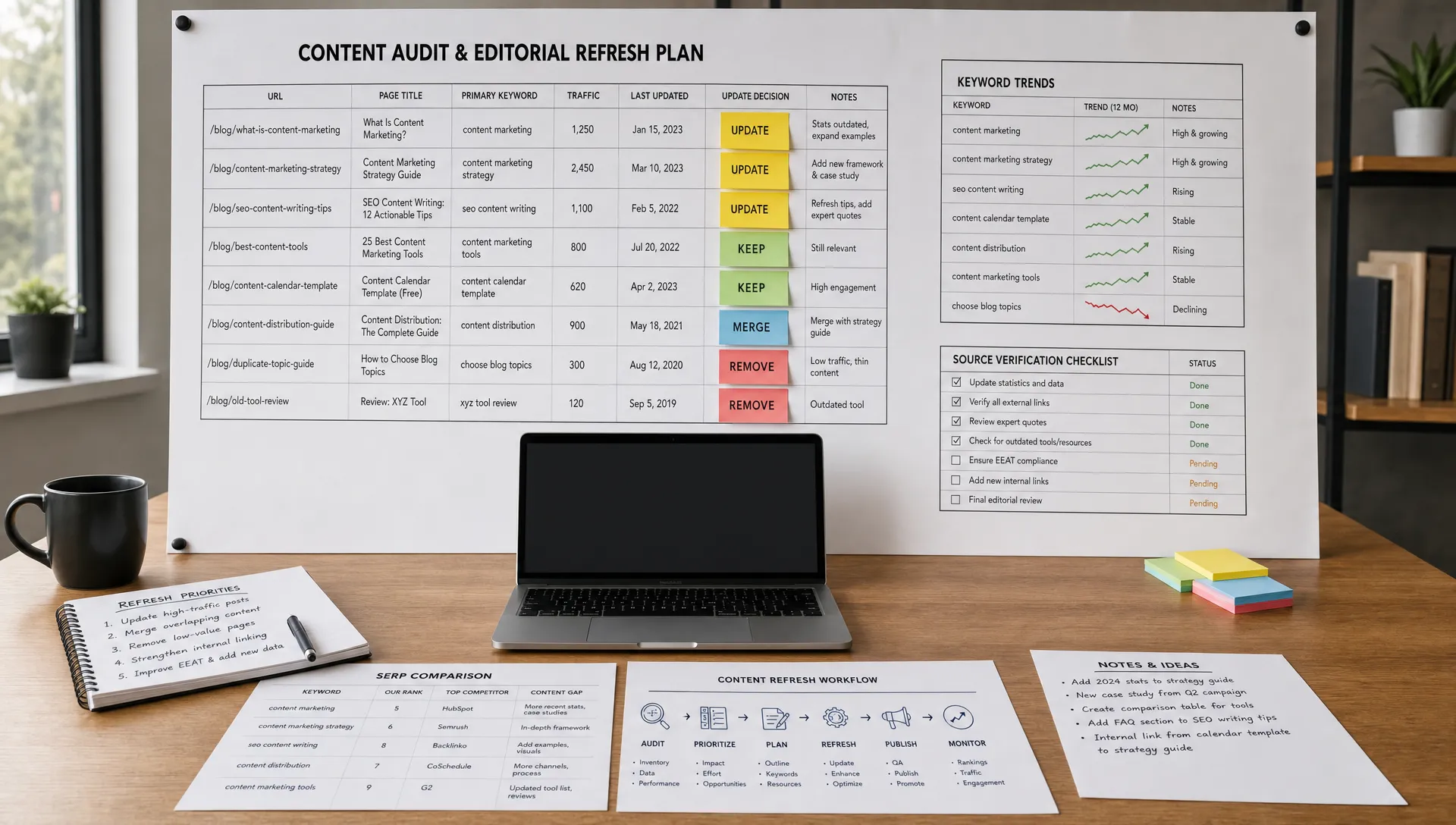
Useful data sources include search logs, analytics events, CRM data, content performance reports, heatmaps and support questions. In Google Analytics 4, teams often track site searches with the view_search_results event, then analyze terms, result engagement and downstream conversions.
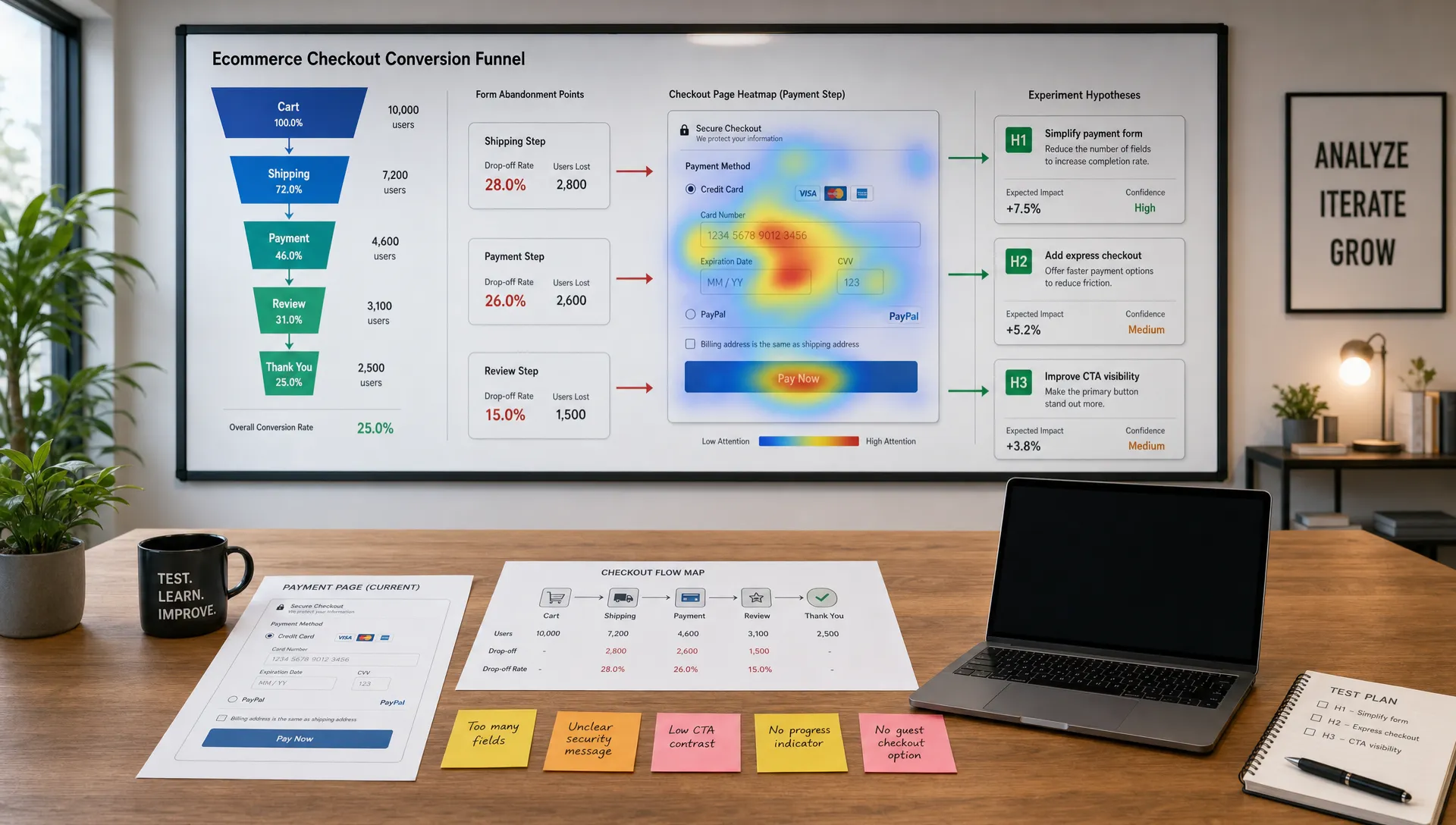
Focus on patterns rather than isolated queries. One strange search may not matter. Hundreds of related searches with low clicks or no results point to a content gap, labeling problem or ranking issue.
| Metric | What it reveals | How AI can help |
|---|---|---|
| Top internal searches | What visitors actively want | Cluster terms by topic and intent |
| No-result searches | Missing content or vocabulary gaps | Suggest synonyms, redirects or new content ideas |
| Search refinement rate | Whether results missed the first intent | Detect query ambiguity and improve suggestions |
| Click-through from results | Whether titles and rankings are useful | Re-rank based on engagement patterns |
| Conversion after search | Which searches produce business value | Prioritize high-impact result improvements |
| Exit rate after search | Where search creates frustration | Improve zero-results pages and relevance |
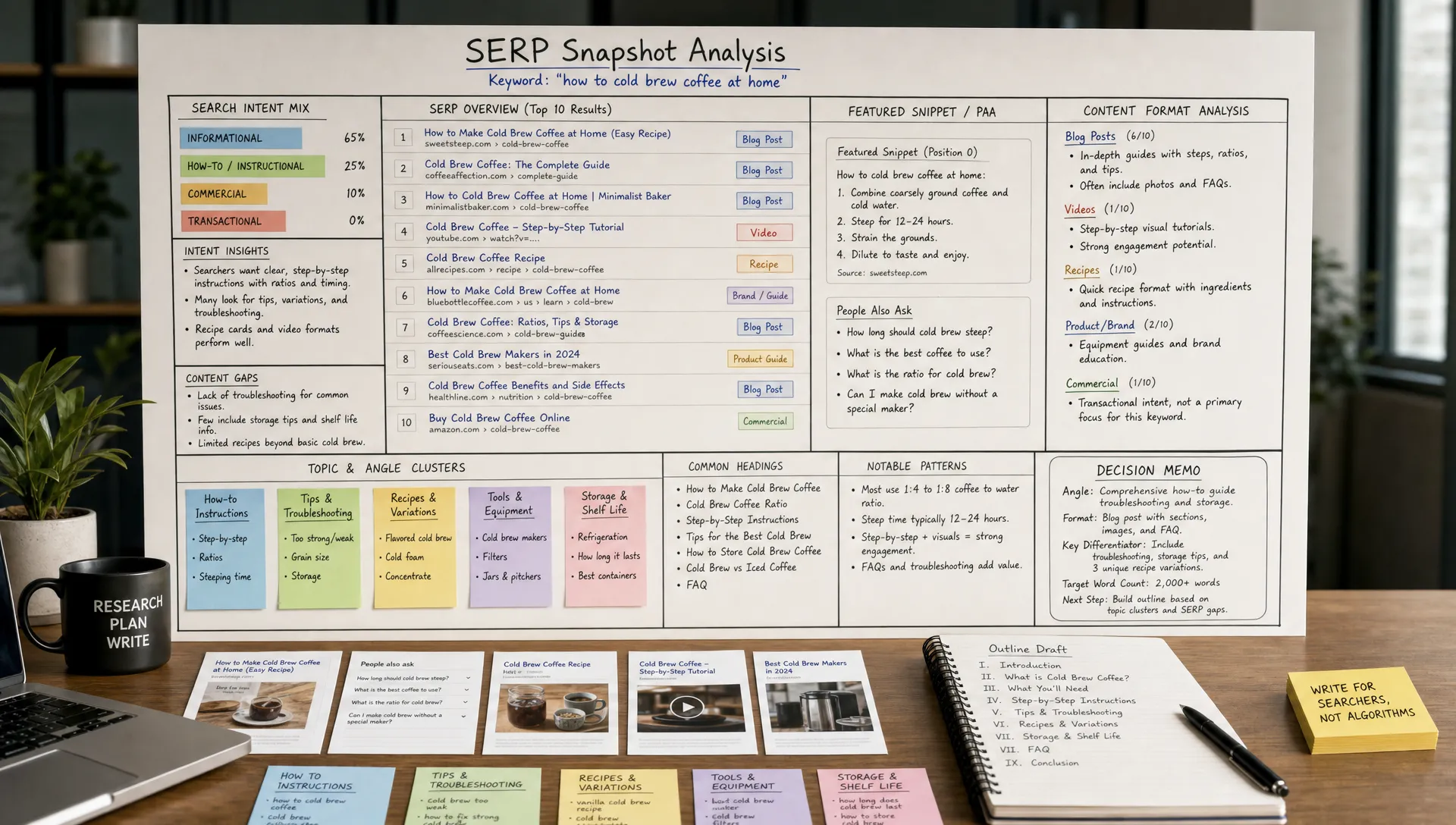
If your team already uses AI for SEO research, connect external intent with internal behavior. For example, the process of using AI to analyze SERP intent faster can also help you understand how visitors phrase problems before they arrive on your site.
The most important AI upgrade is intent matching. Instead of asking, which pages contain this exact phrase, your search system asks, what is this person trying to accomplish?
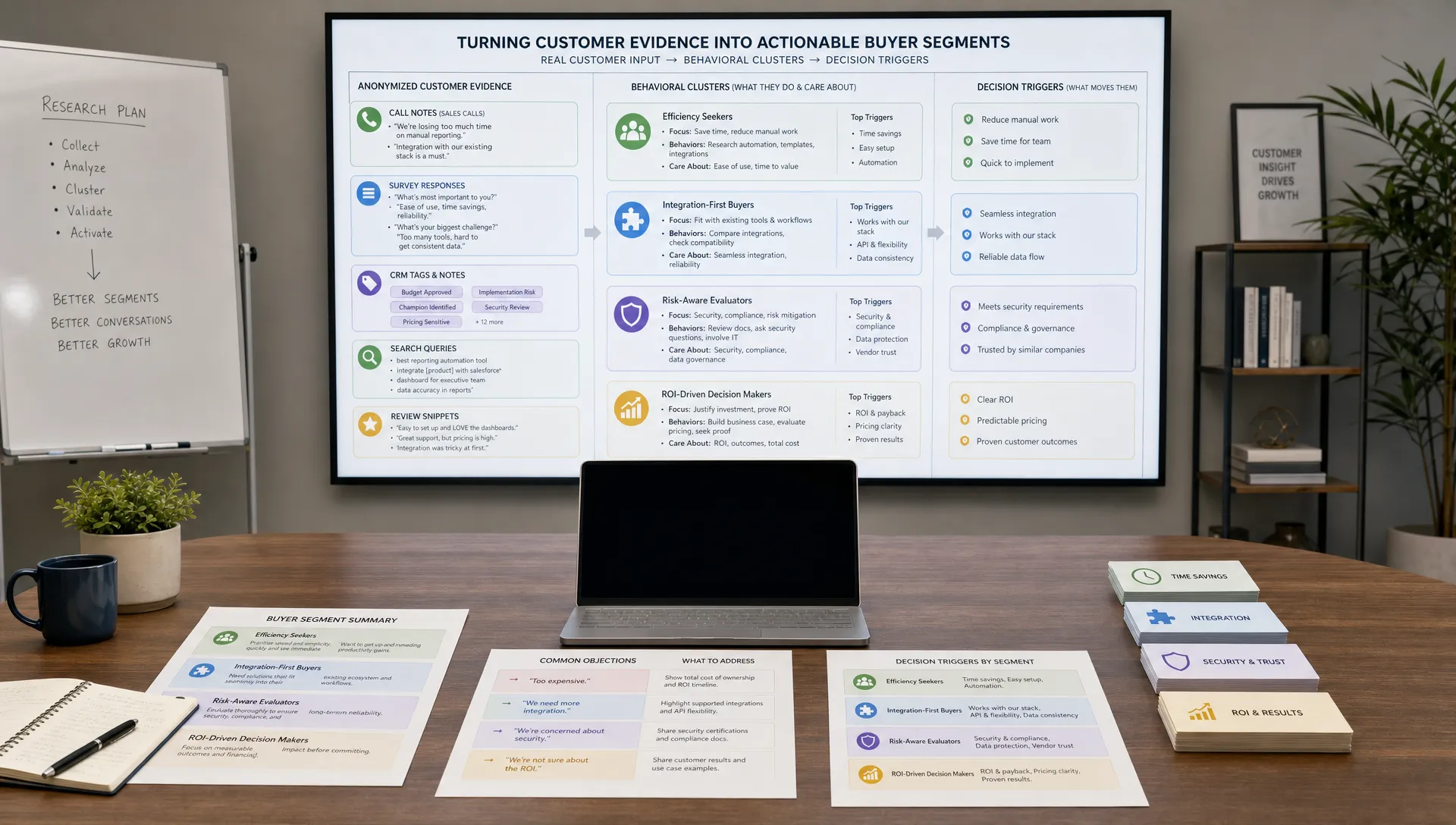
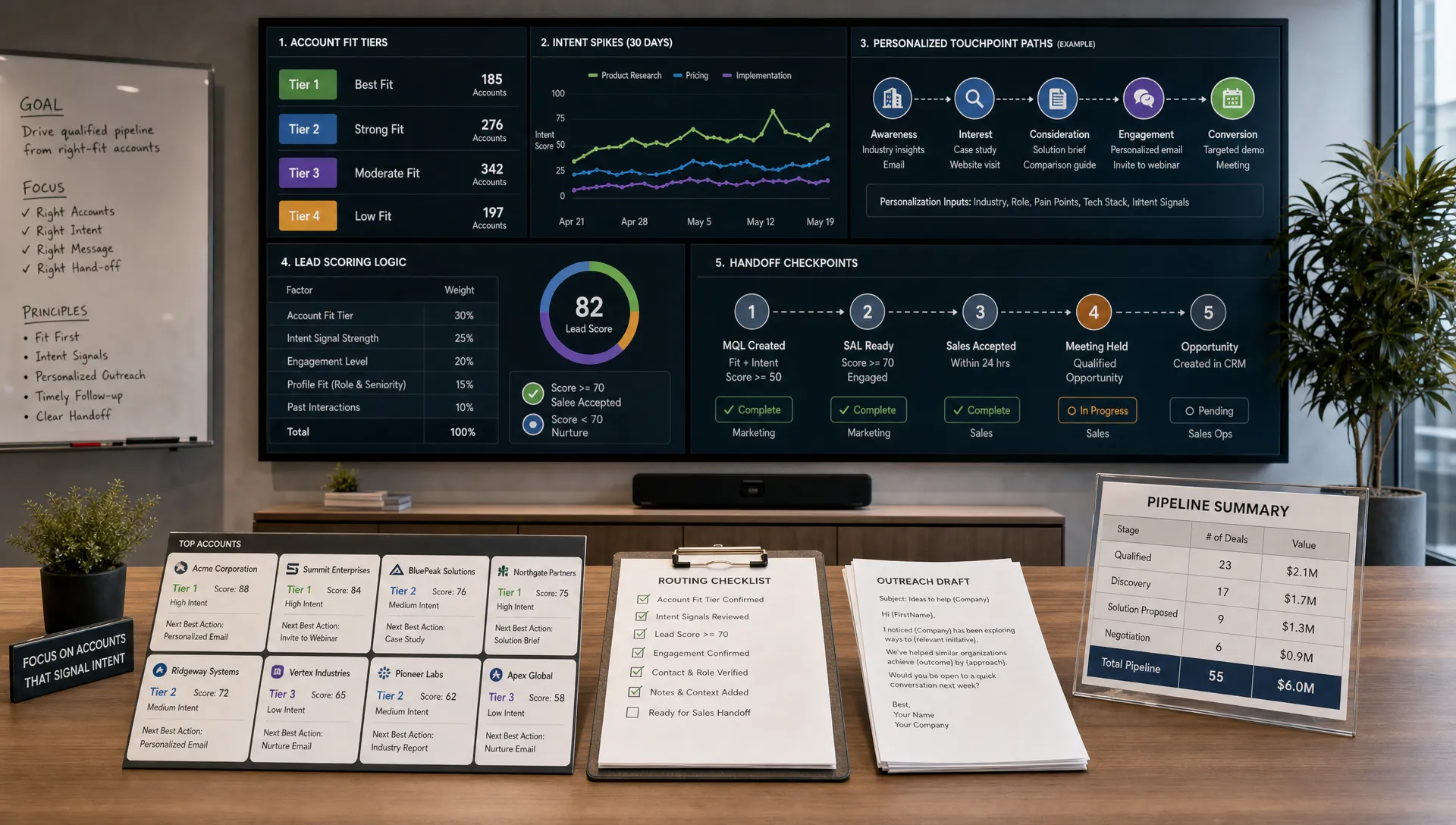
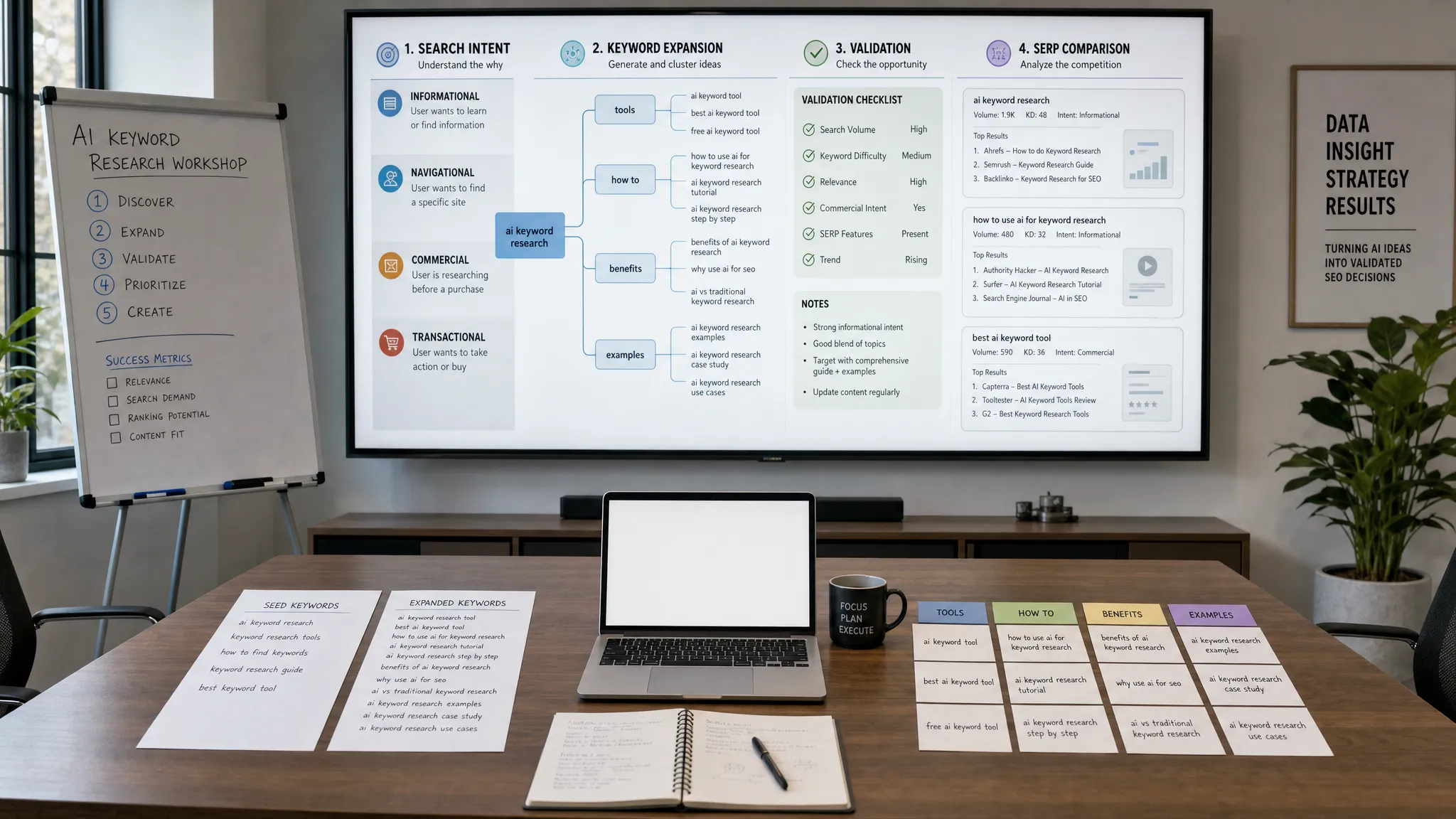
Start by exporting several months of internal search queries. Use AI to group them into themes such as pricing, templates, calculators, product features, troubleshooting, industry guidance and comparison research. Then label each cluster by likely intent.
For AIMarketer Hub or any resource-led website, a query like salary calculator is transactional in a different way than AI marketing strategy. One visitor wants a tool. Another wants educational guidance. Results should reflect that difference.
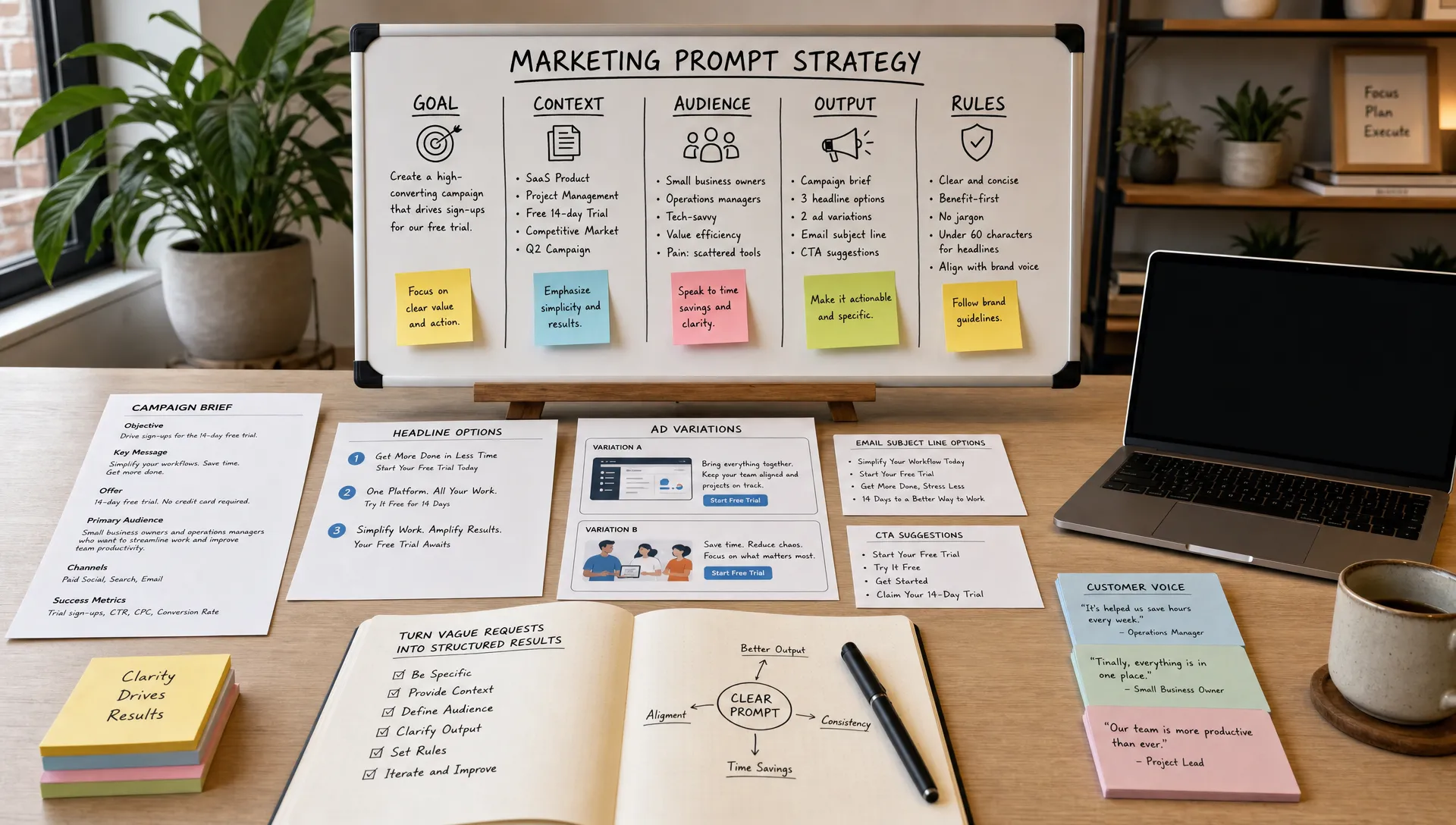
A practical prompt for this step could ask AI to cluster queries by user goal, assign each cluster a funnel stage, identify missing content types and flag ambiguous phrases. The human review is essential because AI may group terms too broadly or misunderstand niche industry language.
Once clusters are labeled, decide what result types should appear first. A how-to query may deserve an in-depth guide. A calculator query should surface the tool before blog posts. A comparison query may need product pages, case studies or buying guides.
This is where marketers can improve the experience without rebuilding the whole website. Search ranking should reflect user goals, not just content age or keyword placement.
AI can generate synonym maps from your own content and search logs. For example, AI content generation, automated content creation and content automation may overlap, but they are not always identical. Human editors should approve the final mapping so the search system does not blur important distinctions.
Semantic matching is also useful for industry terms. A finance visitor may search ROI, payback period or budget efficiency. A legal visitor may search intake automation or client acquisition. AI helps connect those terms to the right resources without forcing every page to repeat every keyword.
AI search performs better when your website content is structured. If every page has vague titles, inconsistent tags and missing summaries, even a sophisticated model has less to work with.
Create consistent fields for title, short description, primary topic, secondary topics, audience, funnel stage, content format and last updated date. For product or tool pages, add use case, inputs required, output type and related resources.
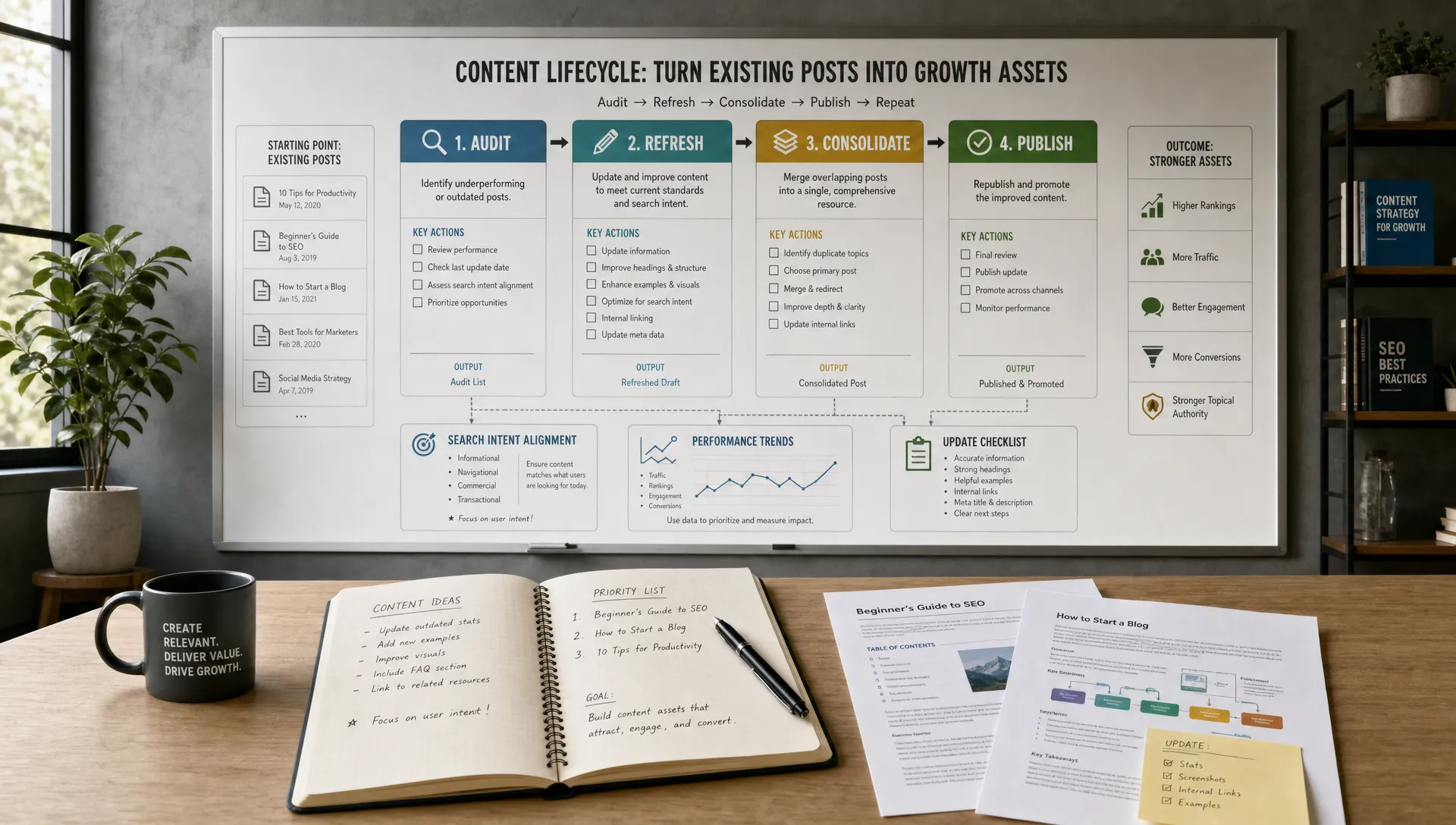
This structure supports both site search and broader digital marketing strategies. It also helps content teams identify duplication, outdated pages and gaps in the journey.
Long guides can be hard for search systems to rank precisely. AI can summarize sections, generate content chunks and label each section by subtopic. That allows a search result to send users to the most relevant part of a page instead of only the top.
For example, a 3,000-word guide about AI marketing automation might include sections on email workflows, analytics, ad testing and lead scoring. A visitor searching for ad testing should land near that section, not on the introduction.
AI search and internal linking work well together. Search reveals what people want. Internal links help them continue the journey after the first click. If your search data shows repeated interest in a topic cluster, strengthen the links between guides, tools and related resources.
For a deeper workflow, AIMarketer Hub has a separate guide on how to use AI to improve internal linking, which pairs naturally with site search optimization.
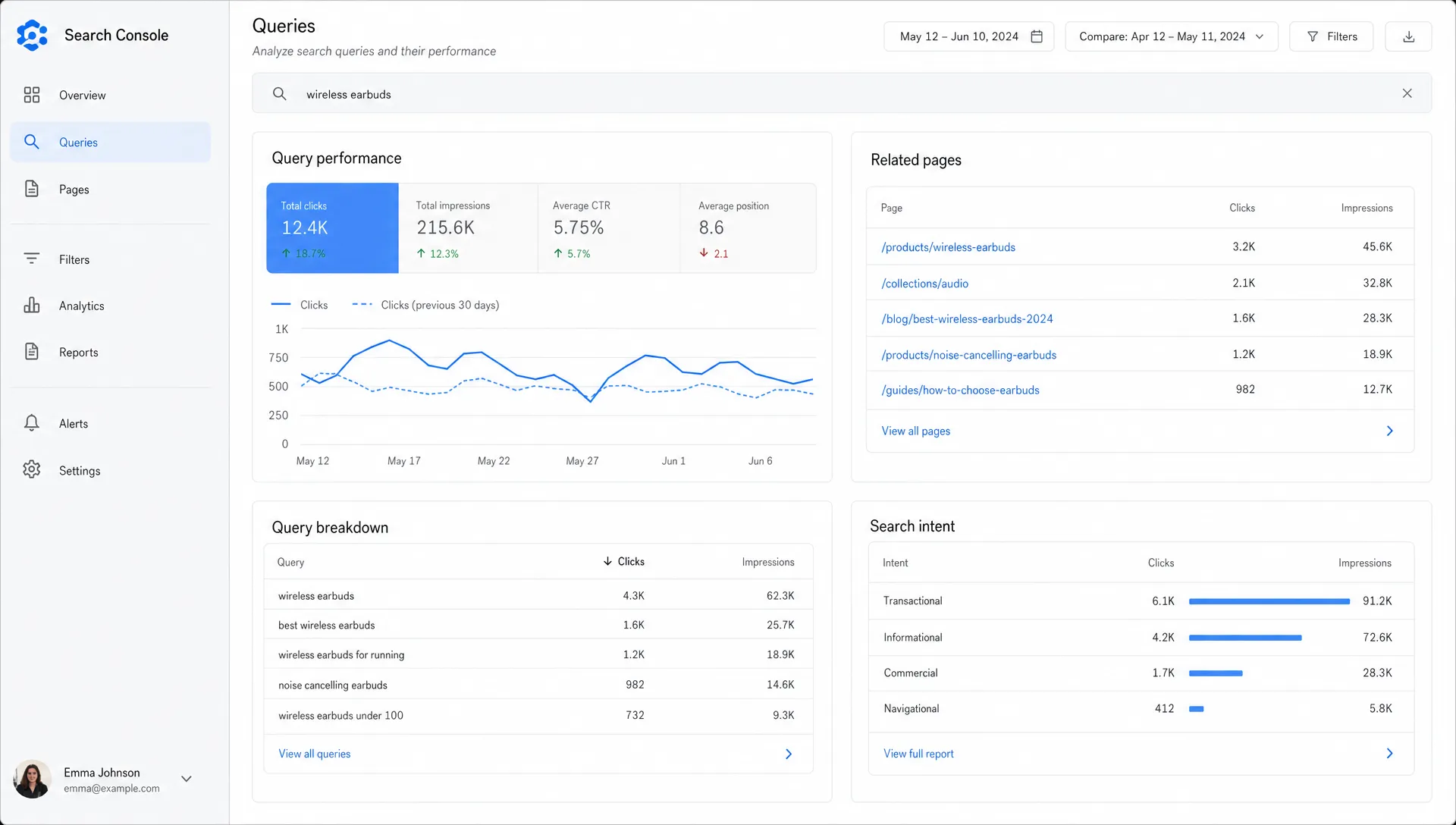
A better algorithm still needs a useful results page. Visitors judge search quality by what they see, how quickly they can narrow it down and whether the next action is obvious.
Filters should match the way users make decisions. On a marketing resource site, useful facets might include topic, industry, content type, funnel stage, tool type and estimated reading time. On an e-commerce site, they might include price, size, availability, rating and use case.
AI can help by recommending facets from user behavior and content metadata. If many visitors search by industry, industry should not be buried. If many search for templates, content type deserves a prominent filter.
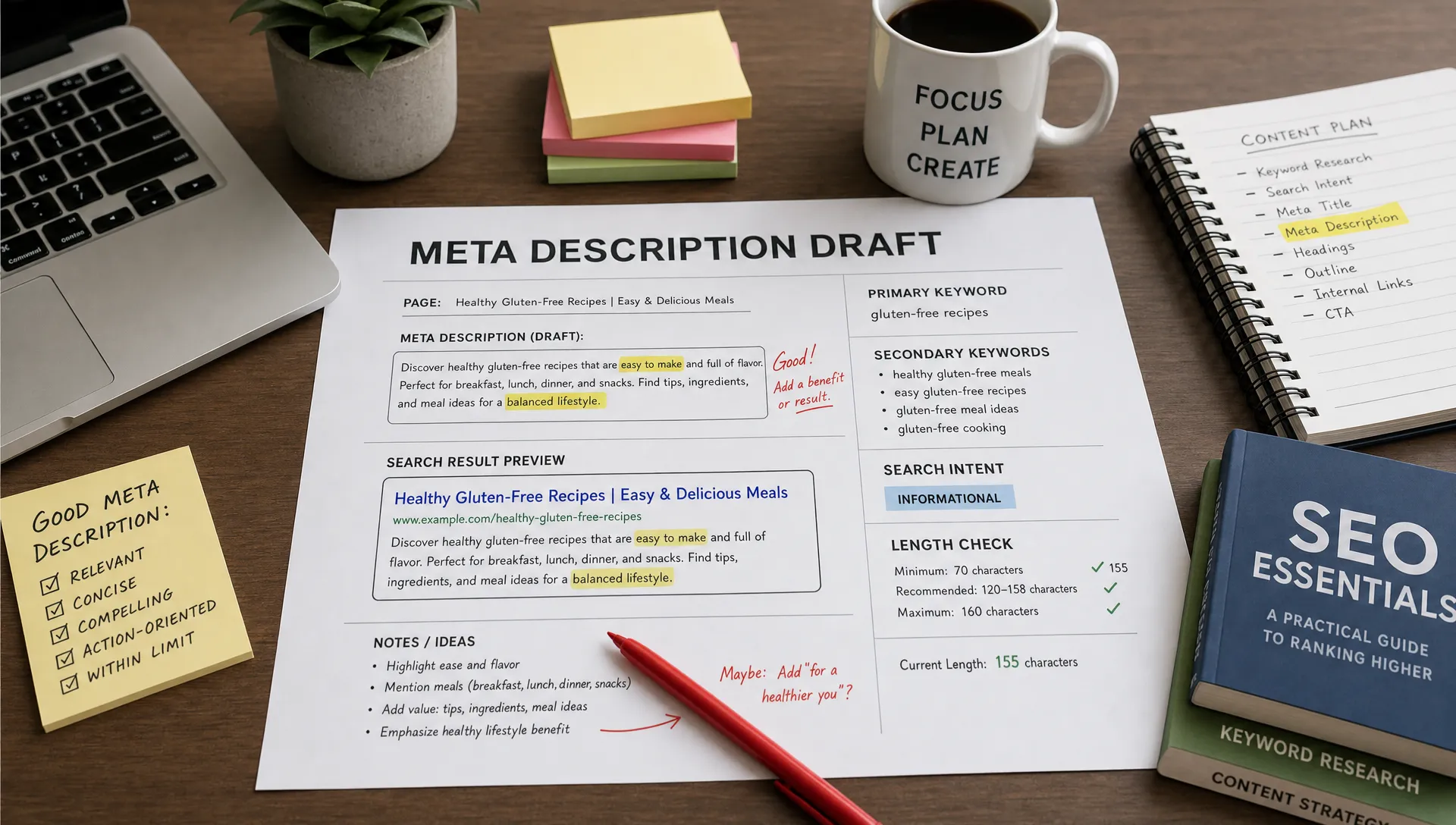
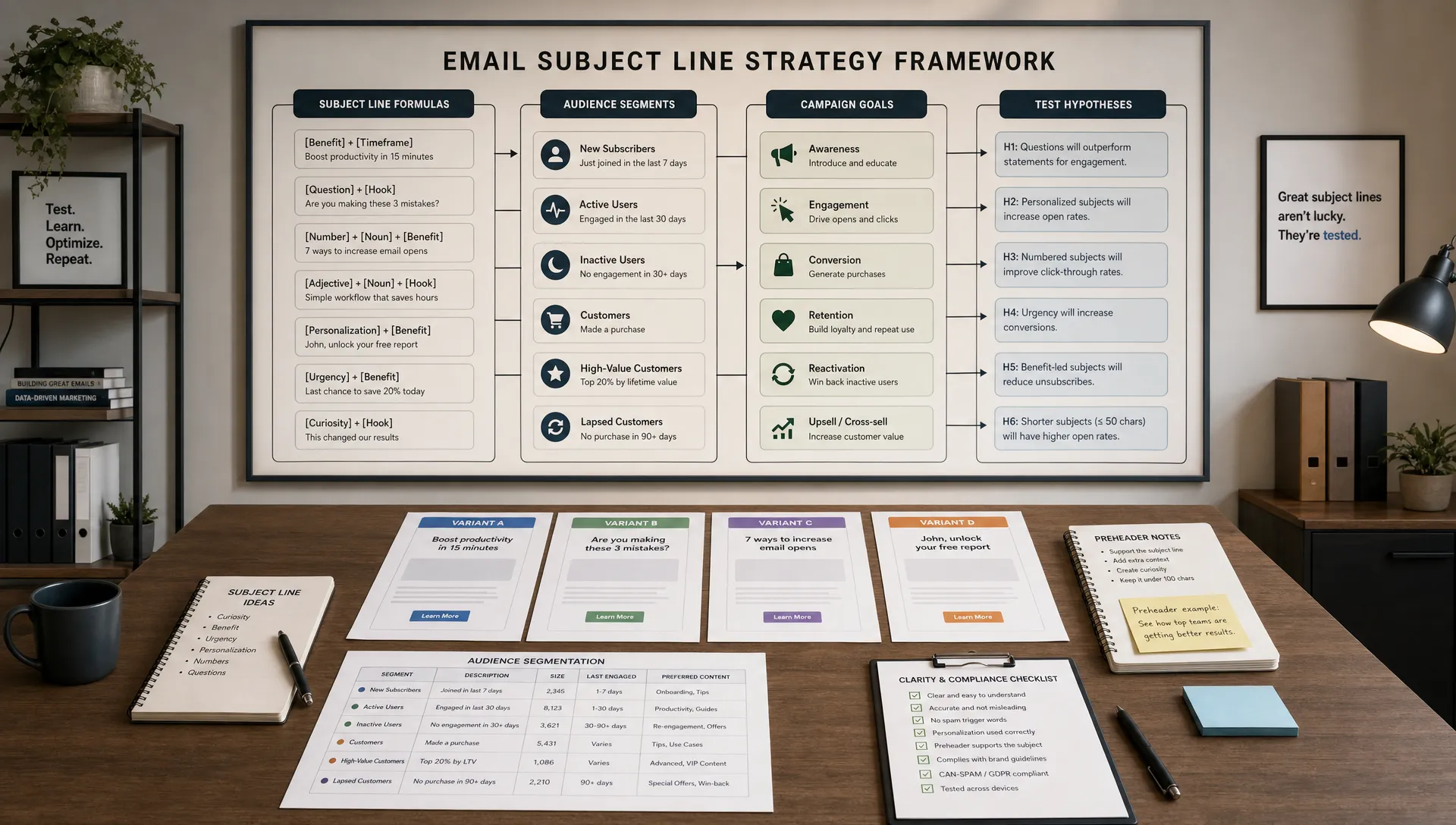
Search results should explain why each result is relevant. AI can generate concise snippets that highlight the matching section or intent, but marketers should review templates for accuracy and tone.
A weak result says AI tools. A stronger result says Compare AI tools for content creation, SEO workflows and campaign analytics. The second version helps users decide faster.
A zero-results page should never be a dead end. Use AI to suggest corrected spellings, related topics, popular searches and relevant categories. If there truly is no matching content, log that search as a possible content opportunity.
For B2B teams, no-result queries can be surprisingly valuable. They reveal how prospects describe their needs before your messaging catches up.
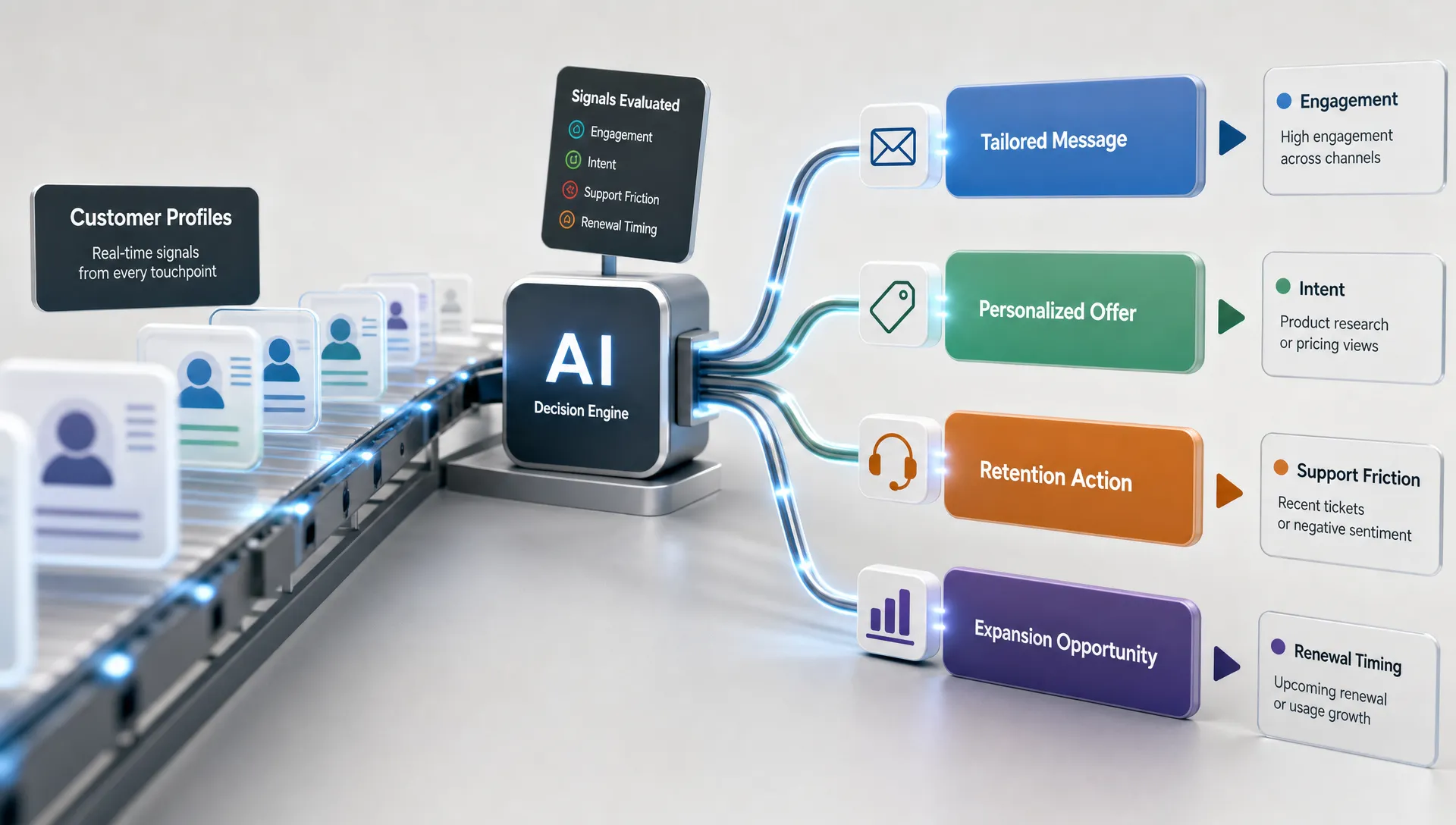
AI can personalize website search results based on role, industry, previous content viewed, location, customer status or account type. Done well, this reduces friction. Done poorly, it feels invasive or hides useful options.
A practical rule is to personalize ranking, not access. You can move more relevant resources higher while still allowing users to see the full set of results. A SaaS visitor who has read several legal marketing articles might see law firm resources first, but general AI marketing guides should remain available.
Use first-party data responsibly, respect consent preferences and avoid sensitive inferences. Personalization should make search clearer, not opaque. If the system heavily customizes results, give users filters or sorting options so they stay in control.
You do not need to launch a complex AI search system all at once. The most reliable approach is incremental, especially for marketing teams balancing content, analytics, automation and growth projects.
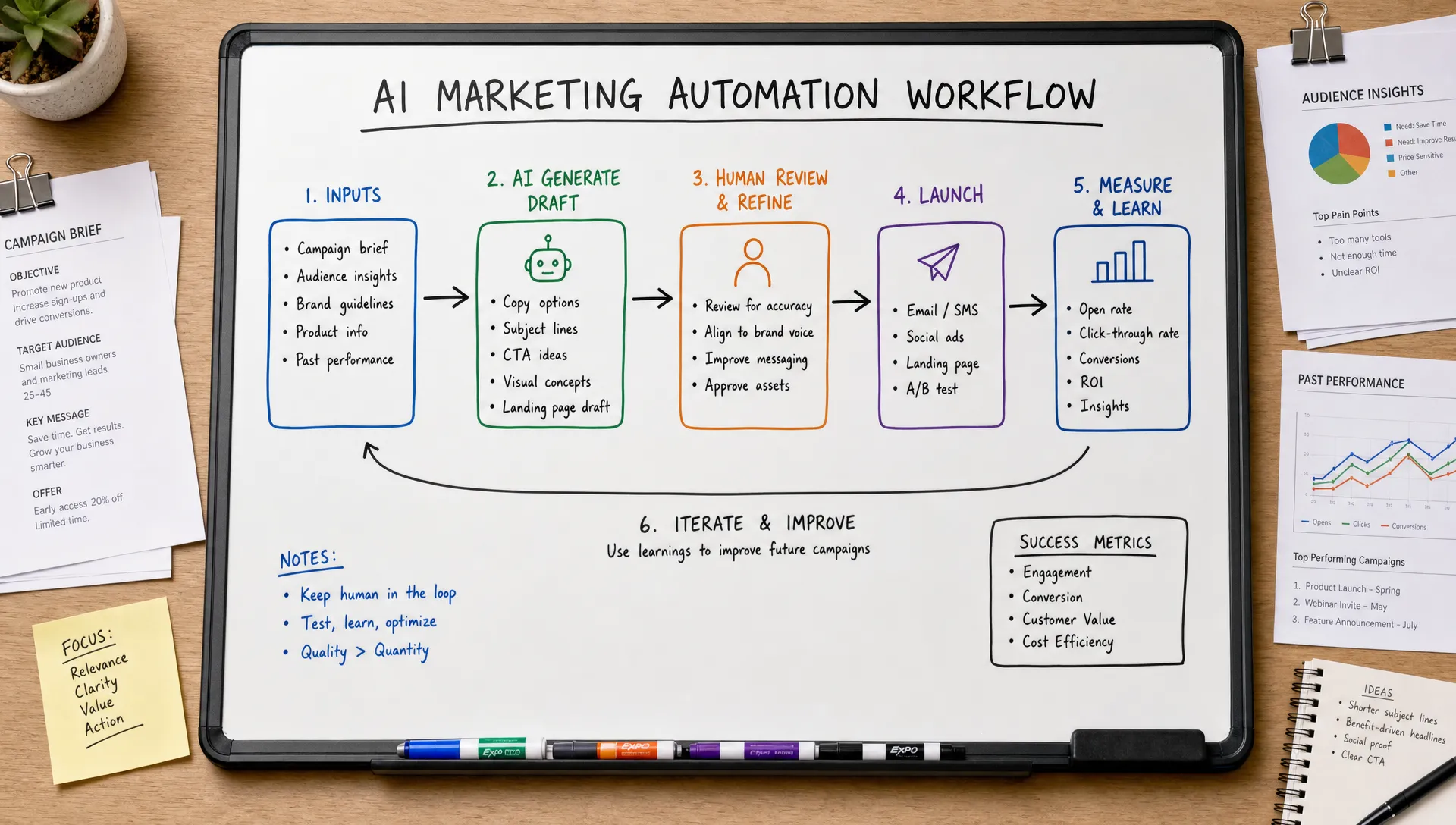
This workflow fits well with broader marketing workflow automation because the same search data can feed content planning, product messaging, lifecycle emails and SEO updates.
Your implementation path depends on site complexity, data maturity and internal engineering capacity. A small content site may only need better tagging, AI-assisted metadata and a smarter search plugin. A large marketplace, SaaS knowledge base or multi-language resource library may need semantic search infrastructure and custom ranking rules.
Buying an off-the-shelf site search tool is often fastest. Building internally offers control, but it requires engineering, data governance and ongoing tuning. Custom AI projects make sense when search is tied to internal workflows, proprietary data or industry-specific processes. If your needs extend into custom internal applications or AI agents, a specialist partner such as Just Use AI for tailored AI applications and agents can help scope what should be automated, integrated or built from scratch.
For most marketing teams, the best first step is not a massive rebuild. It is a focused pilot on a high-value section of the site where search behavior is already measurable.
AI search should be accountable to business outcomes. Better search is not just fewer no-result pages. It should help visitors find relevant answers faster and take the next useful action.
Measure before and after implementation. Segment by query type, content area and audience when possible. A global average can hide gains in high-value categories.
| Goal | KPI to monitor | Good sign |
|---|---|---|
| Better relevance | Result click-through rate | More users click a result from the first page |
| Less frustration | No-result rate and exit rate | Fewer dead ends after search |
| Faster discovery | Search refinements per session | Users need fewer repeated searches |
| Higher engagement | Pages per session after search | Visitors continue to relevant resources |
| More conversions | Leads, trials, purchases or tool completions after search | Searchers take more valuable actions |
| Better content planning | Recurring content gaps | New pages address proven demand |
AI can also speed up reporting by summarizing query trends, anomalies and content opportunities. If you want to connect search improvements to executive-level marketing reports, this guide to SEO reporting with AI explains how to turn raw search and performance data into clearer insights.
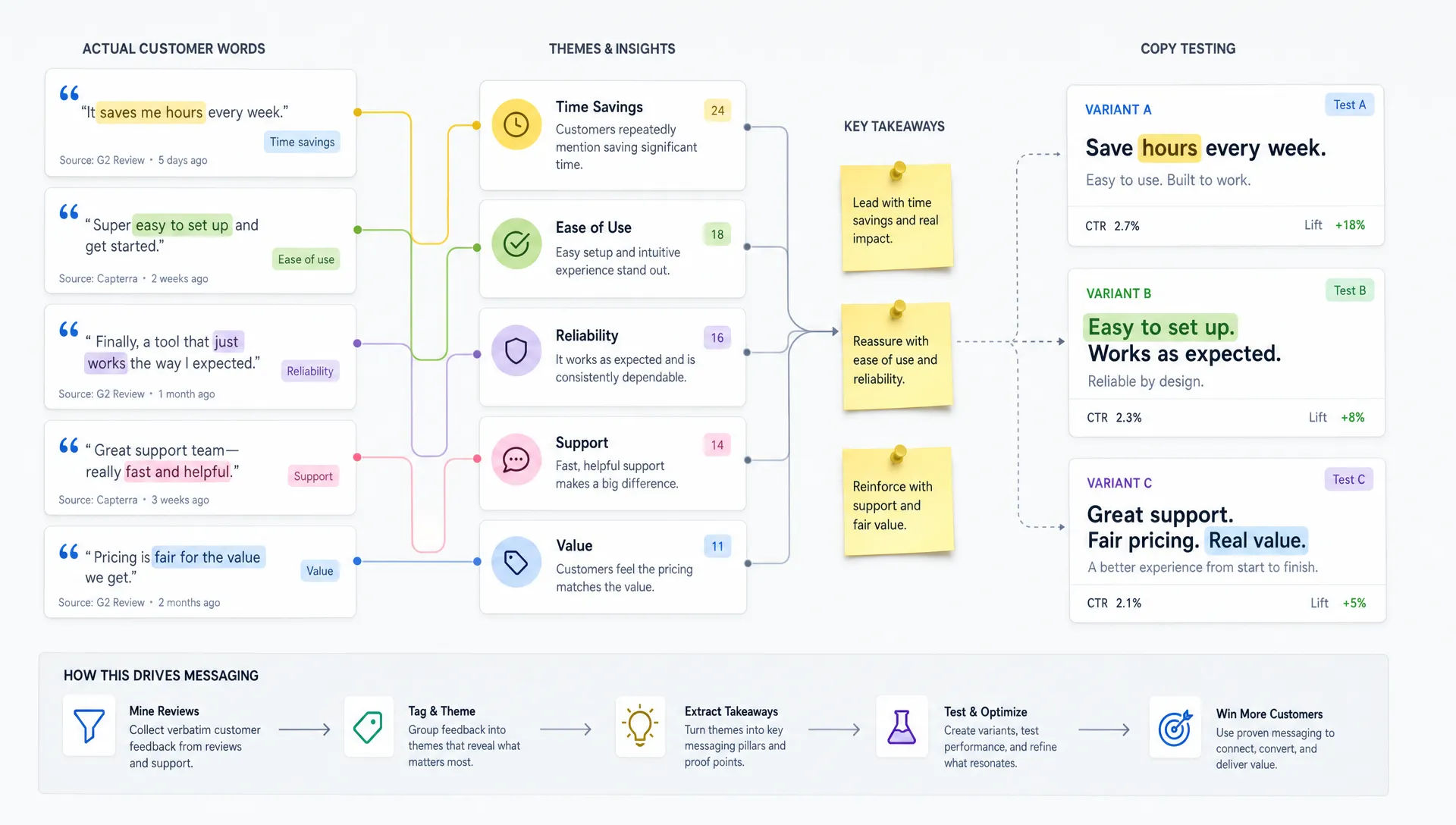
AI search projects fail when teams treat technology as a substitute for strategy. The strongest results usually come from combining AI with editorial judgment, analytics discipline and UX testing.
Avoid these common mistakes:
A useful habit is to review your top 25 internal searches every month. Ask whether each query returns the best possible result, whether the snippet is clear and whether the next step makes sense.
Is AI site search the same as SEO? No. SEO focuses on how people find your website through search engines. AI site search focuses on how visitors find content once they are already on your website. The two are connected because both depend on intent, content structure and relevance.
Do I need a large website to benefit from AI search? Not always. Large websites gain the most from semantic search and automated classification, but smaller sites can still use AI to analyze search logs, improve metadata, generate synonyms and identify content gaps.
What data do I need before improving website search results with AI? Start with internal search queries, no-result terms, result clicks, exits after search and conversions after search. Add content metadata, page performance and customer journey data as your process matures.
Can AI help with no-result searches? Yes. AI can suggest spelling corrections, related topics, synonyms and alternative resources. It can also cluster no-result searches so your team can decide which missing pages, tools or guides to create next.
How often should website search results be reviewed? Review high-volume and high-value searches monthly. For larger sites, automate weekly alerts for rising queries, high no-result rates and sudden drops in result engagement.
Using AI to improve website search results is not only a UX project. It is a way to learn what your audience wants, organize your content around real intent and shorten the path from question to action.
Start with your search logs, fix the obvious gaps, structure your content and test AI enhancements where they can make the biggest difference. When search becomes easier for visitors, it also becomes more useful for your marketing team.