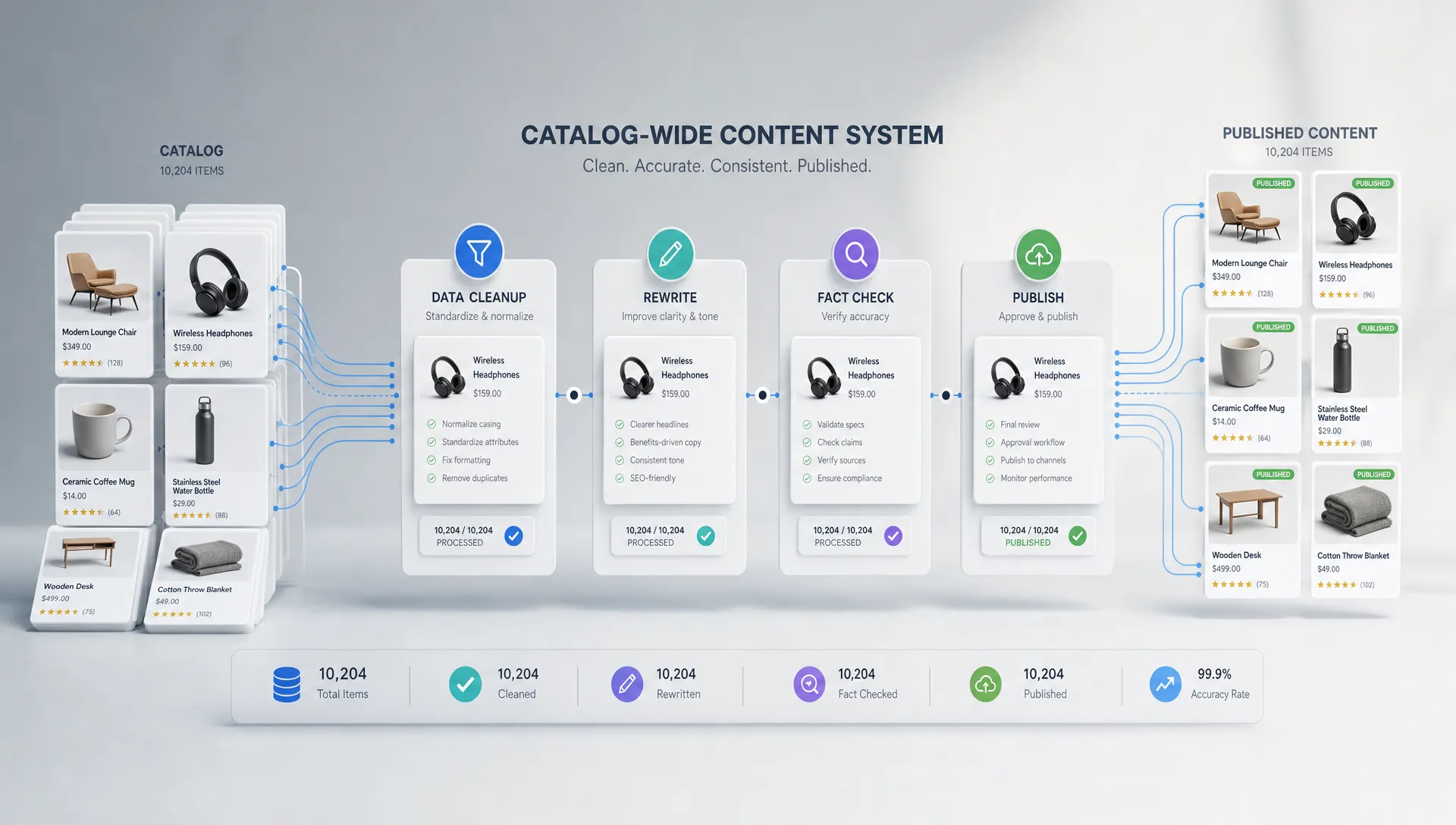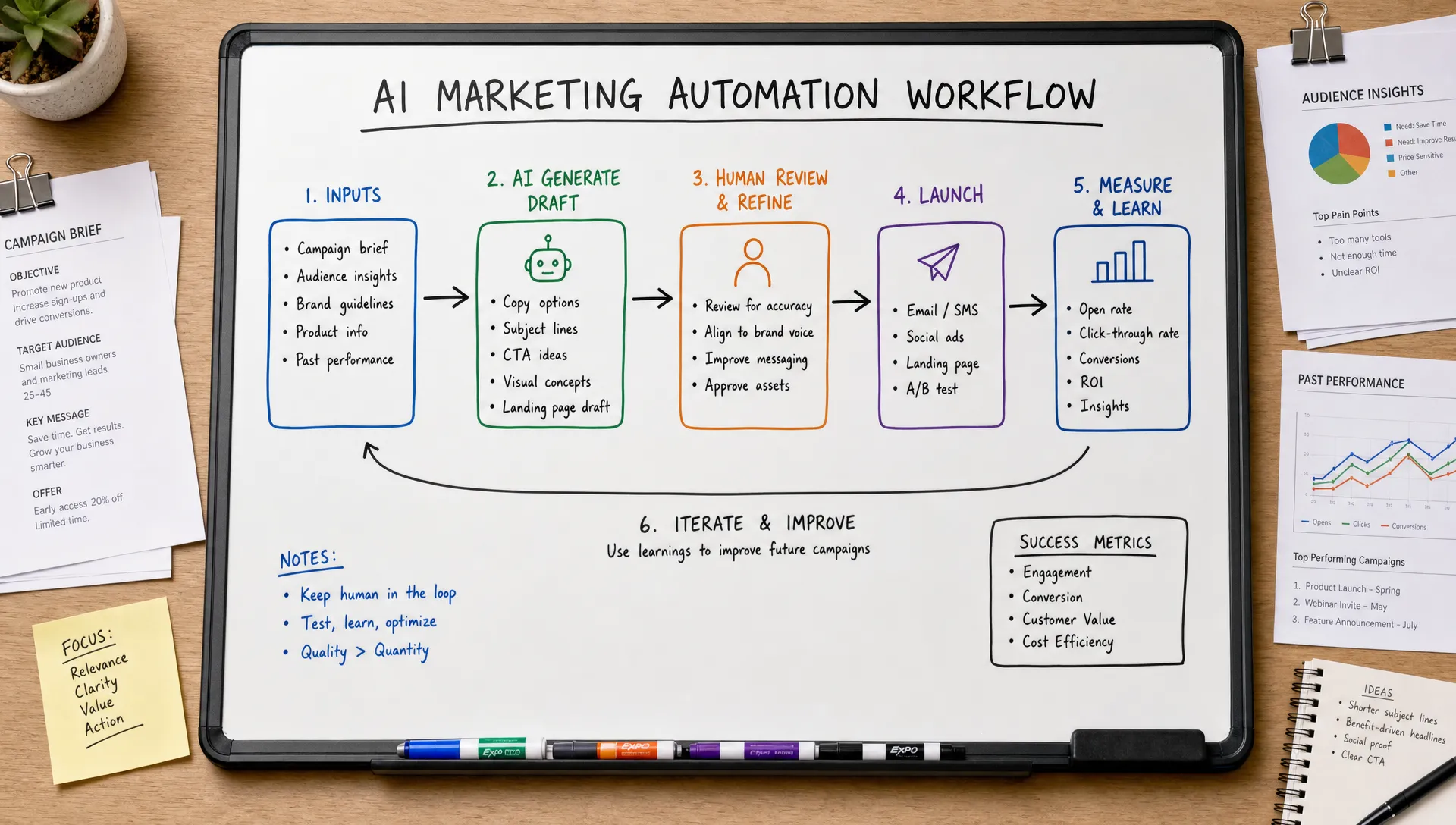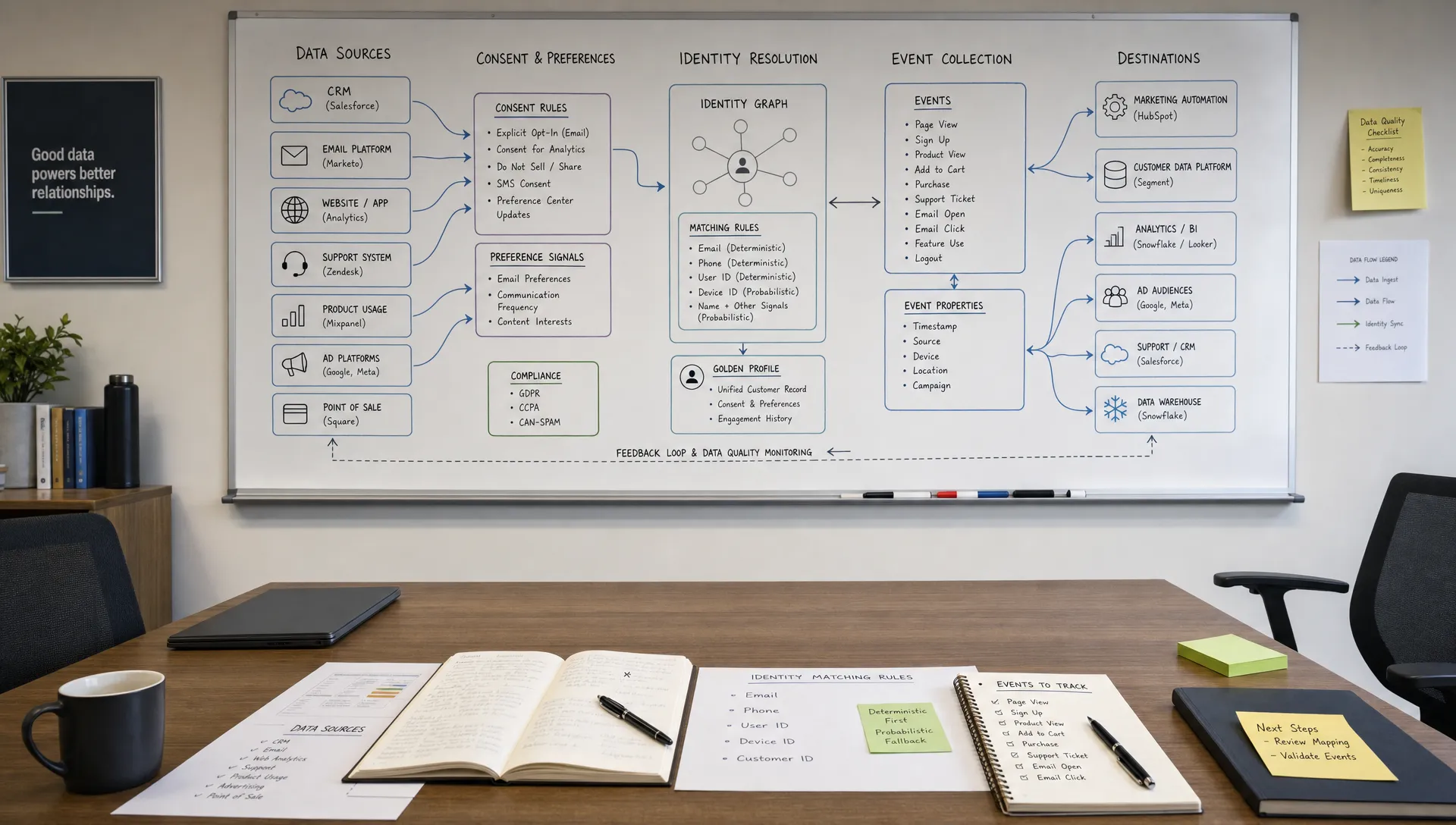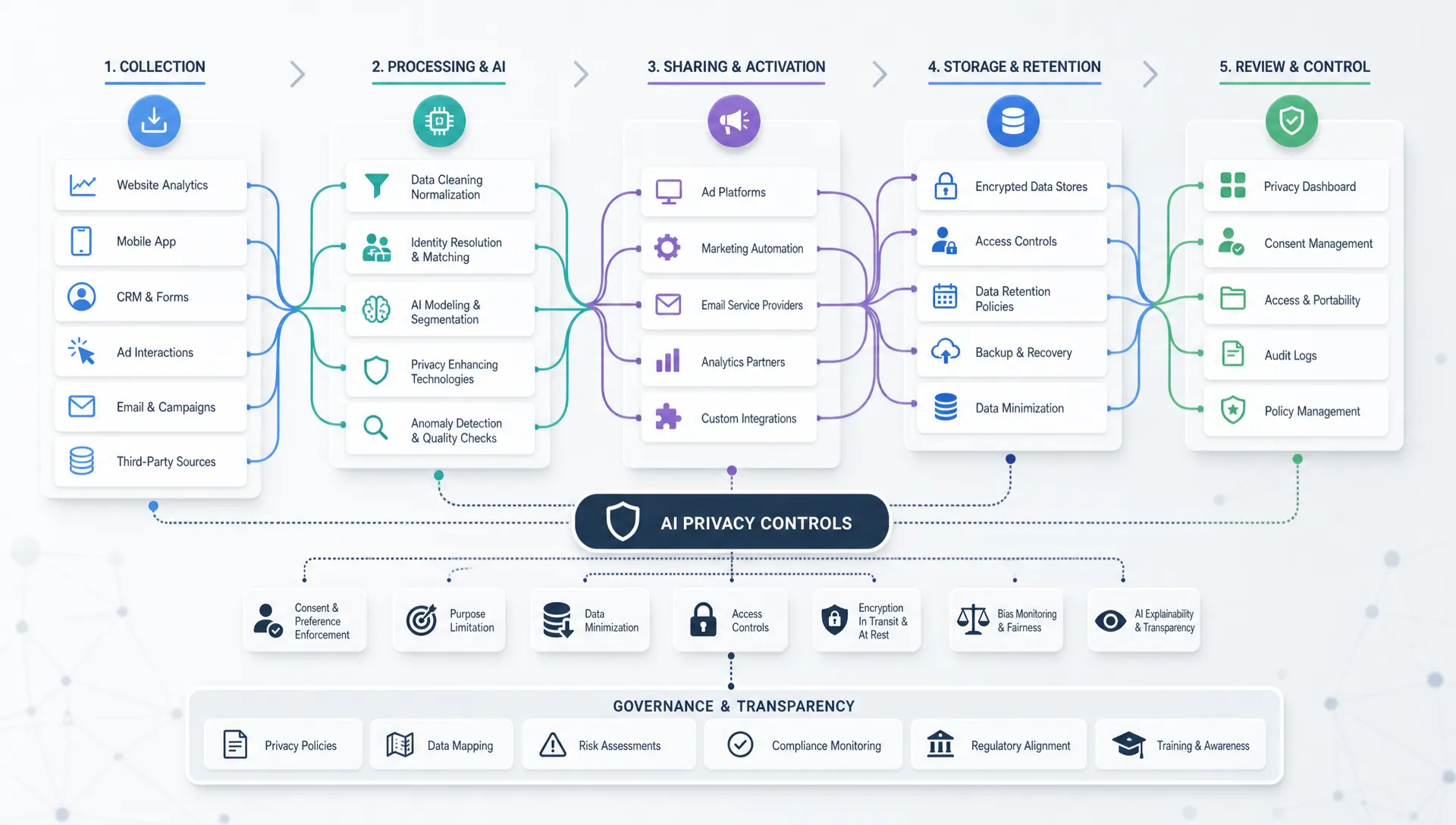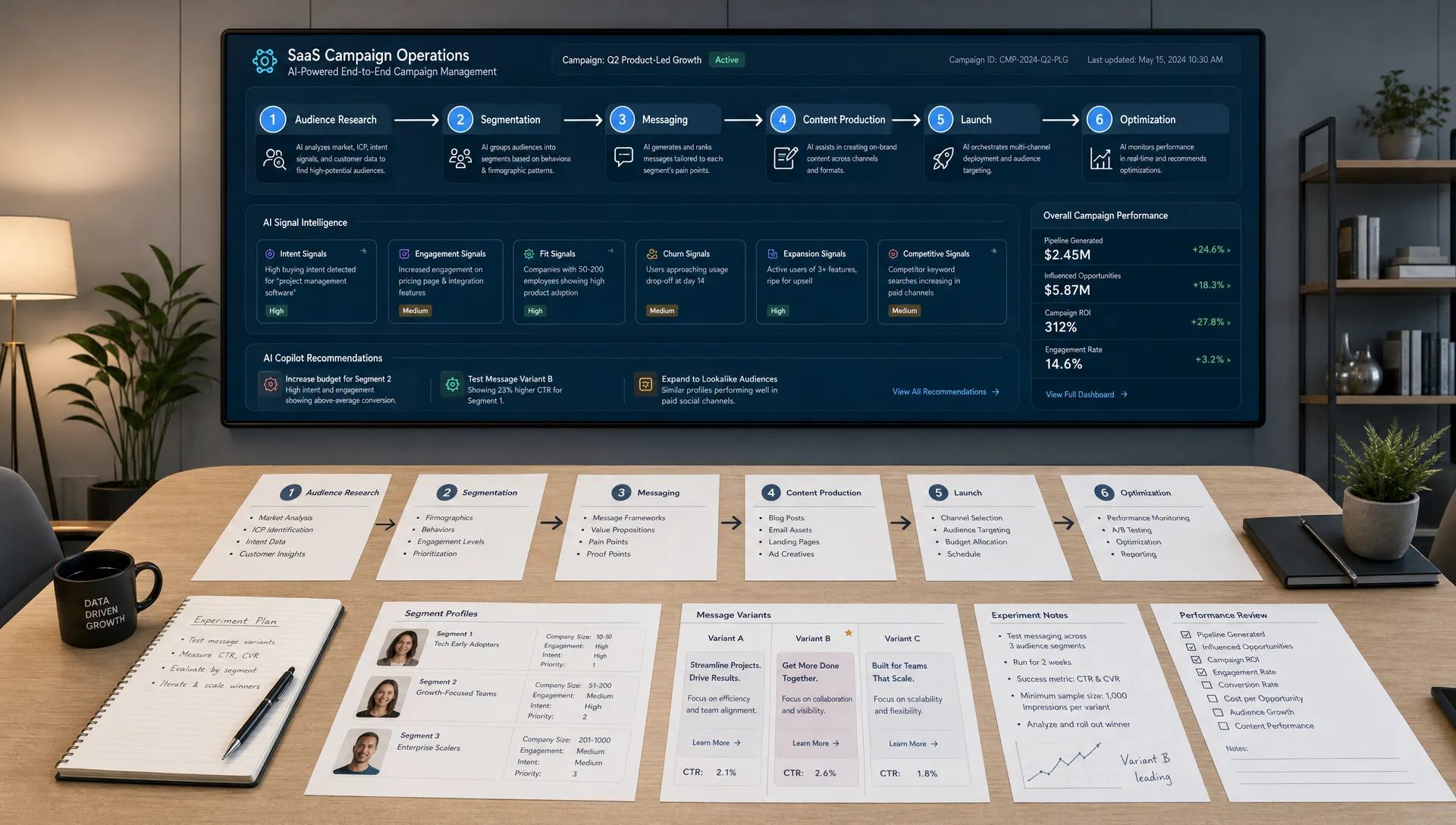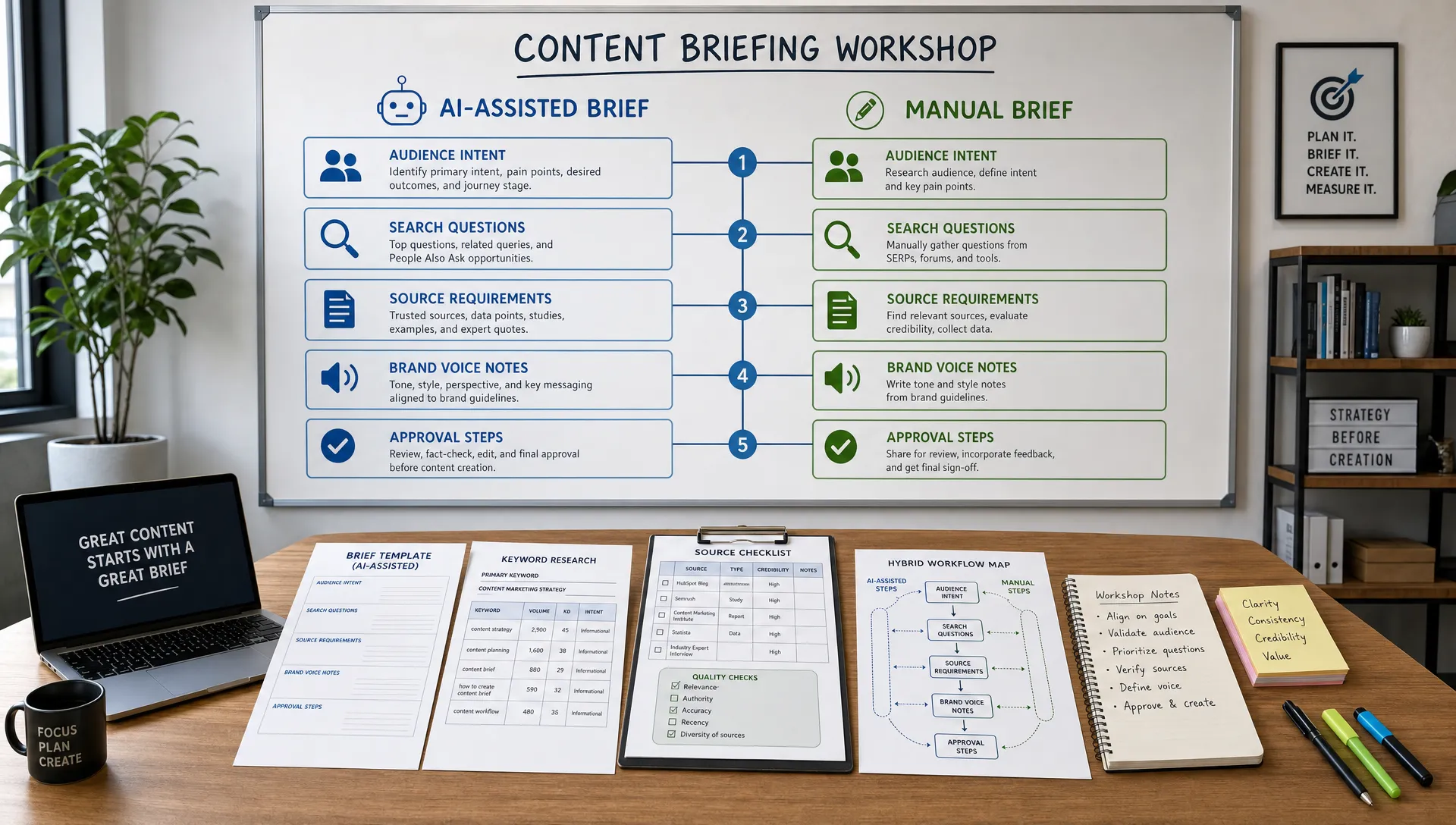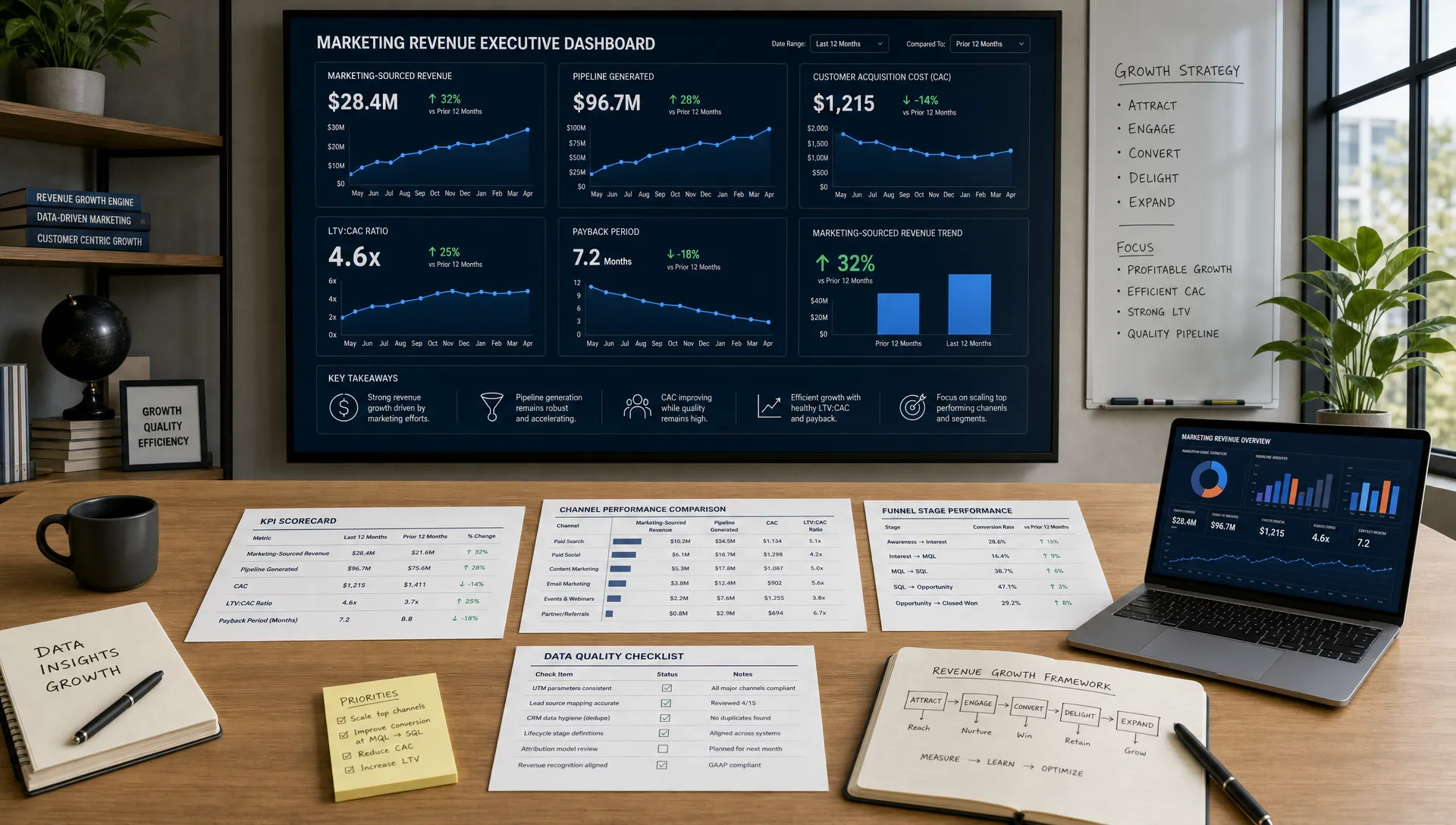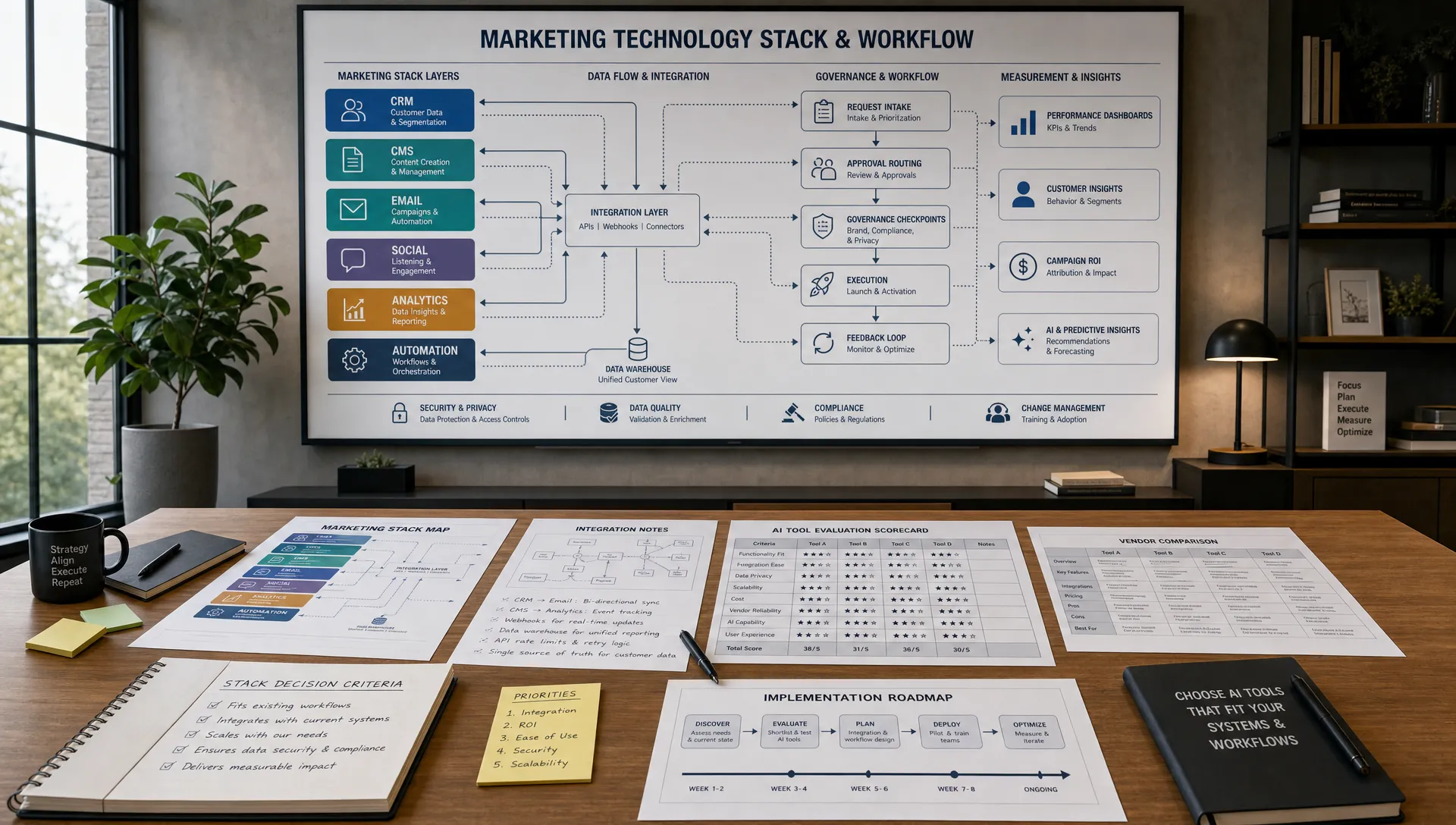
Customer onboarding emails are where a new signup becomes an activated user, a retained customer or a quiet churn risk. The practical opportunity is simple: use AI to improve customer onboarding emails by making each message more relevant, better timed and easier to act on without forcing your team to write every variation manually.
Strong onboarding is not just a welcome email. It is a guided path from “I signed up” to “I understand the value and know what to do next.” AI helps because onboarding depends on patterns that are hard to manage at scale: user intent, plan type, behavior, industry, objections, missed steps and support needs.
The goal is not to let AI run your onboarding unsupervised. The goal is to combine your customer knowledge with AI marketing systems that can segment users, draft useful copy, personalize recommendations, analyze engagement and improve the sequence over time.
A customer’s first few days with your product or service set expectations for the entire relationship. If the emails are generic, long or poorly timed, people postpone action. If the emails help them reach a clear outcome quickly, they are more likely to engage, trust the brand and continue.
Onboarding emails typically influence several business metrics at once:
This is why AI belongs in the onboarding workflow, not only in top-of-funnel campaigns. Acquisition gets the customer in the door, but onboarding determines whether the promise made by your ads, landing pages and sales conversations becomes real.
AI is most useful when it solves specific onboarding problems. If you only ask a model to “write a welcome sequence,” you will get generic copy. If you feed it customer context, goals, friction points and behavior data, you get emails that feel closer to a customer success conversation.
Here are the highest-impact use cases.
| Onboarding challenge | How AI helps | Example output |
|---|---|---|
| New users have different goals | Creates intent-based segments | “I want to launch my first campaign” vs “I need to migrate from another tool” |
| Customers ignore setup steps | Rewrites instructions into shorter, clearer emails | A three-step setup message with one primary CTA |
| Teams need more personalization | Generates modular content blocks | Industry examples, role-specific benefits or plan-based guidance |
| Drop-off happens at predictable moments | Identifies behavior triggers | Reminder email after no login for 48 hours |
| Copy gets stale | Tests new angles and subject lines | Benefit-first, task-first or objection-handling variants |
The best AI onboarding systems improve both message quality and timing. A well-written email sent at the wrong moment still fails, so your workflow should connect copy creation with customer behavior.
Before using AI, define what successful onboarding means. This step keeps the model focused on business outcomes instead of producing a polished but unfocused email series.
For a SaaS platform, success might mean inviting teammates, connecting an integration and completing a first project. For an ecommerce subscription, it might mean setting preferences, understanding delivery timing and making a second purchase. For a professional service, it might mean submitting intake details, booking a kickoff call and approving the first milestone.
Give AI a clear onboarding goal, such as:
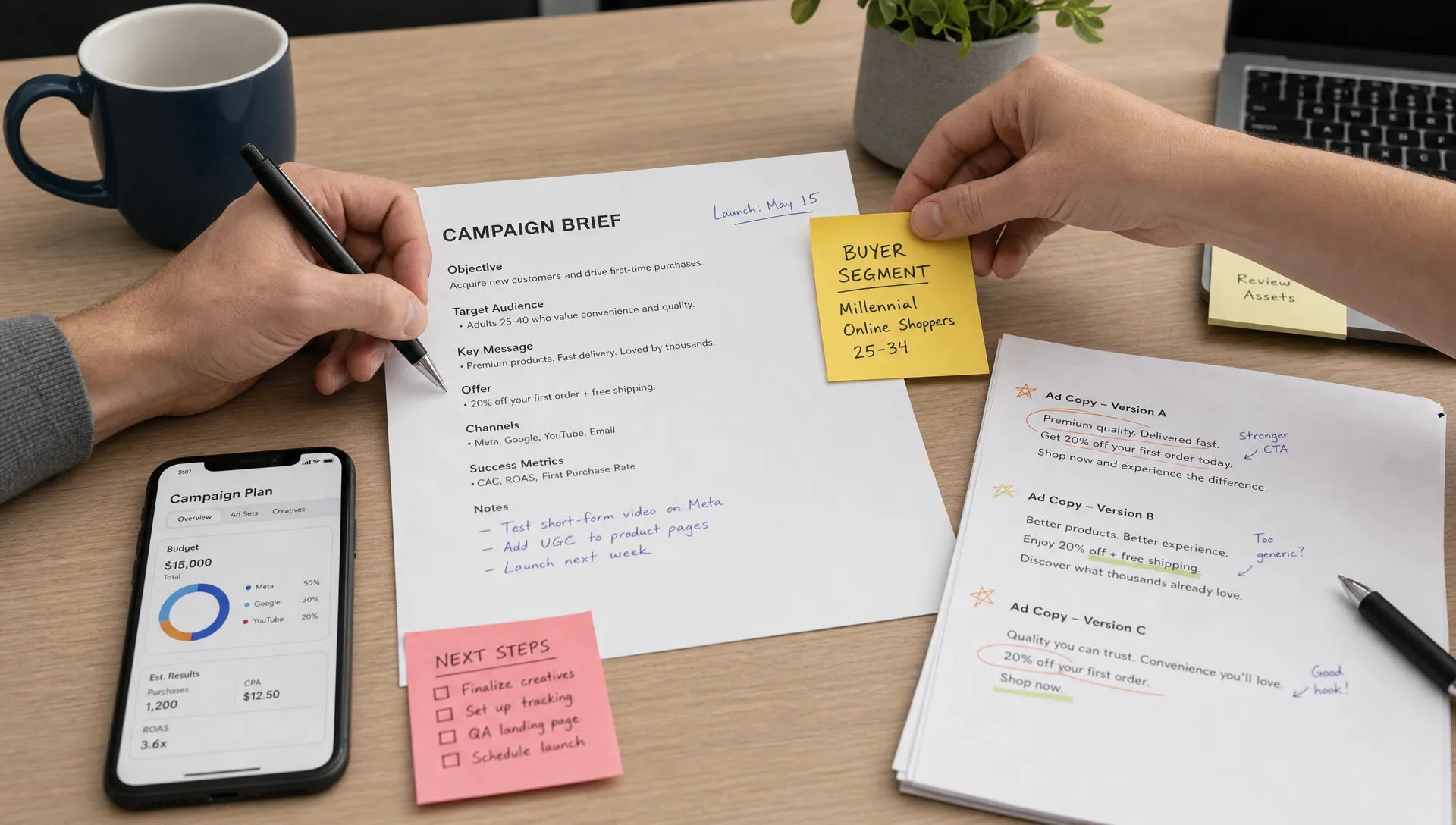
“Create a five-email onboarding sequence for new trial users whose success milestone is publishing their first campaign within seven days. The tone should be helpful, concise and confident. Each email should have one primary action.”
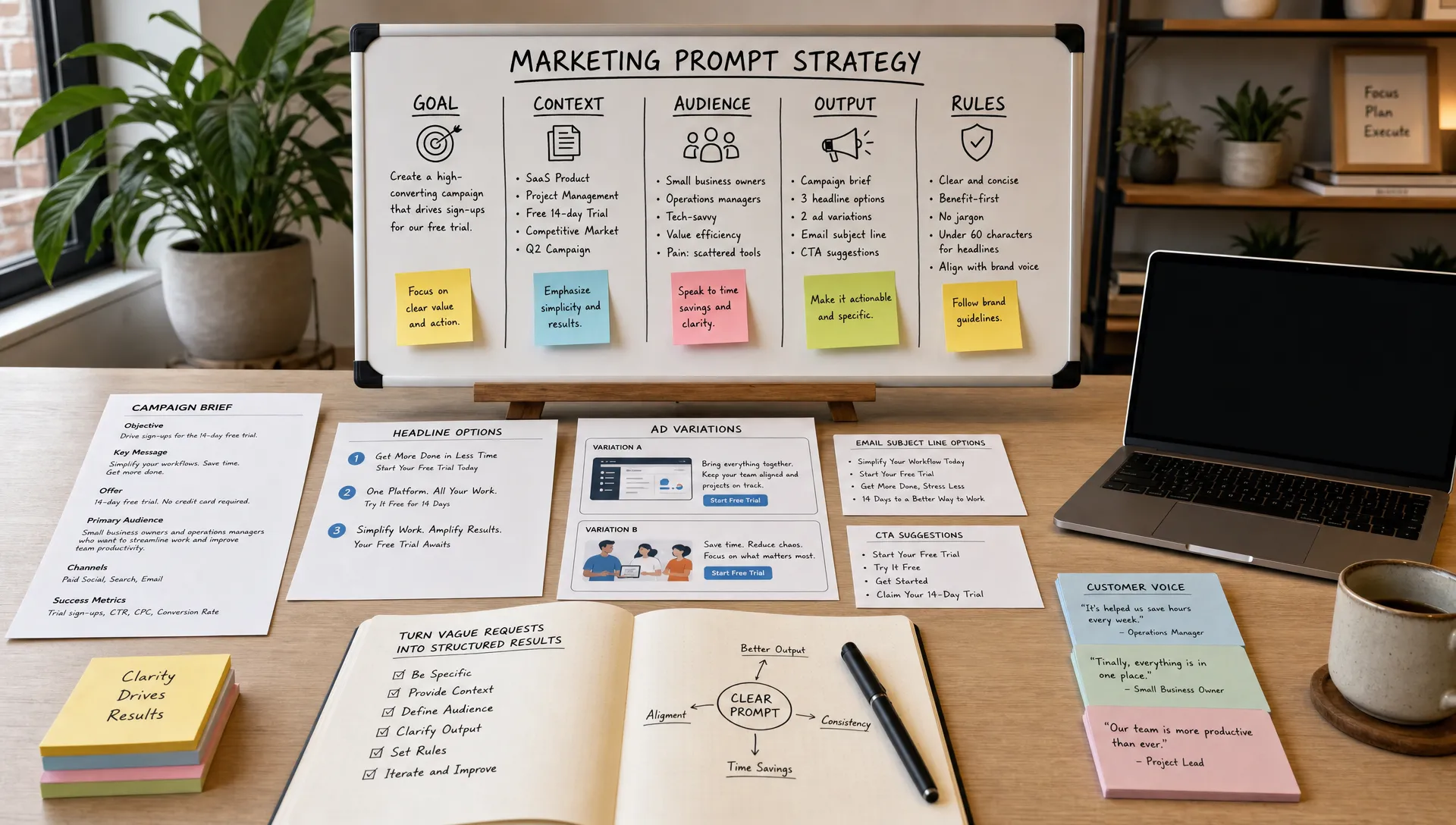
That single instruction is already more useful than asking for a welcome sequence. You can improve it further by adding audience, product category, objections, brand voice, customer stage and available data fields.
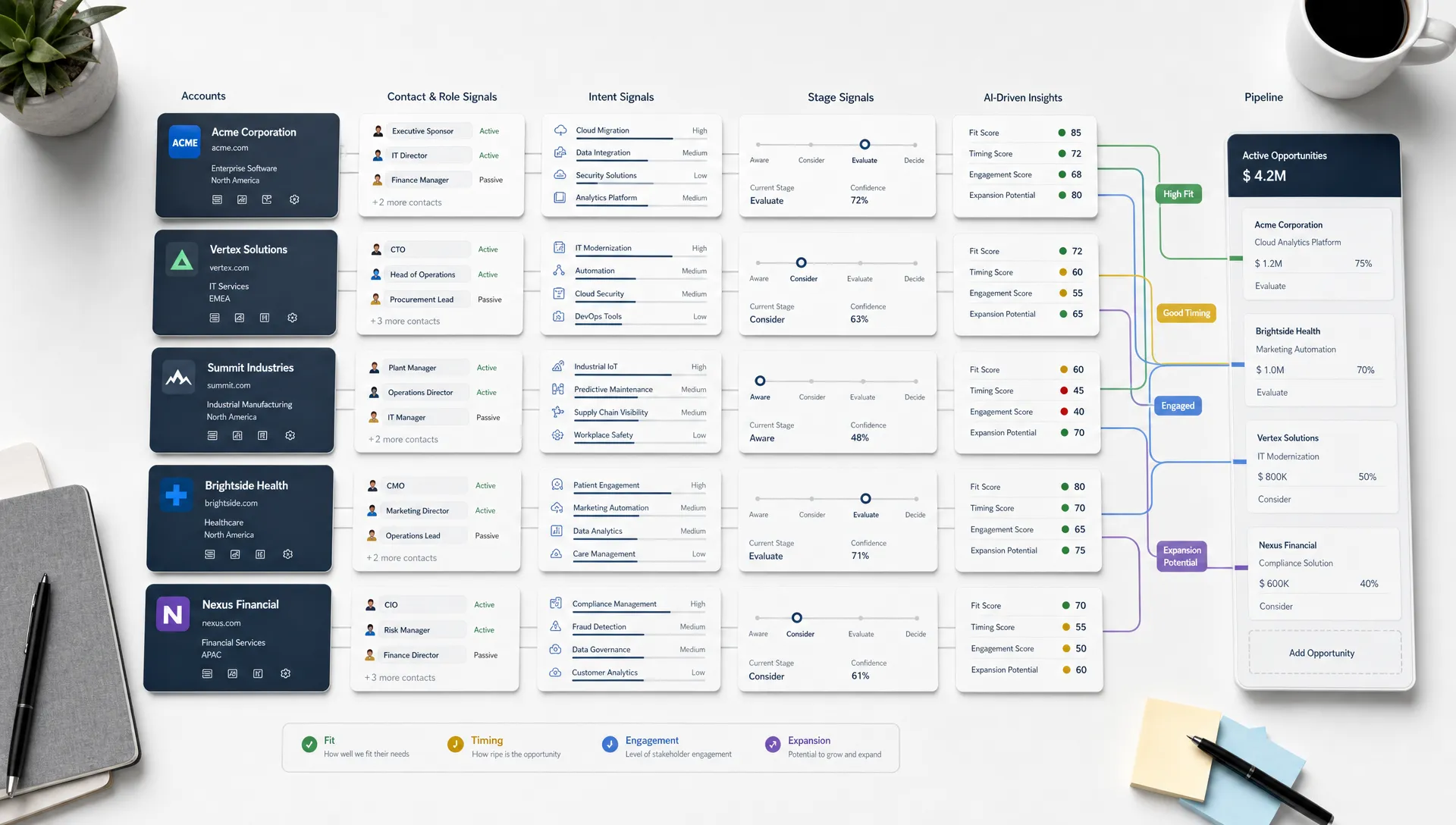
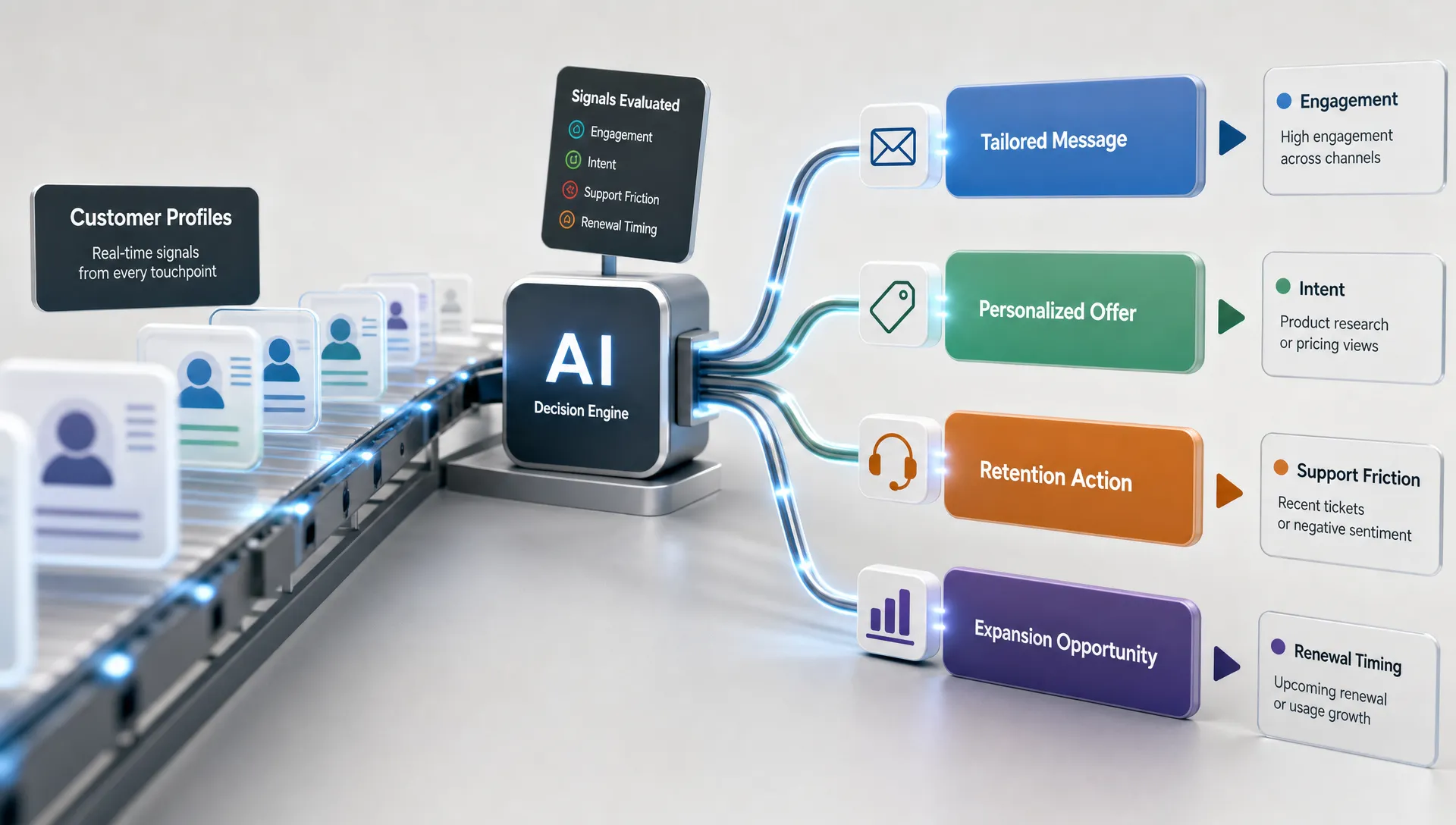
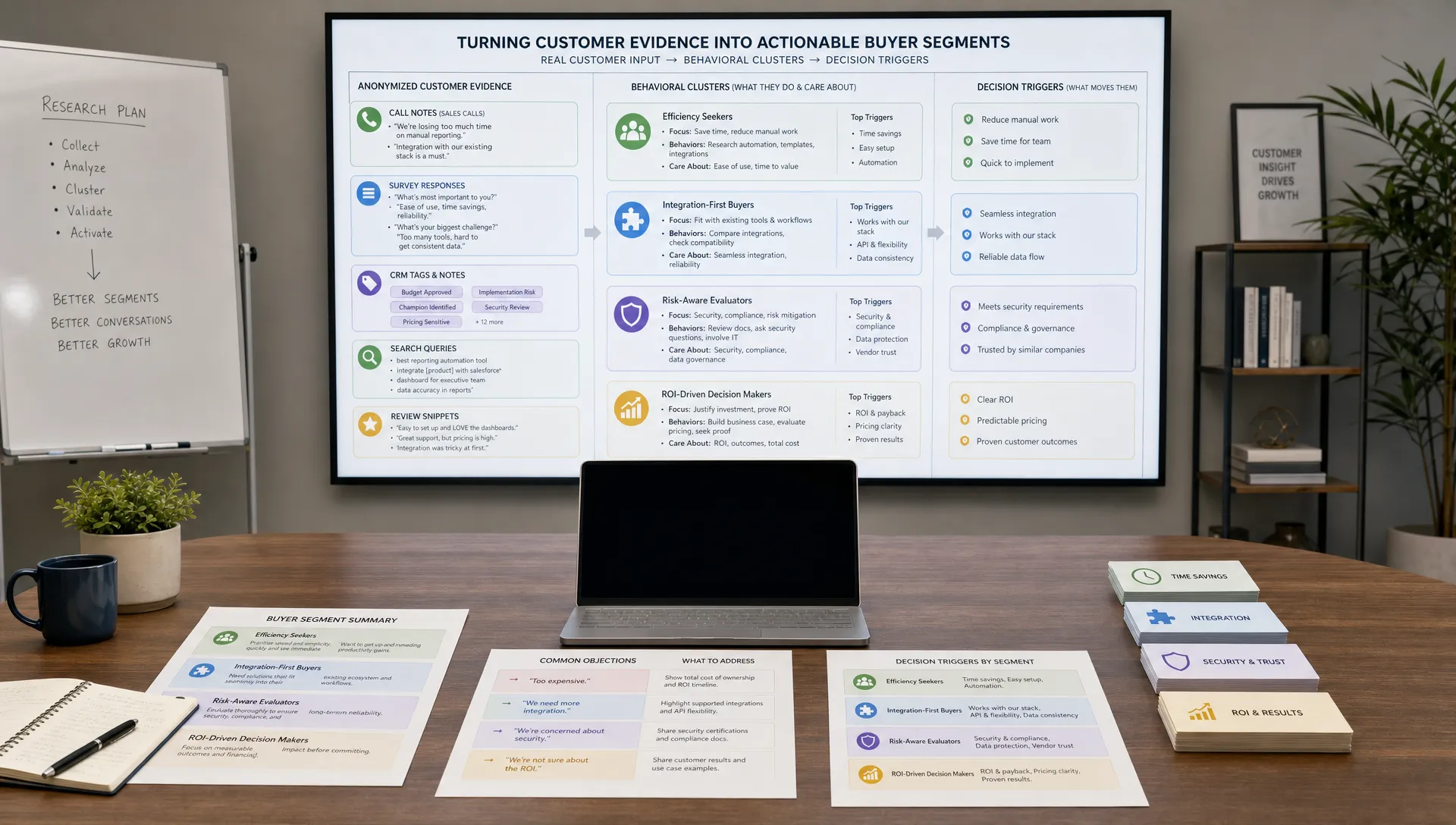
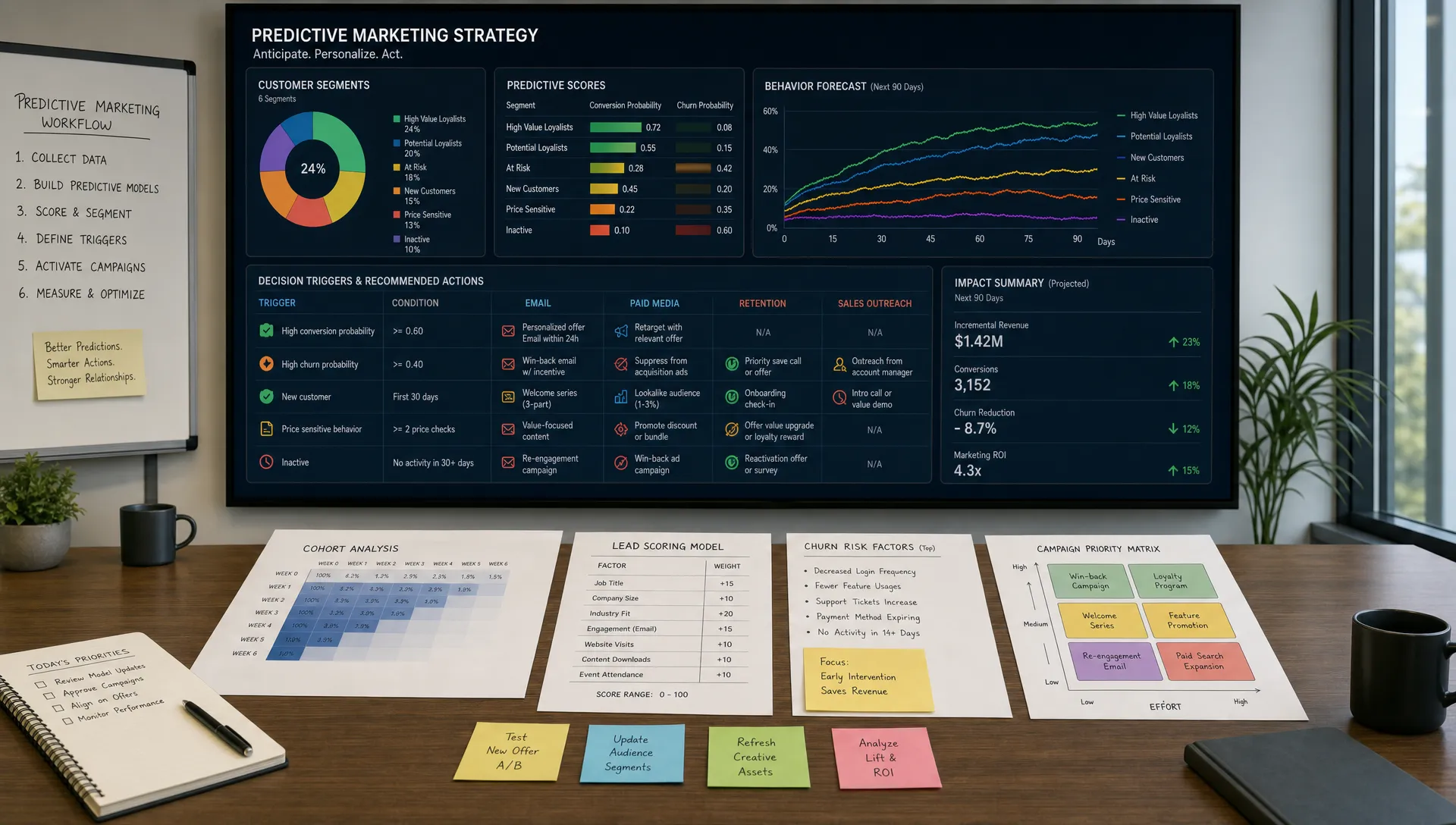
Segmentation is the difference between a helpful onboarding flow and a generic email drip. AI can help you cluster users based on what they want, what they do and where they get stuck.
Common onboarding segments include:
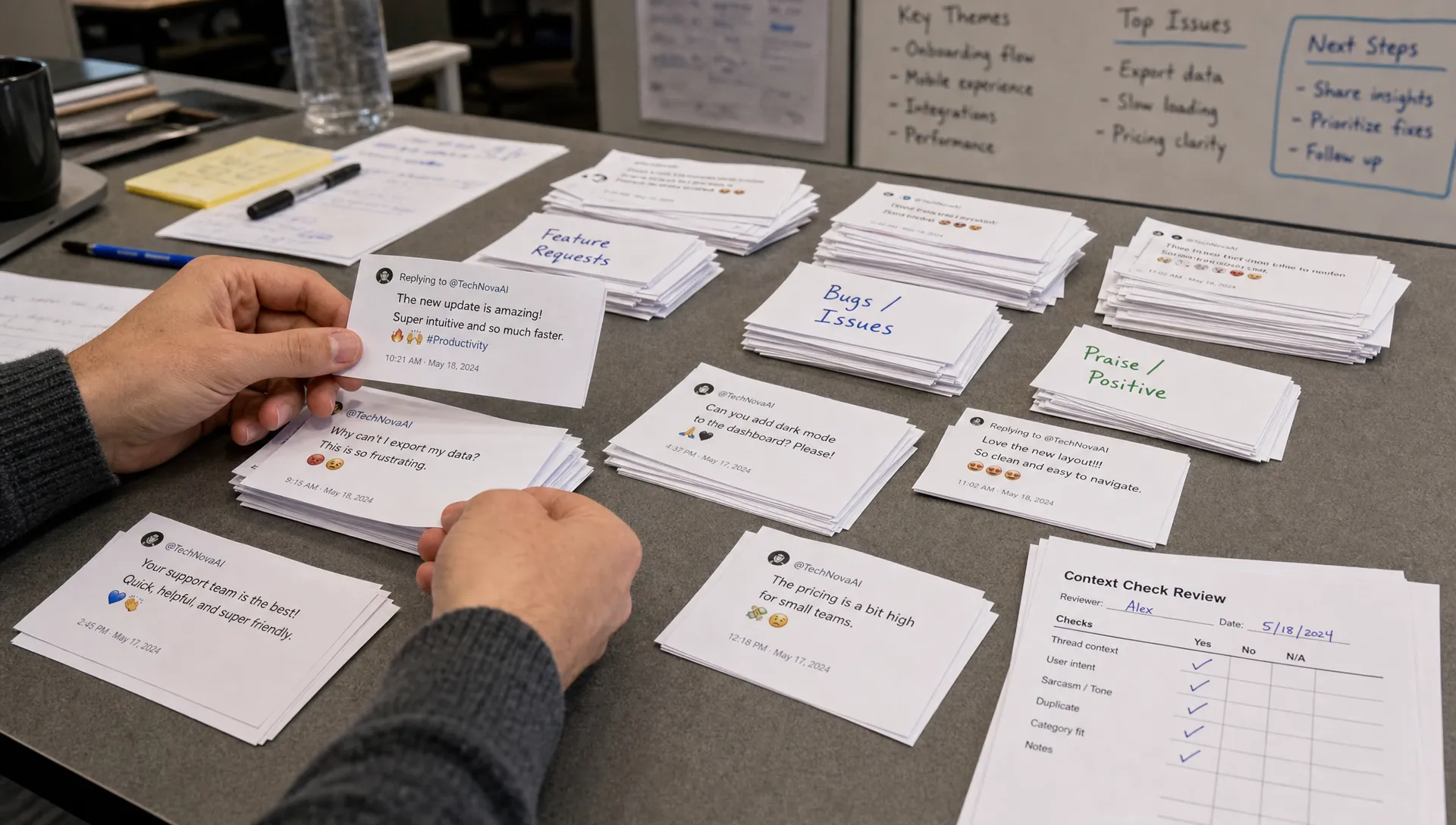
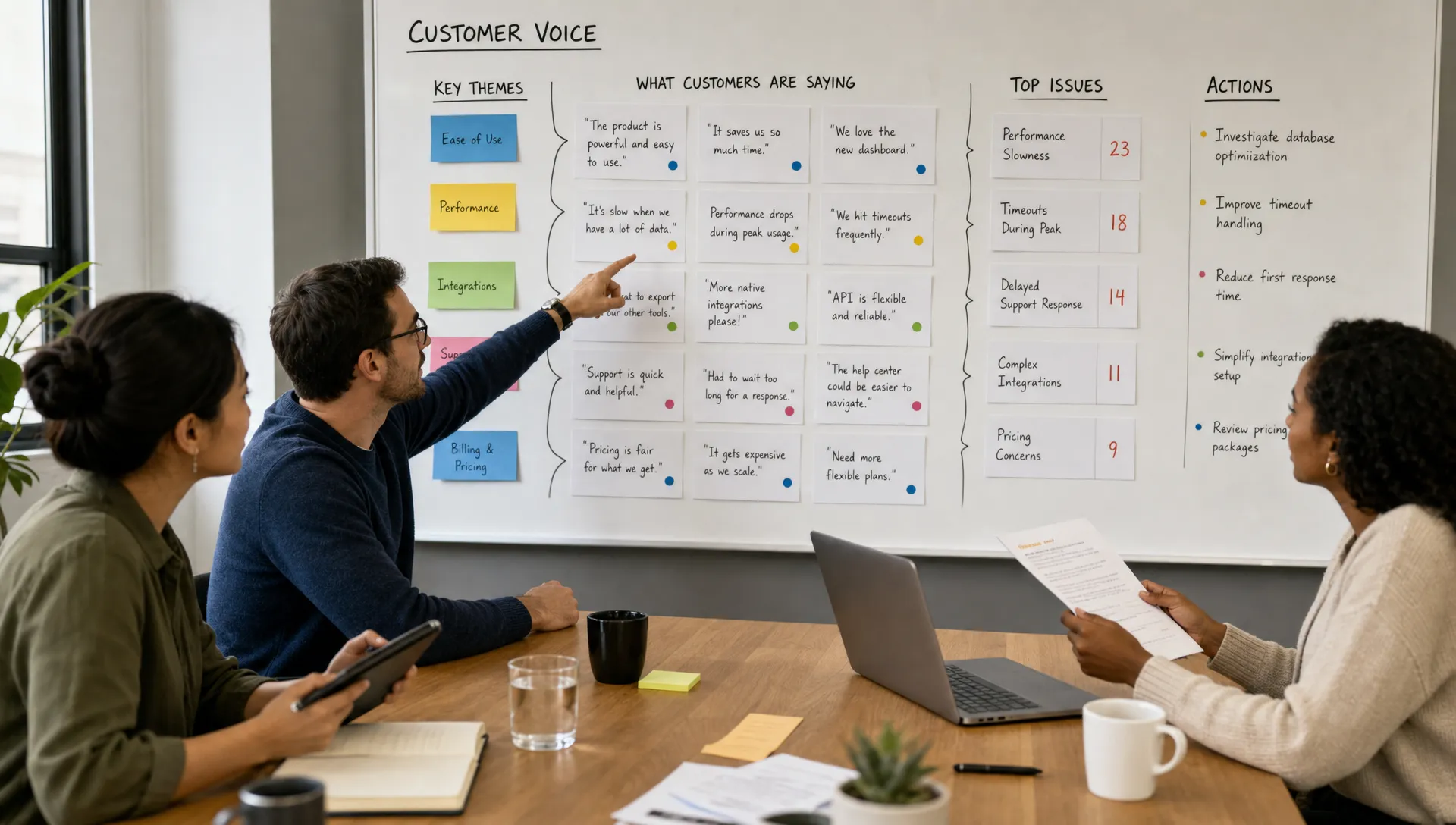
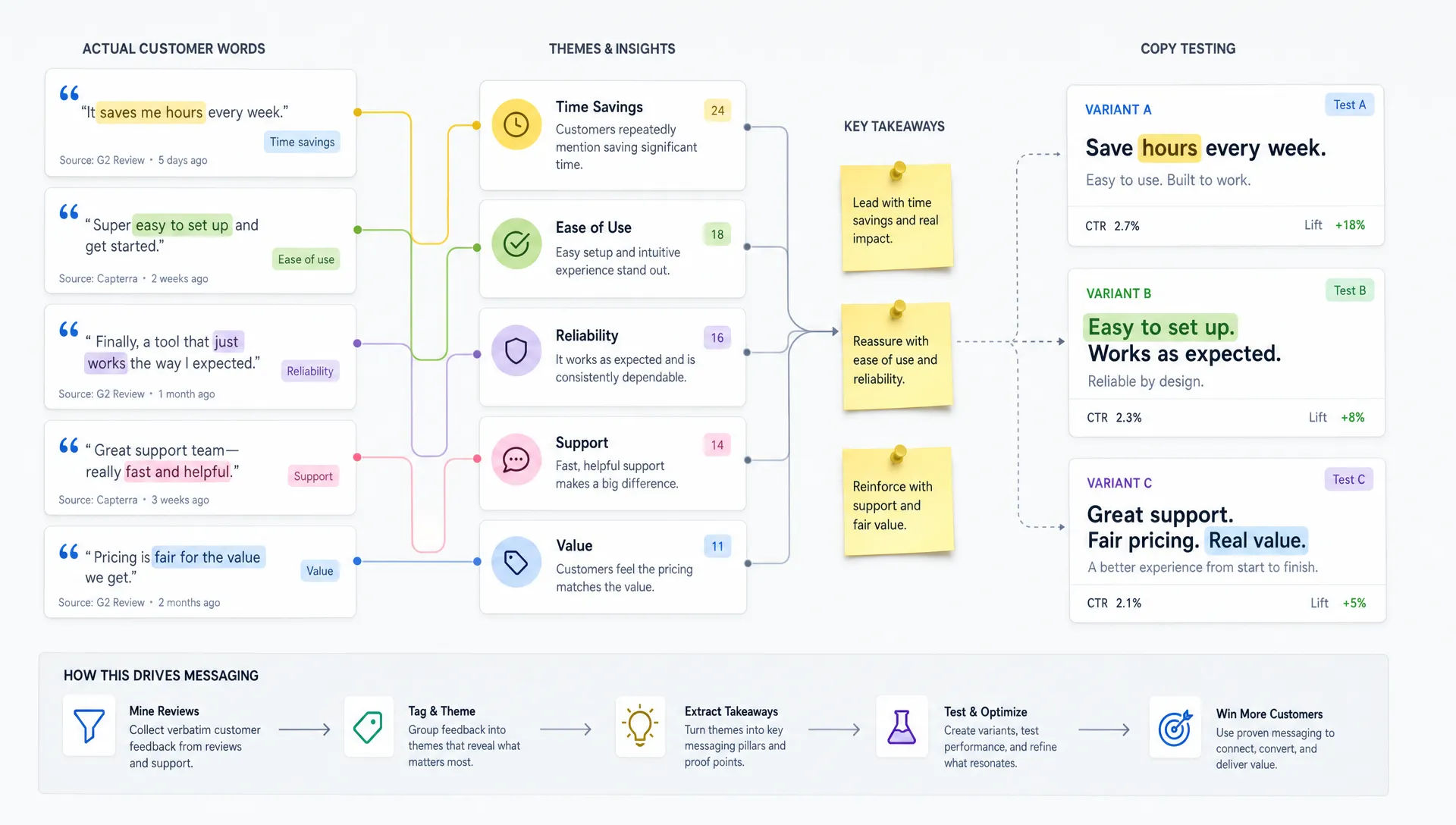
If you already collect customer feedback, support tickets or sales notes, AI can turn that qualitative data into usable onboarding segments. For example, it can identify that new customers often ask about migration, reporting, integrations or stakeholder approval. AIMarketer Hub has a deeper guide on how to analyze customer feedback at scale, which is especially useful when you want onboarding emails to reflect real customer language.
Once you have segments, your emails can adapt without becoming completely separate campaigns. Keep the same core sequence, then personalize examples, benefits, calls to action and help content.
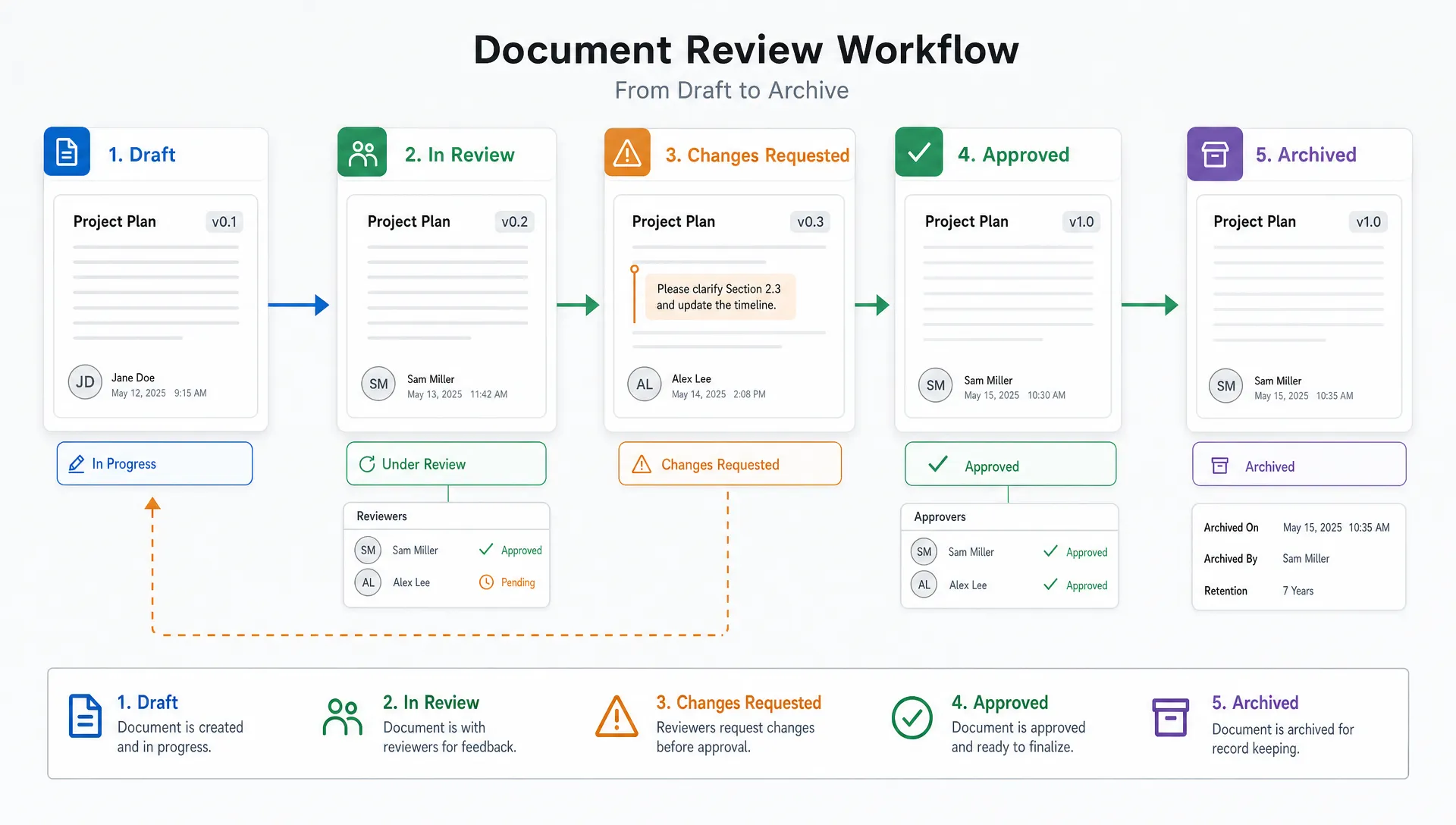
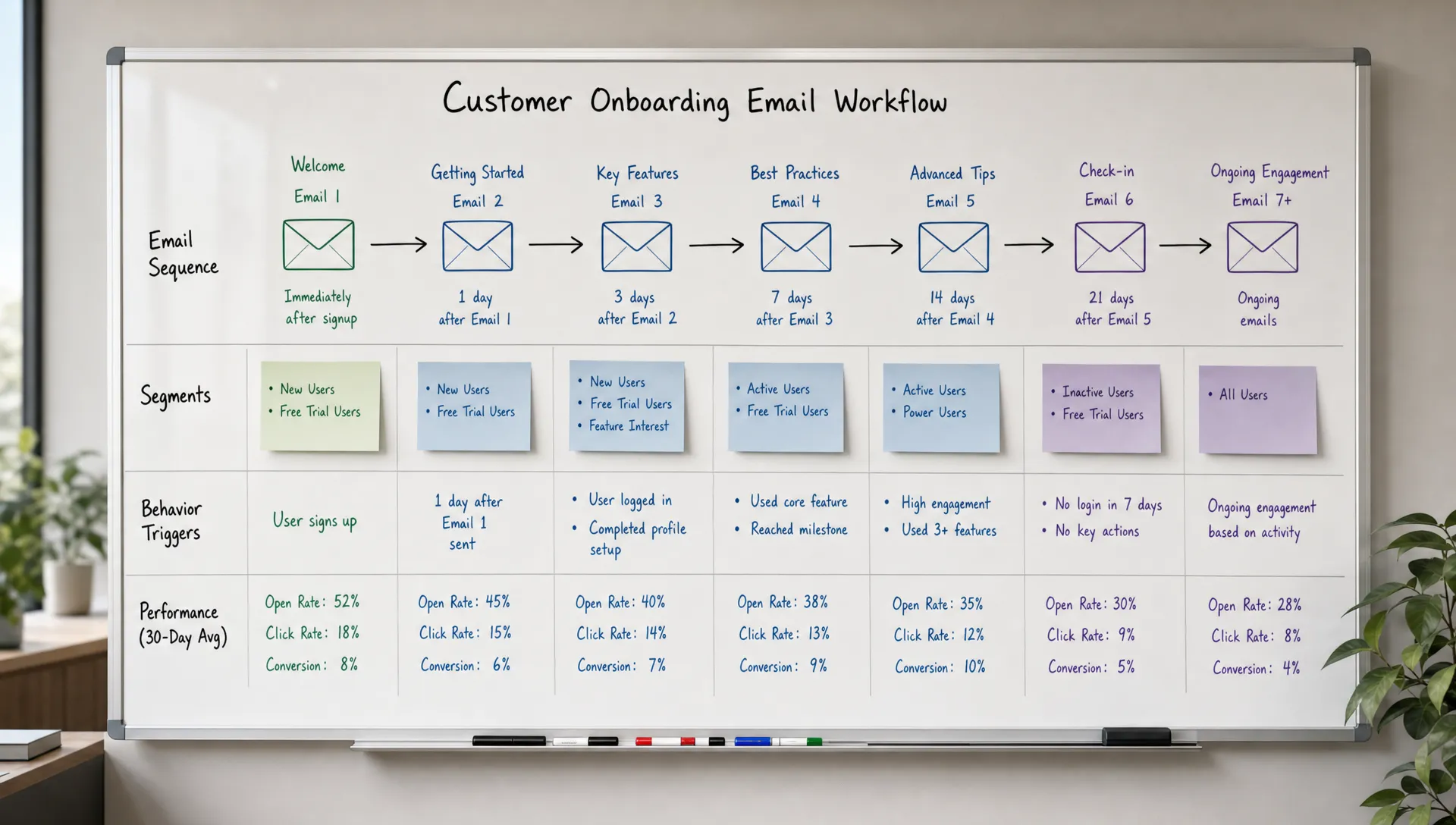
A good onboarding email sequence has a rhythm. It welcomes the customer, helps them complete the most important setup step, reinforces the value, handles likely friction and creates a path to continued engagement.
For many businesses, a 7 to 14 day onboarding map is enough to start. Longer sequences can work for complex products, but early onboarding should not overwhelm the customer.
| Timing | Email purpose | AI-assisted improvement |
|---|---|---|
| Immediately after signup | Confirm the decision and set expectations | Generate a welcome email tied to the customer’s goal |
| Day 1 | Drive first key action | Personalize CTA based on signup intent |
| Day 3 | Remove friction | Explain one confusing step in plain language |
| Day 5 | Show a relevant use case | Match example to industry or role |
| Day 7 | Encourage progress | Summarize what is done and what remains |
| Day 10 to 14 | Offer help or next step | Trigger support, demo or upgrade path based on behavior |
This map should be treated as a starting point. As data comes in, AI-powered analytics can help you find where users stop clicking, which CTAs drive activation and which messages create replies or support tickets.
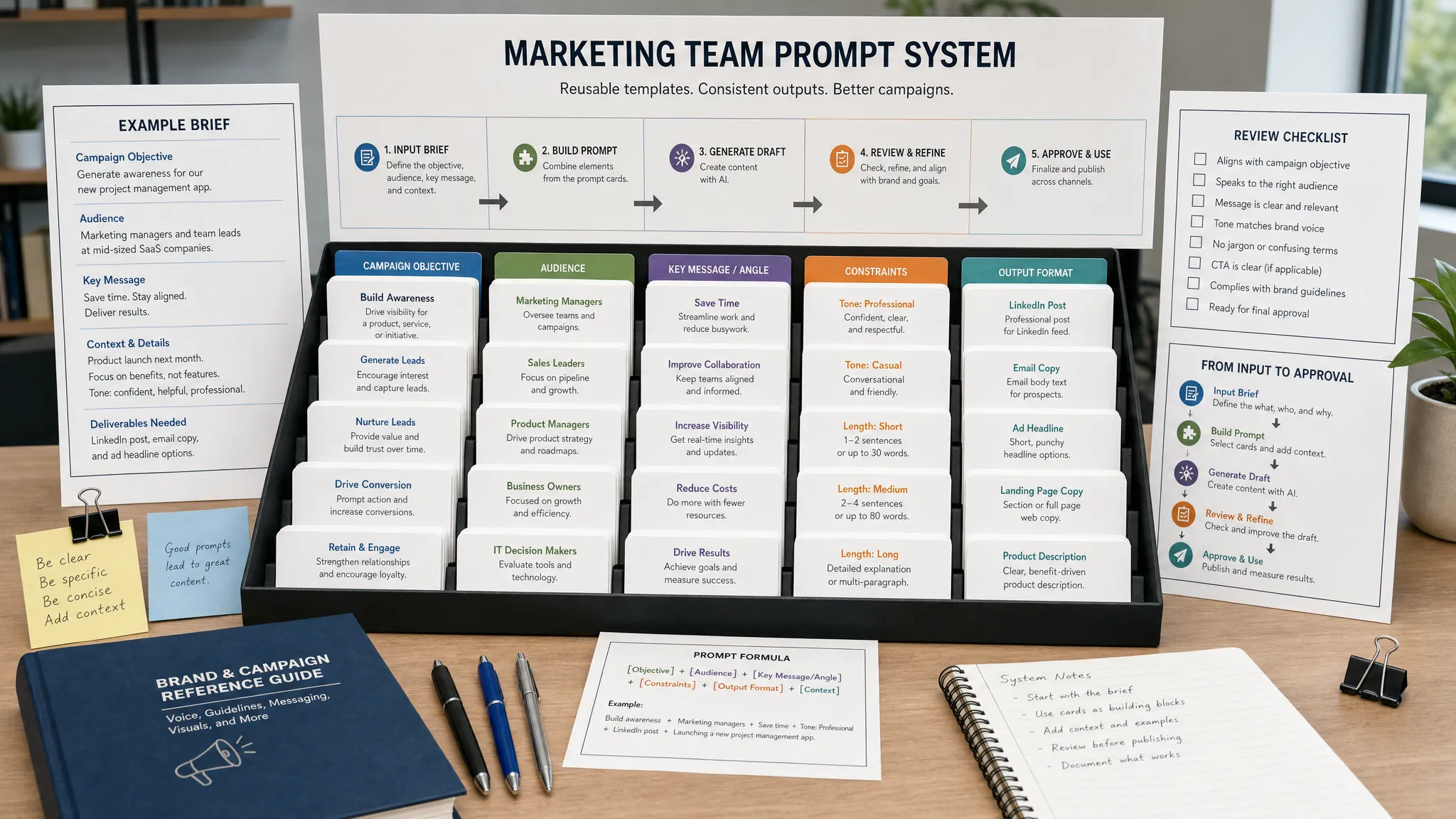
AI-generated onboarding emails are only as good as the context behind them. To get useful drafts, prompt AI with the same information a customer success manager would need before writing to a new customer.
Include these inputs when possible:
A strong prompt could look like this:
“Write an onboarding email for a new customer who signed up for an AI marketing platform after downloading a guide about email automation. They have created an account but have not used the prompt library. The goal is to get them to generate their first onboarding email draft. Use a practical, encouraging tone. Keep the email under 140 words. Include one CTA.”
You can also ask AI for variations. Request one version for a busy executive, one for a hands-on marketer and one for a new user who seems hesitant. Then have a human editor choose the best structure and remove anything that feels exaggerated.
Personalization should make onboarding easier, not make customers wonder how much you know about them. AI can help tailor messages by role, industry and behavior, but the copy should stay respectful.
Good personalization sounds like this:
“Since you selected ecommerce as your industry, your first useful step is connecting your product catalog.”
Bad personalization sounds like this:
“We noticed you visited the pricing page three times yesterday and opened our last two emails at 9:14 p.m.”
The difference is customer benefit. Use data when it improves the next step. Avoid using data just to prove you have it.
For deeper guidance on tailoring content across channels, see this AIMarketer Hub article on how to personalize marketing content with AI. The same principles apply to onboarding: start with intent, use modular content and keep the customer’s goal at the center.
One common onboarding mistake is trying to explain the entire product in the first few emails. AI can actually make this worse if you ask it for a “comprehensive” message. Comprehensive emails often become long emails, and long onboarding emails are easy to delay.
A better approach is to give each email one job. The customer should know exactly what to do after reading it.
Examples of single-action onboarding CTAs include:
Ask AI to remove secondary CTAs, shorten setup instructions and rewrite the email for scanning. You can also ask for a “plain English” version of technical steps, which is useful when onboarding non-technical buyers into a complex product.
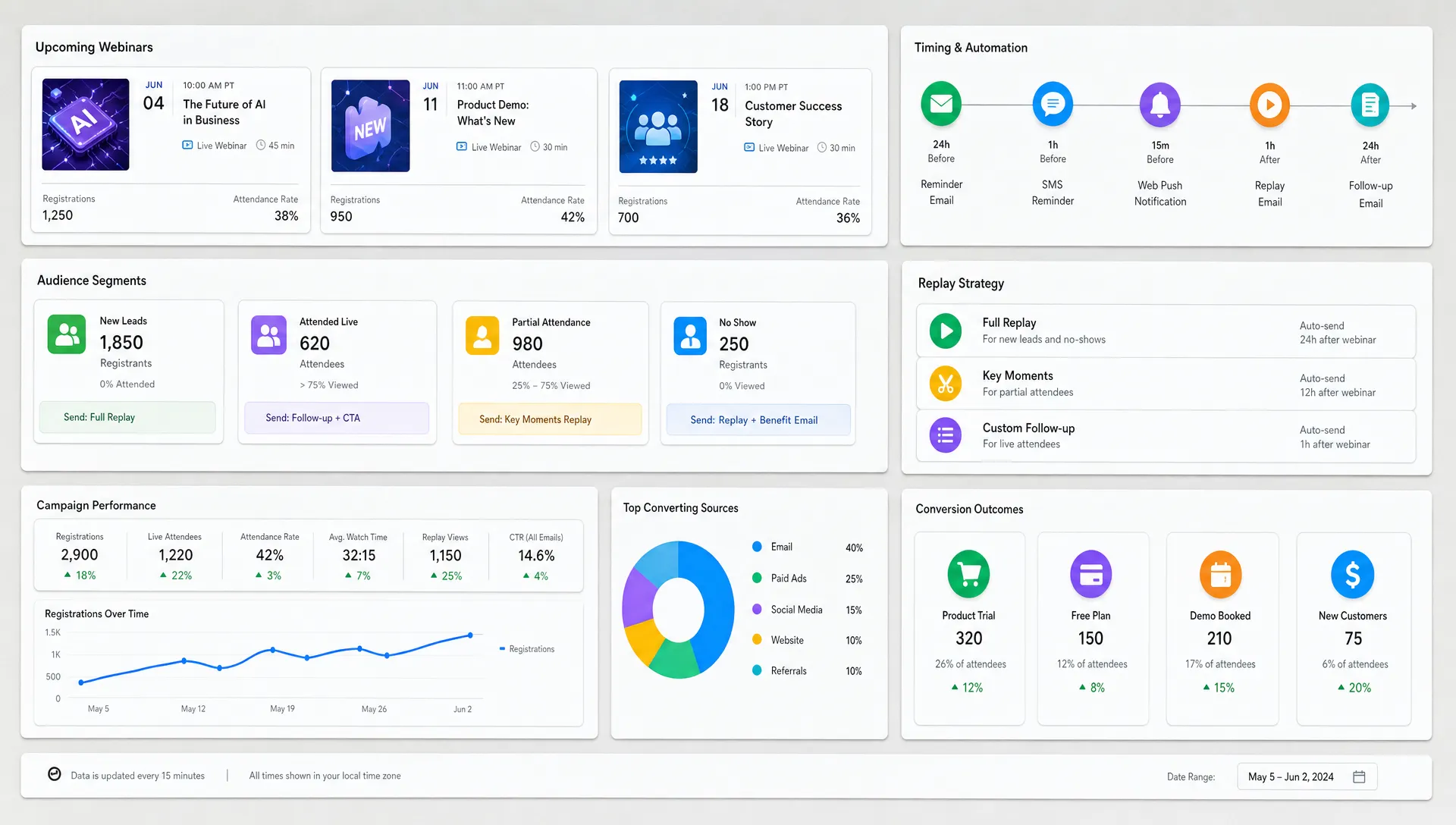
Time-based onboarding emails are useful, but behavior-based emails are often more relevant. AI marketing automation can help determine when someone needs a nudge, a clarification or a different path.
For example, a user who completed setup but has not launched anything needs a different email than a user who never logged in after signup. A customer who invited teammates may need collaboration tips, while a solo user may need a faster path to personal value.
Behavior-based onboarding triggers can include:
AI can help draft the right message for each trigger, but your team should define the logic. Without guardrails, automated emails can feel random or excessive. The right trigger should correspond to a real customer need.
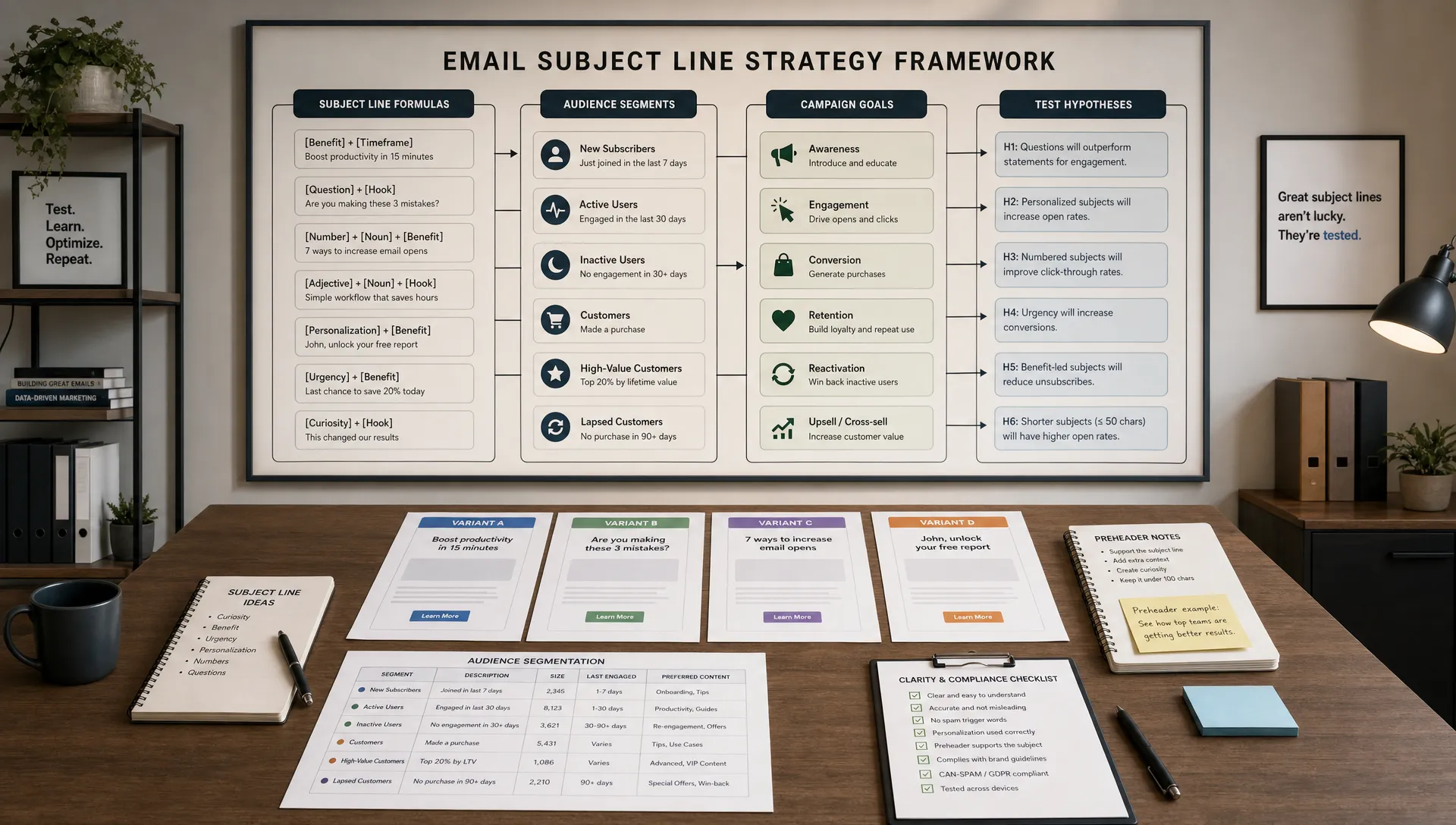
Onboarding emails cannot help if customers do not open them. Subject lines for onboarding should be clear, specific and tied to progress. This is not the place for vague curiosity hooks.
Examples of effective onboarding subject line angles include:
AI can generate variations quickly, then your team can filter them for accuracy and brand fit. If open rates are a current bottleneck, AIMarketer Hub has a focused guide with AI email marketing tips to increase open rates, including ways to use campaign data and intent-based segments.
Do not optimize subject lines in isolation. A subject line that gets opens but leads to irrelevant content can hurt trust. The promise in the inbox should match the message inside.
Customers understand value faster when the example looks like their world. AI is especially helpful for adapting onboarding emails to different industries without rewriting everything from scratch.
A project management tool could show agencies how to set up client workspaces, SaaS teams how to manage product launches and legal teams how to track matter-related tasks. The underlying feature may be the same, but the context changes.
This matters outside software too. A customer planning a high-visibility brand activation, such as booking record-setting event experiences, will need onboarding that clarifies timelines, creative approvals, logistics and stakeholder responsibilities. The same onboarding principle applies: match the first emails to the customer’s real project, not to a generic service description.
When prompting AI, include industry context and customer stakes. The copy will become more concrete, and customers will see that your company understands their situation.
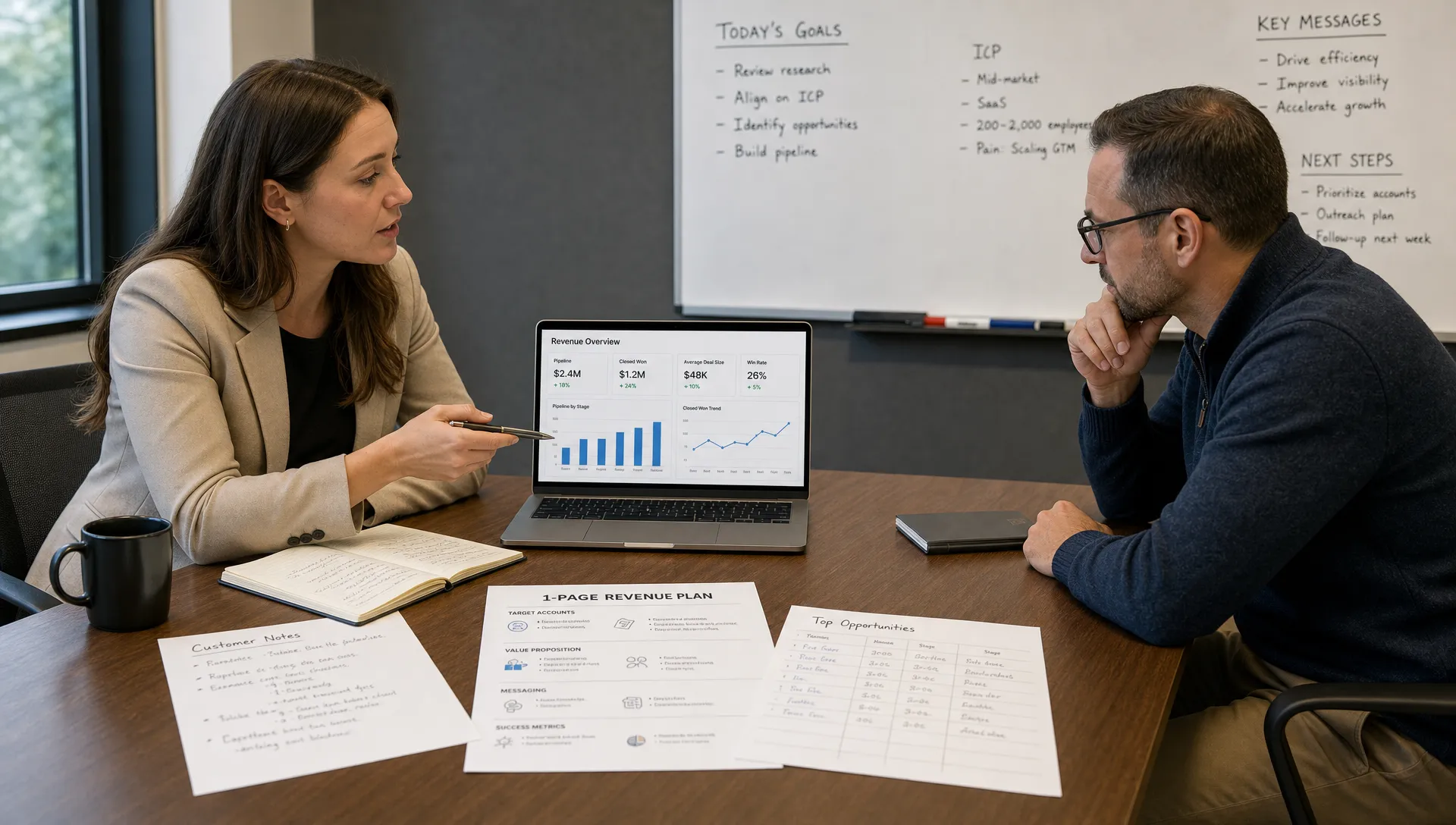
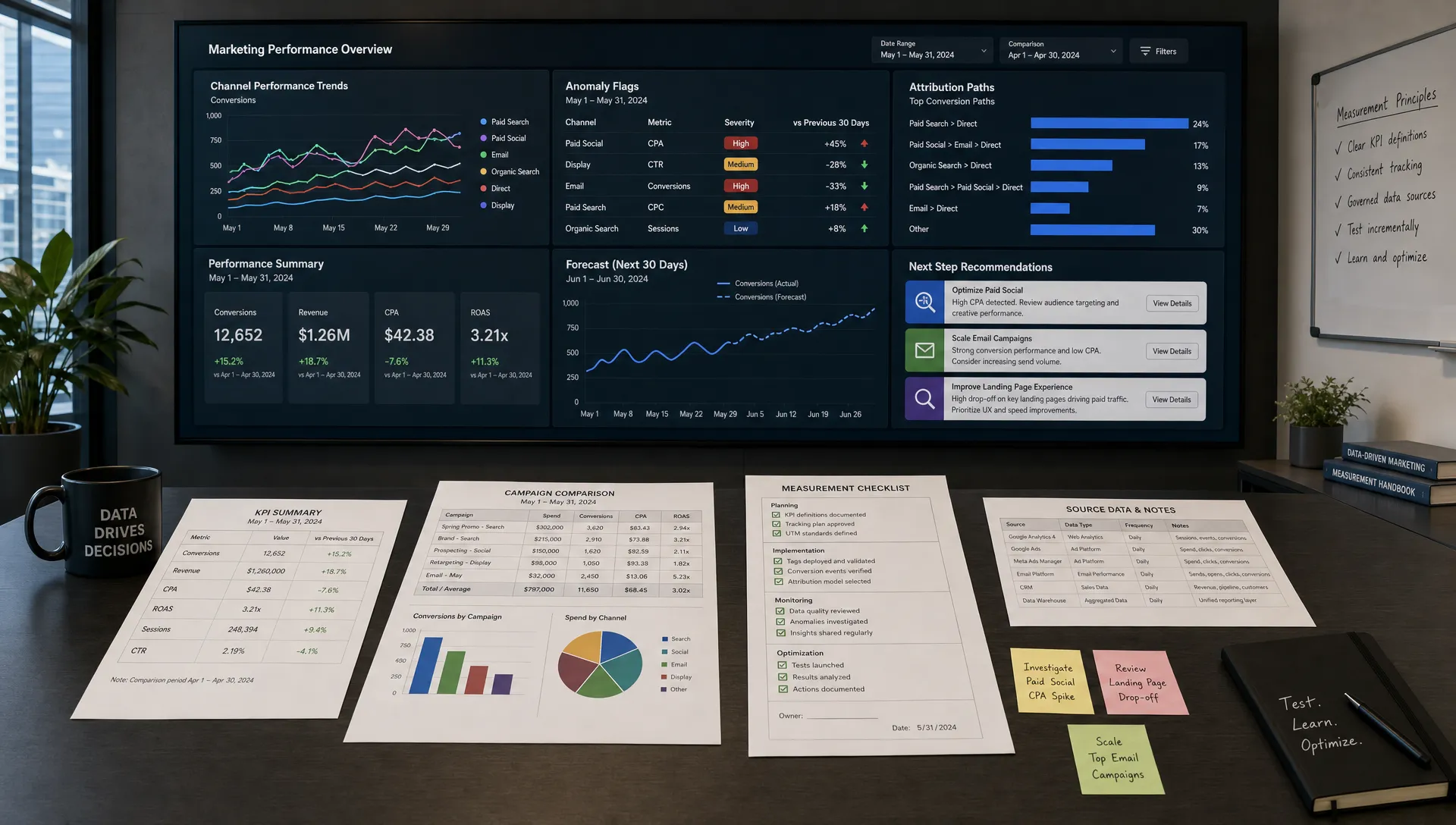
AI optimization only works when the success metric is clear. Open rate is useful, but it is rarely the best measure of onboarding quality. A customer can open every email and still fail to activate.
Track metrics that connect email engagement to customer progress.
| Metric | What it tells you | How to use it |
|---|---|---|
| Activation rate | Whether users reach the first meaningful outcome | Compare by segment, source and sequence version |
| Time to value | How long it takes customers to get a result | Identify steps that slow customers down |
| Email click-through rate | Whether the CTA is compelling | Improve copy, CTA placement and offer clarity |
| Reply rate | Whether customers are engaged or confused | Use replies to improve content and support handoffs |
| Support tickets during onboarding | Where guidance is missing | Add clarifying emails, videos or help links |
| Retention after onboarding | Whether early success predicts longer-term value | Refine the sequence around actions linked to retention |
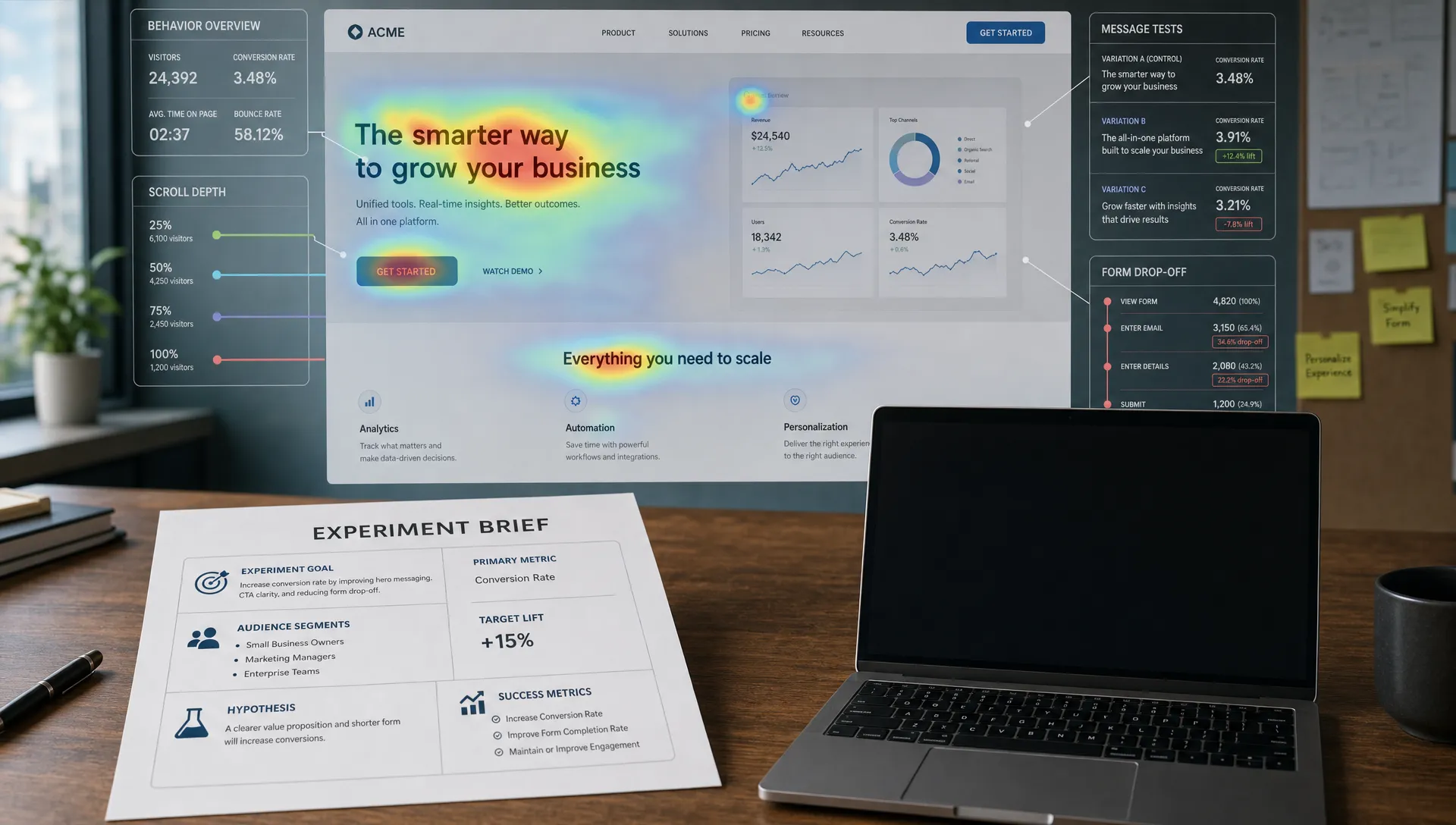
AI-powered analytics can help detect patterns, but the interpretation still matters. If a reminder email gets high clicks but low activation, the destination may be confusing. If an email gets low clicks but high reply rates, it may be prompting human conversations rather than self-serve action.
AI can draft, segment and analyze, but onboarding emails carry customer expectations. A careless claim in onboarding can create confusion for sales, support and customer success teams.
Human review should check for:
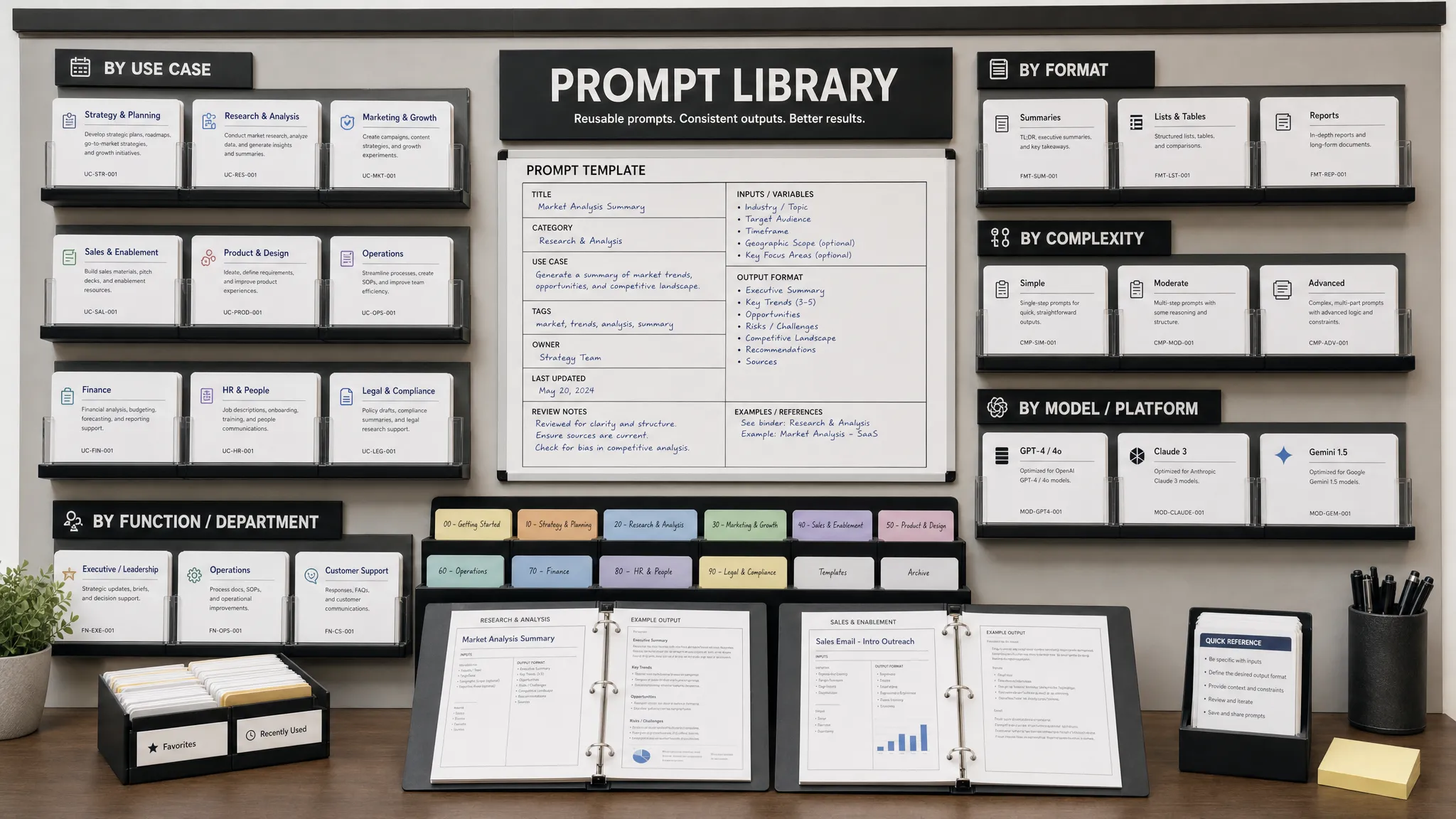
This review does not need to slow down the team. Create reusable AI prompt templates, approved messaging blocks and a simple checklist. Over time, your onboarding workflow becomes faster because AI handles first drafts and variations while humans protect clarity and trust.
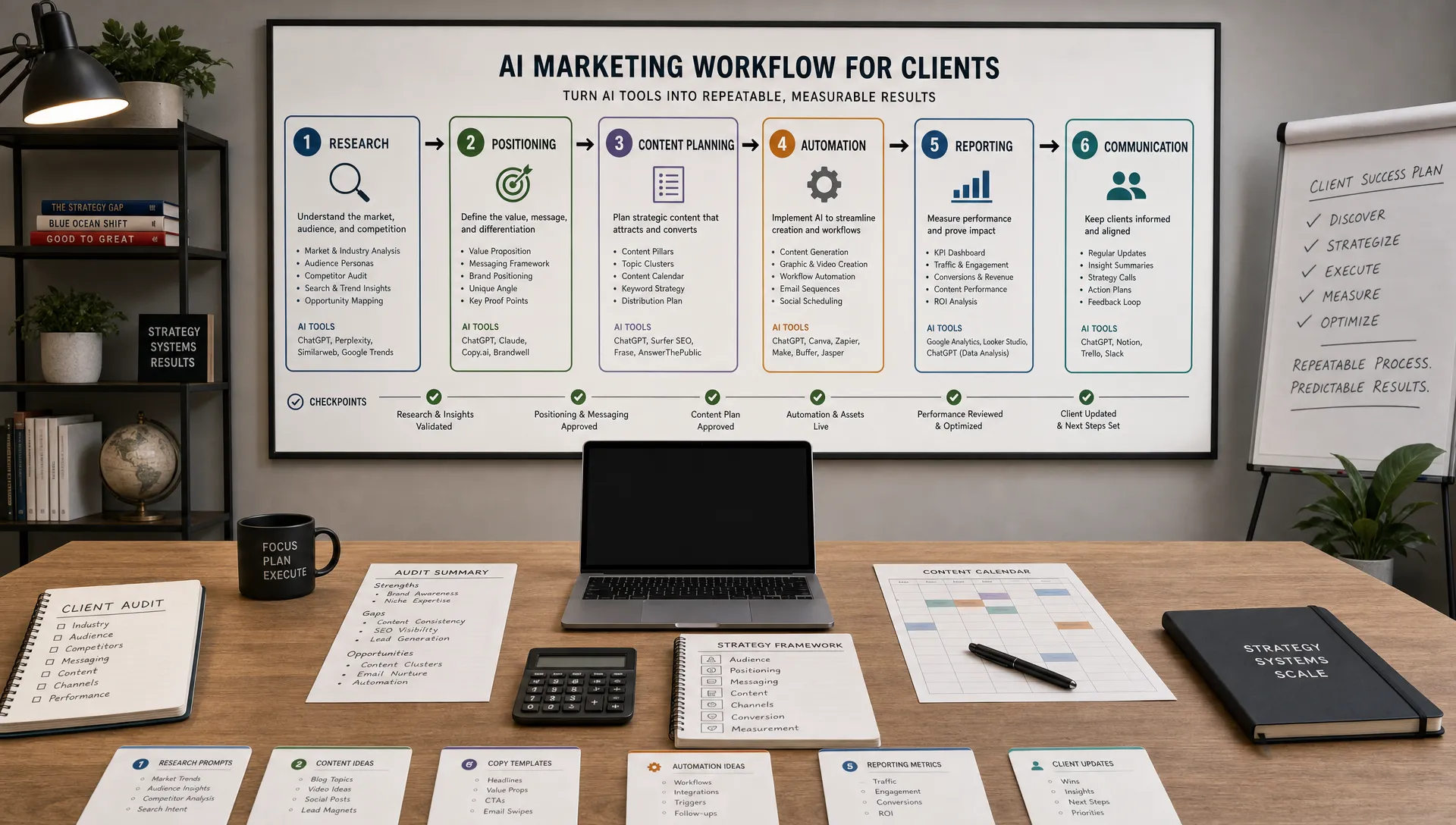
A practical workflow might look like this:
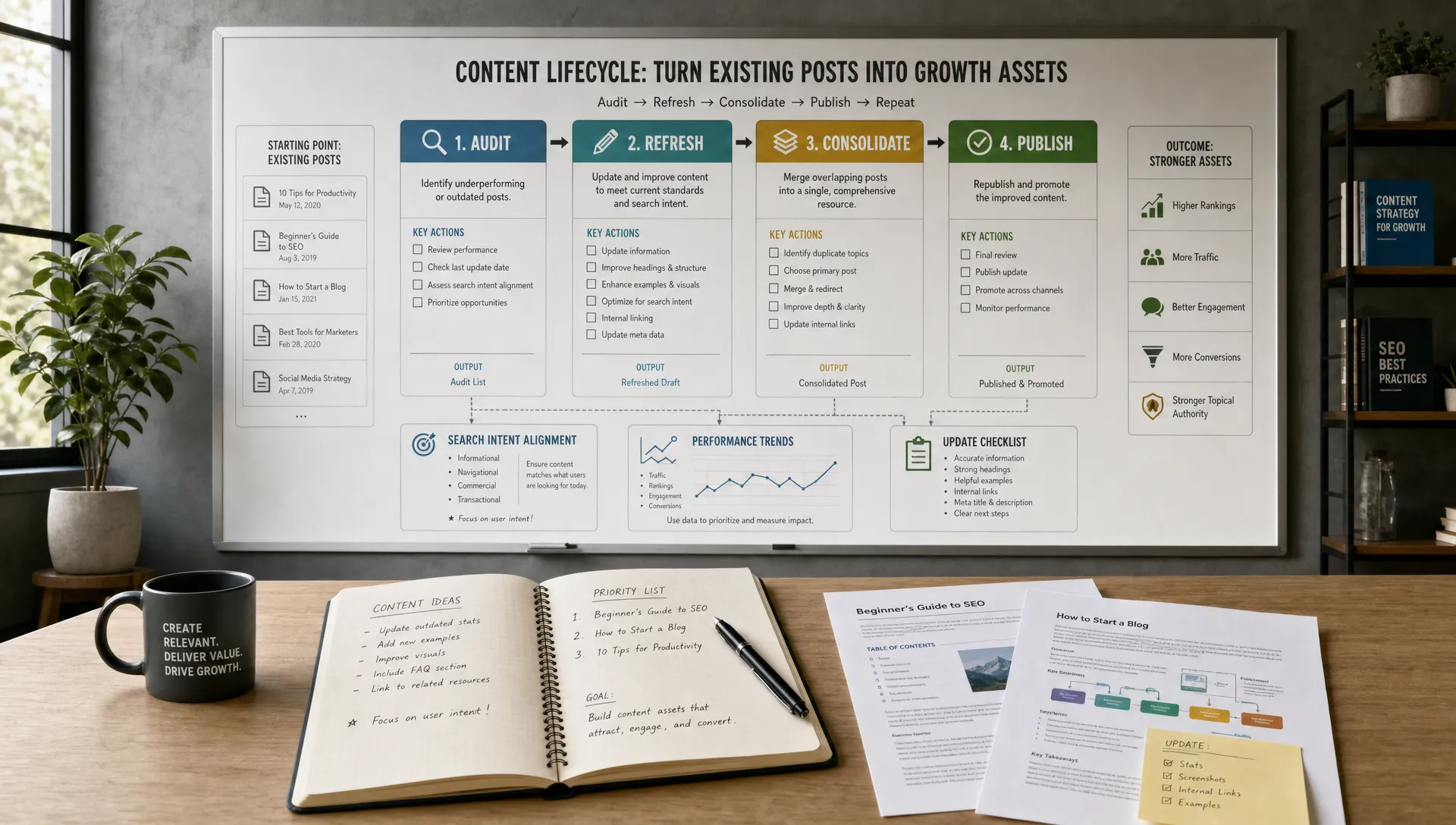
This workflow keeps AI grounded in real customer behavior. It also prevents the common mistake of treating onboarding as a one-time copywriting project. Your sequence should evolve as your product, audience and customer objections change.
Can AI write a full customer onboarding email sequence? Yes, AI can draft a full sequence, but it needs clear inputs such as audience, activation goal, product context, timing and desired CTA. Human review is still necessary to verify accuracy and brand fit.
How many onboarding emails should a new customer receive? Many businesses can start with five to seven emails over the first 7 to 14 days. Complex products or high-touch services may need more, but each message should have a clear purpose.
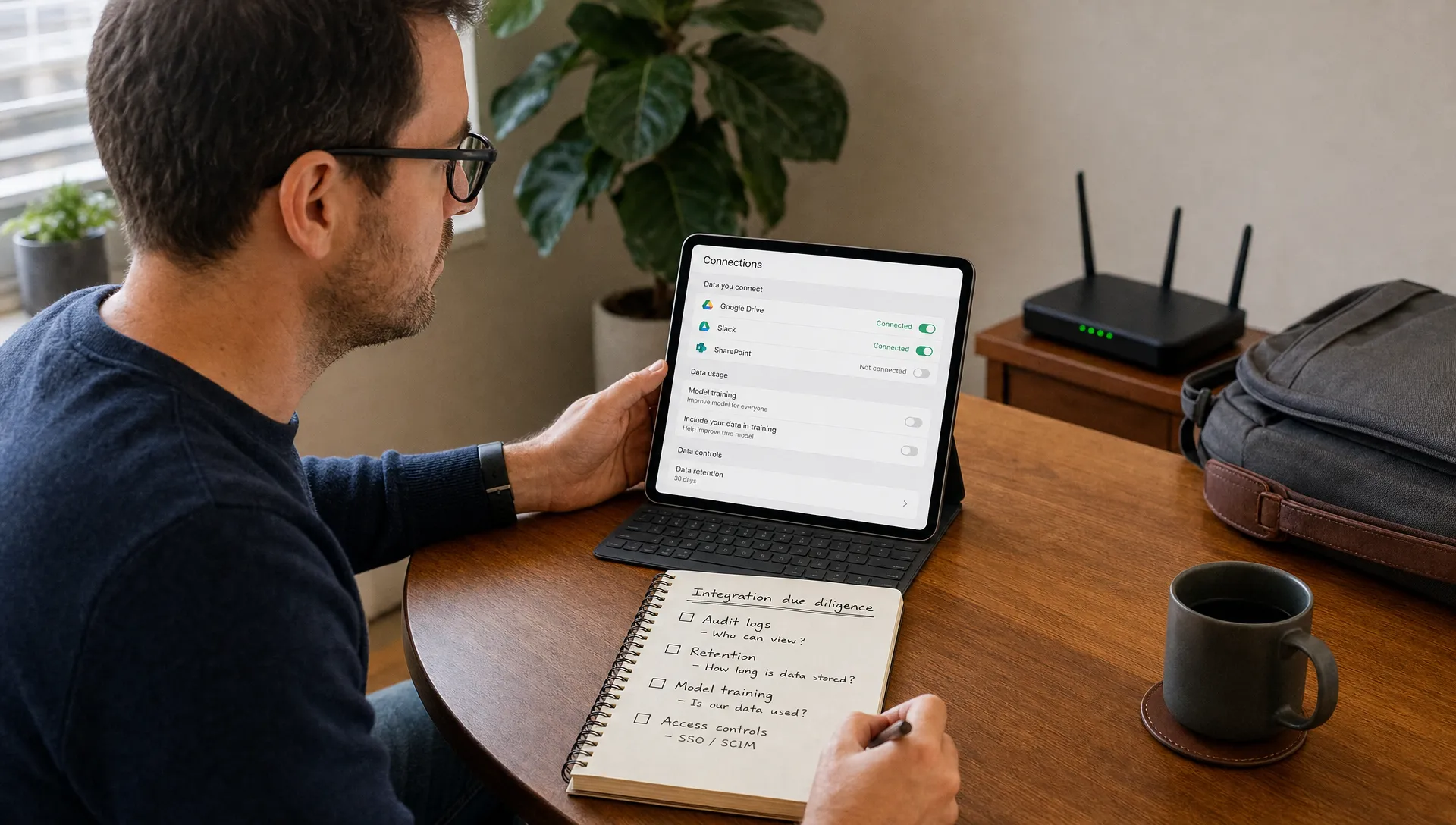
What data should I use for AI-powered onboarding personalization? Useful data includes signup source, role, industry, plan type, stated goal, product behavior and support interactions. Use only data that improves the customer experience and avoid overly specific tracking references.
Should onboarding emails be time-based or behavior-based? A mix works best. Time-based emails create a basic structure, while behavior-based triggers make the sequence more relevant to what each customer has done or missed.
What is the biggest mistake when using AI for onboarding emails? The biggest mistake is asking AI for generic email copy without giving it customer context. AI performs much better when it knows the onboarding goal, customer segment, friction point and next action.
AI can improve customer onboarding emails when it is used as part of a structured lifecycle strategy. Start with the customer’s success milestone, segment by intent and behavior, then use AI to draft, personalize, test and refine each message.
If you want a faster way to build AI-assisted marketing workflows, AIMarketer Hub offers practical guides, prompt resources, SEO tools, calculators and marketing automation insights for teams that want to create better campaigns with less manual work. Use those resources to make your next onboarding sequence clearer, more relevant and easier to optimize.