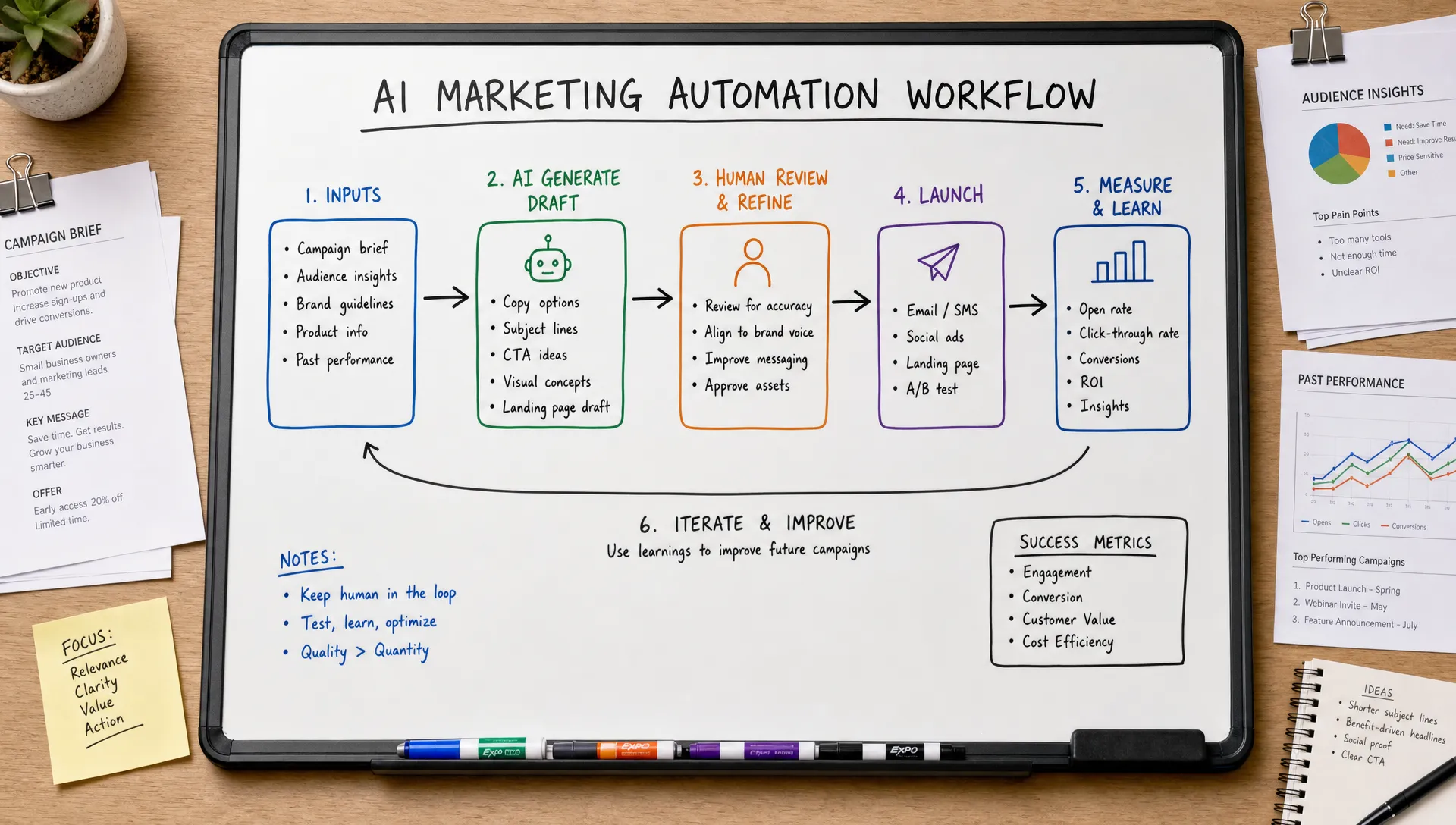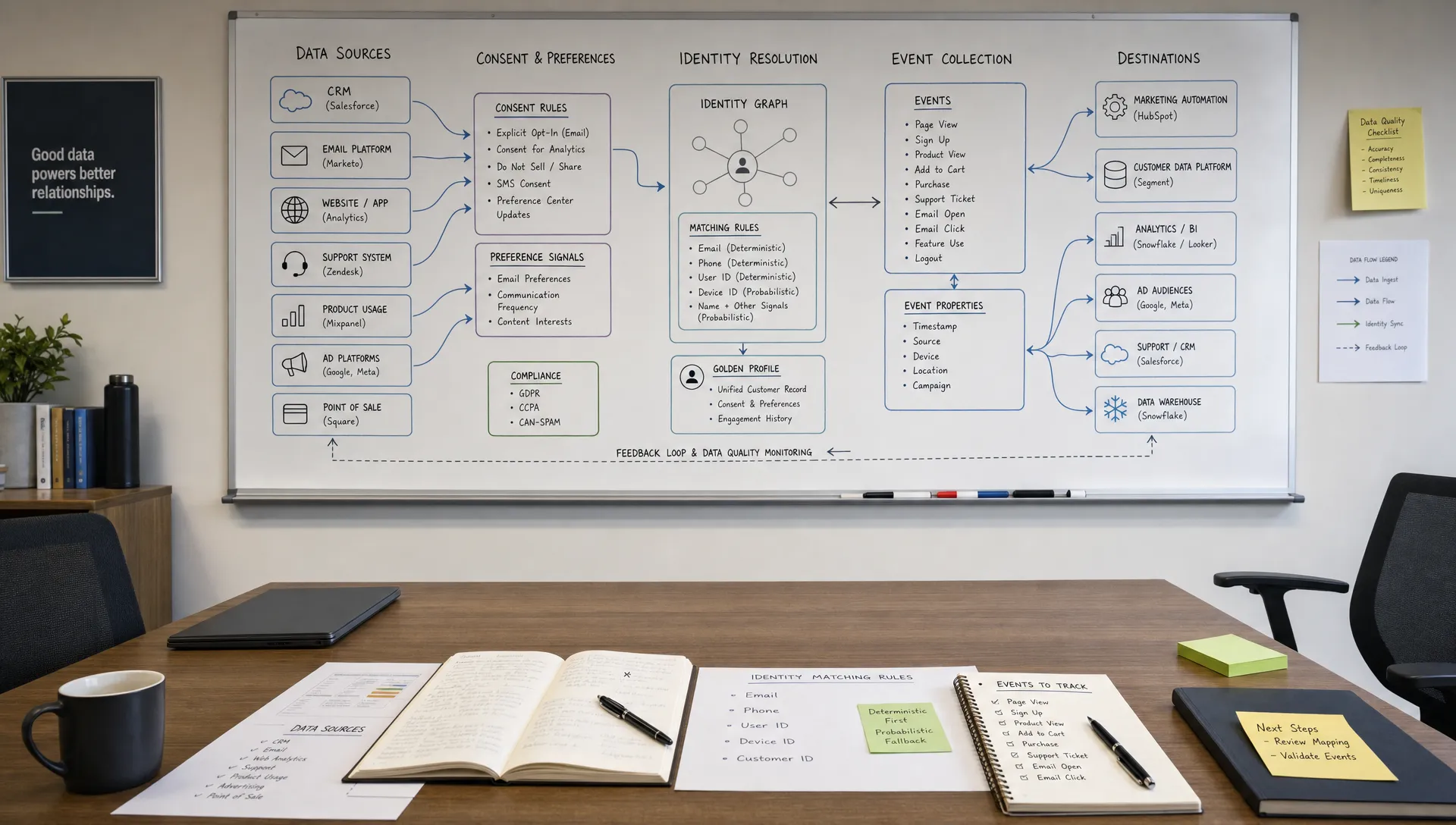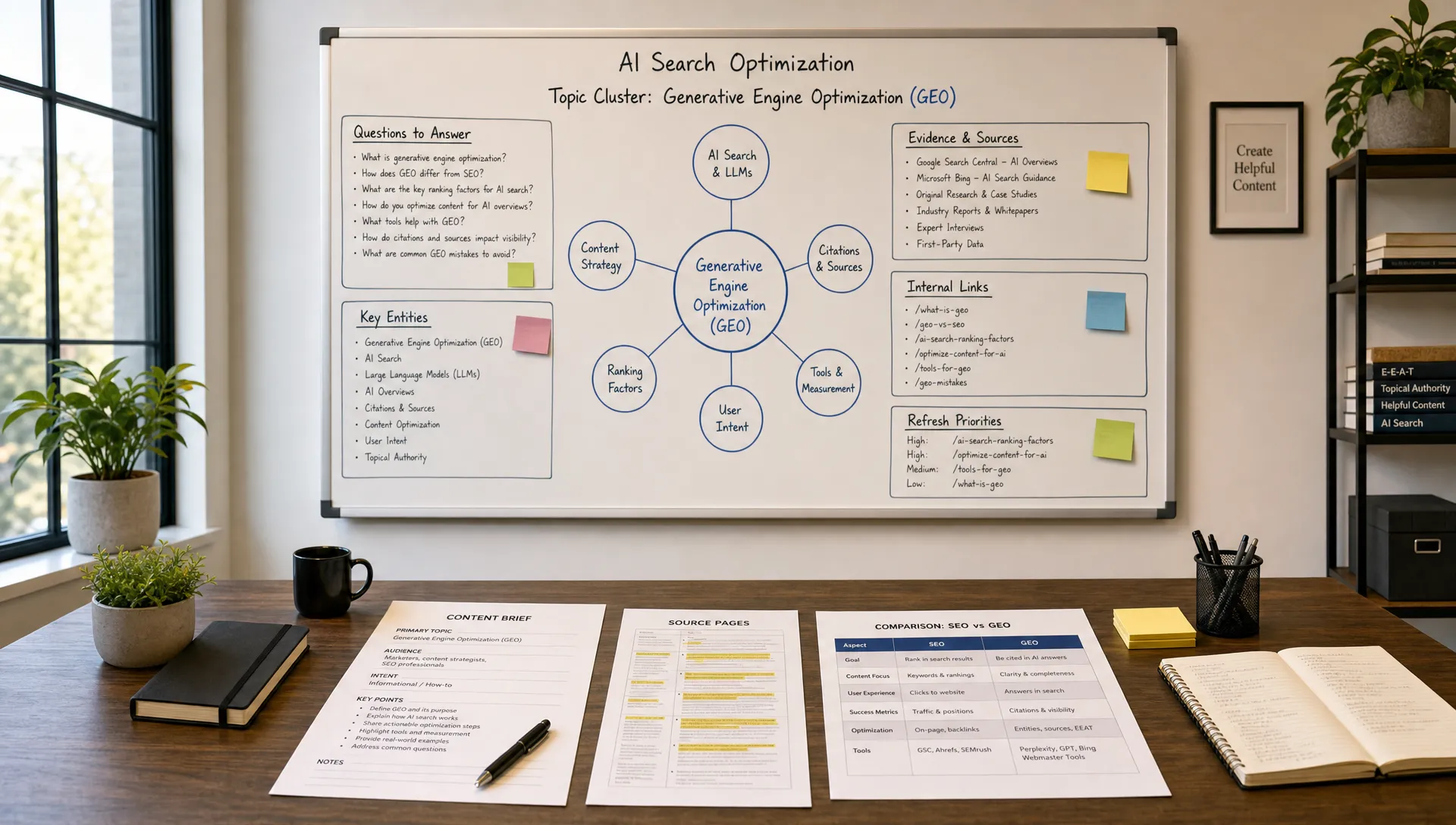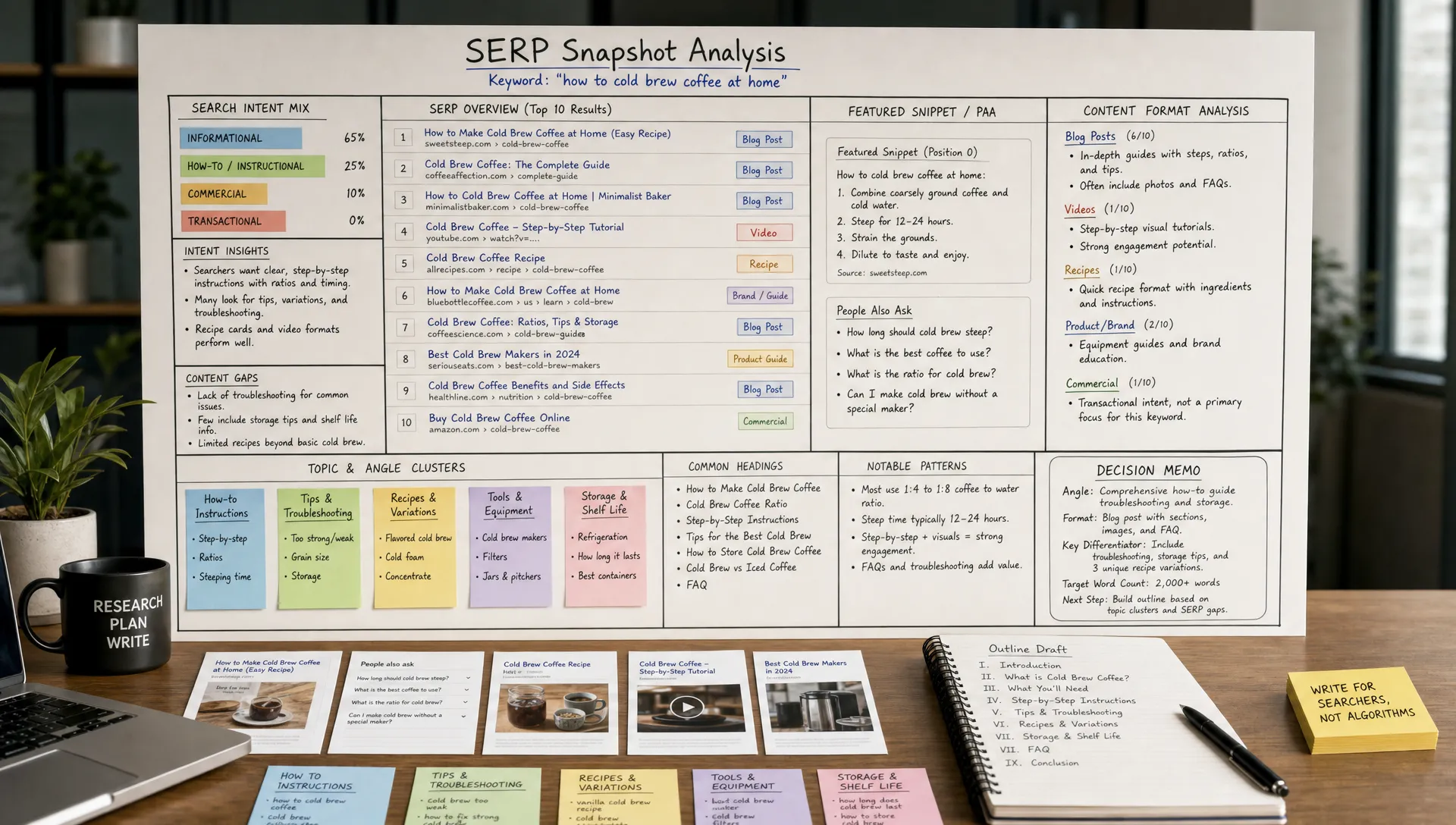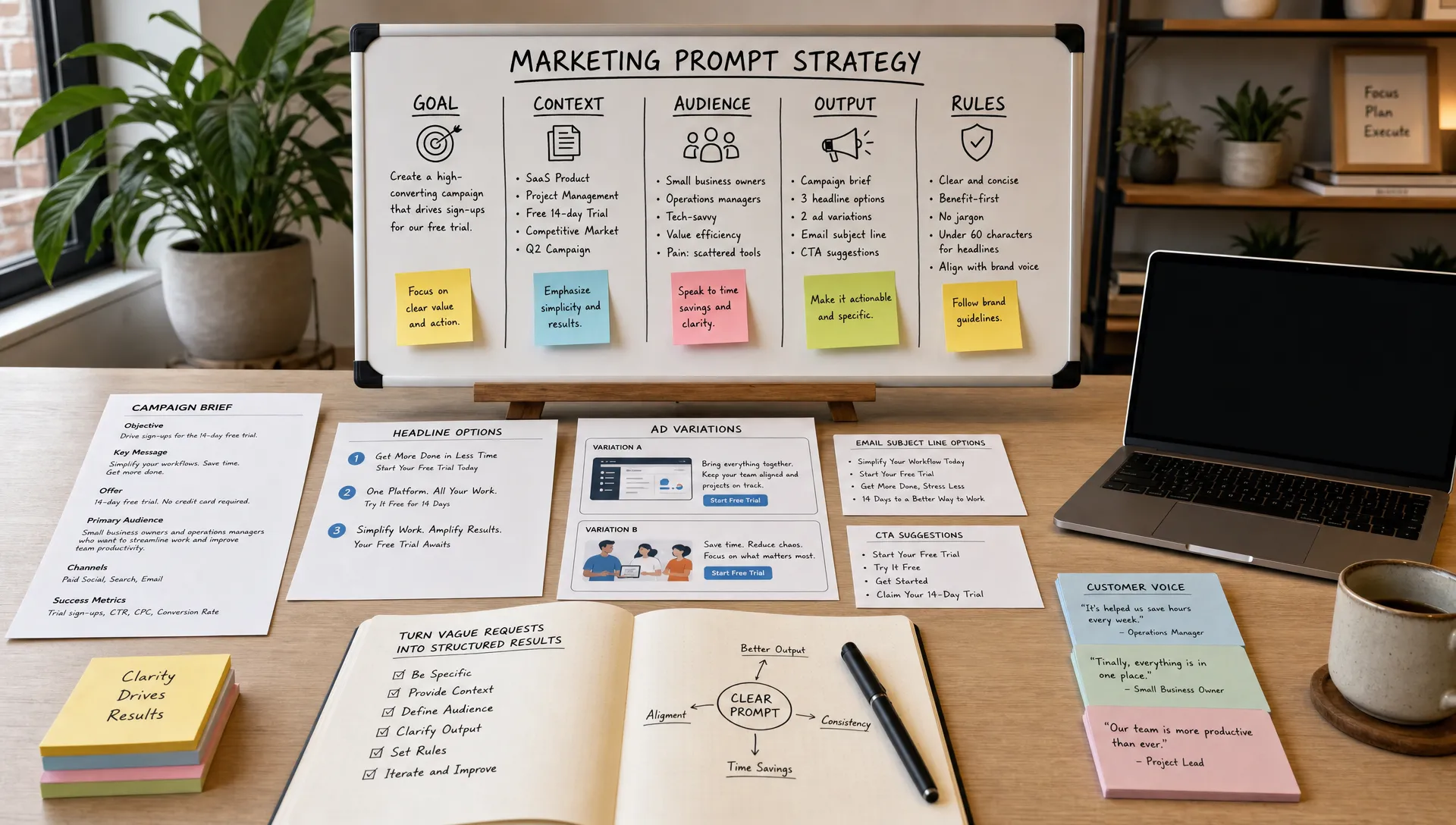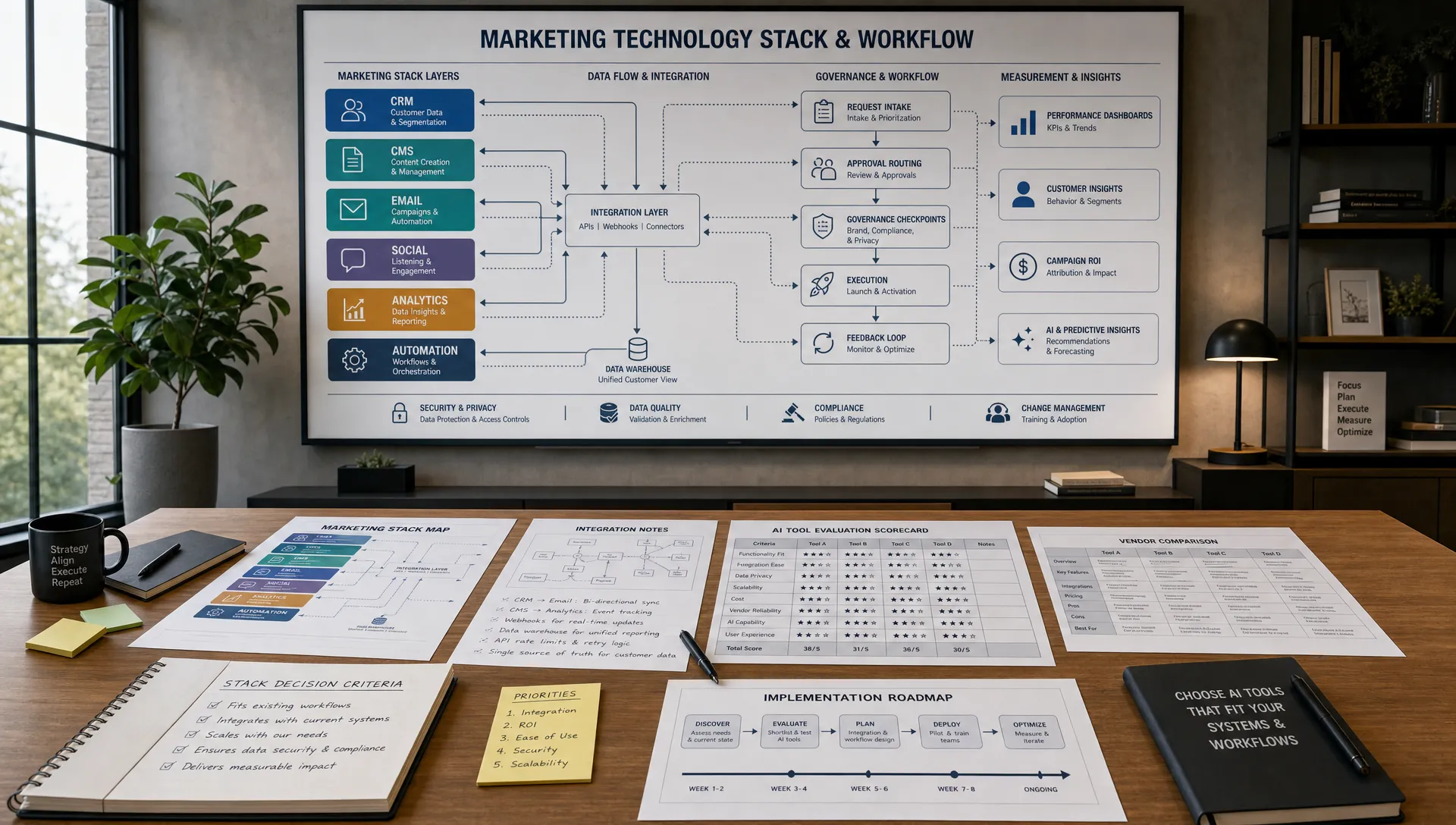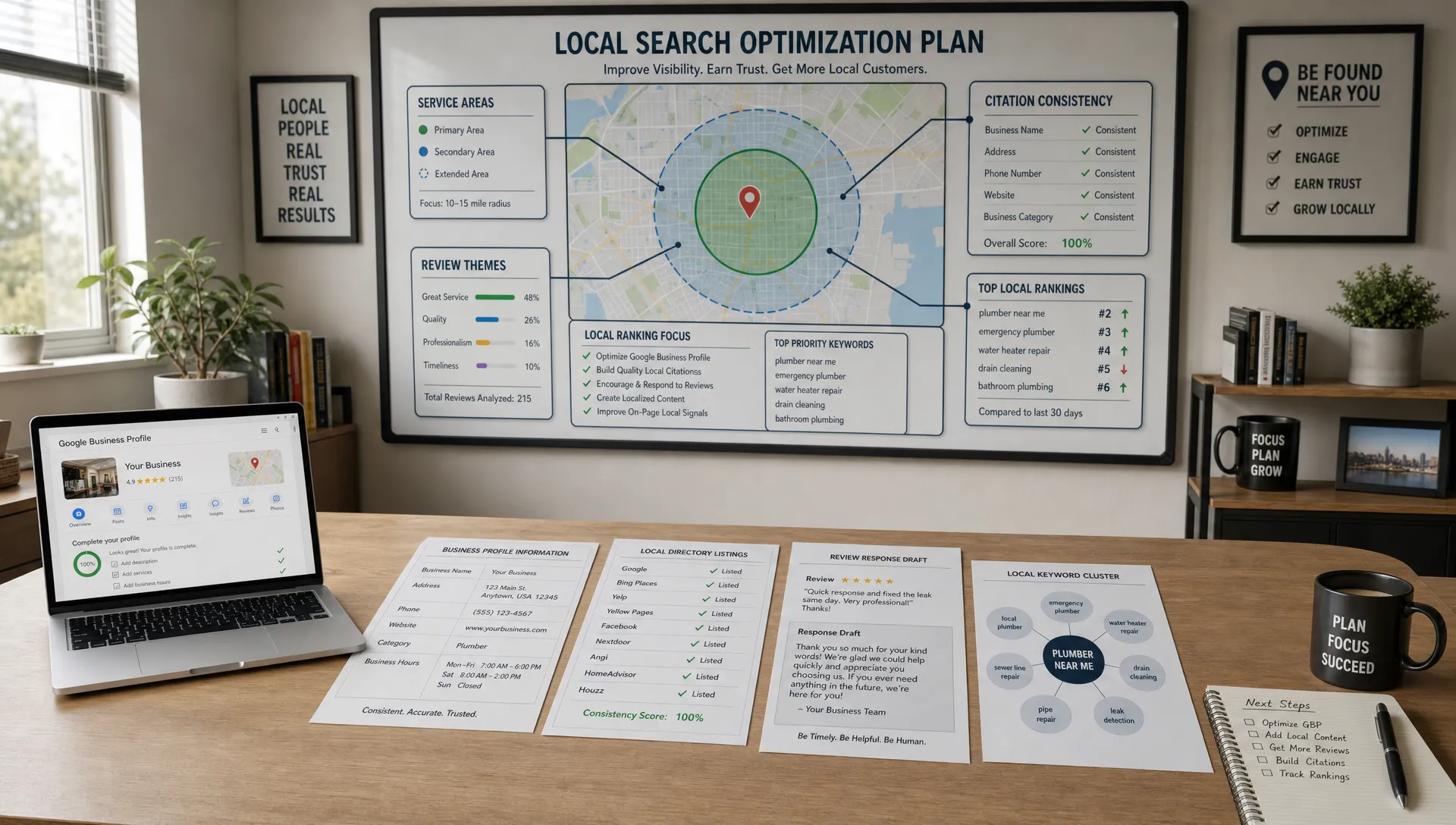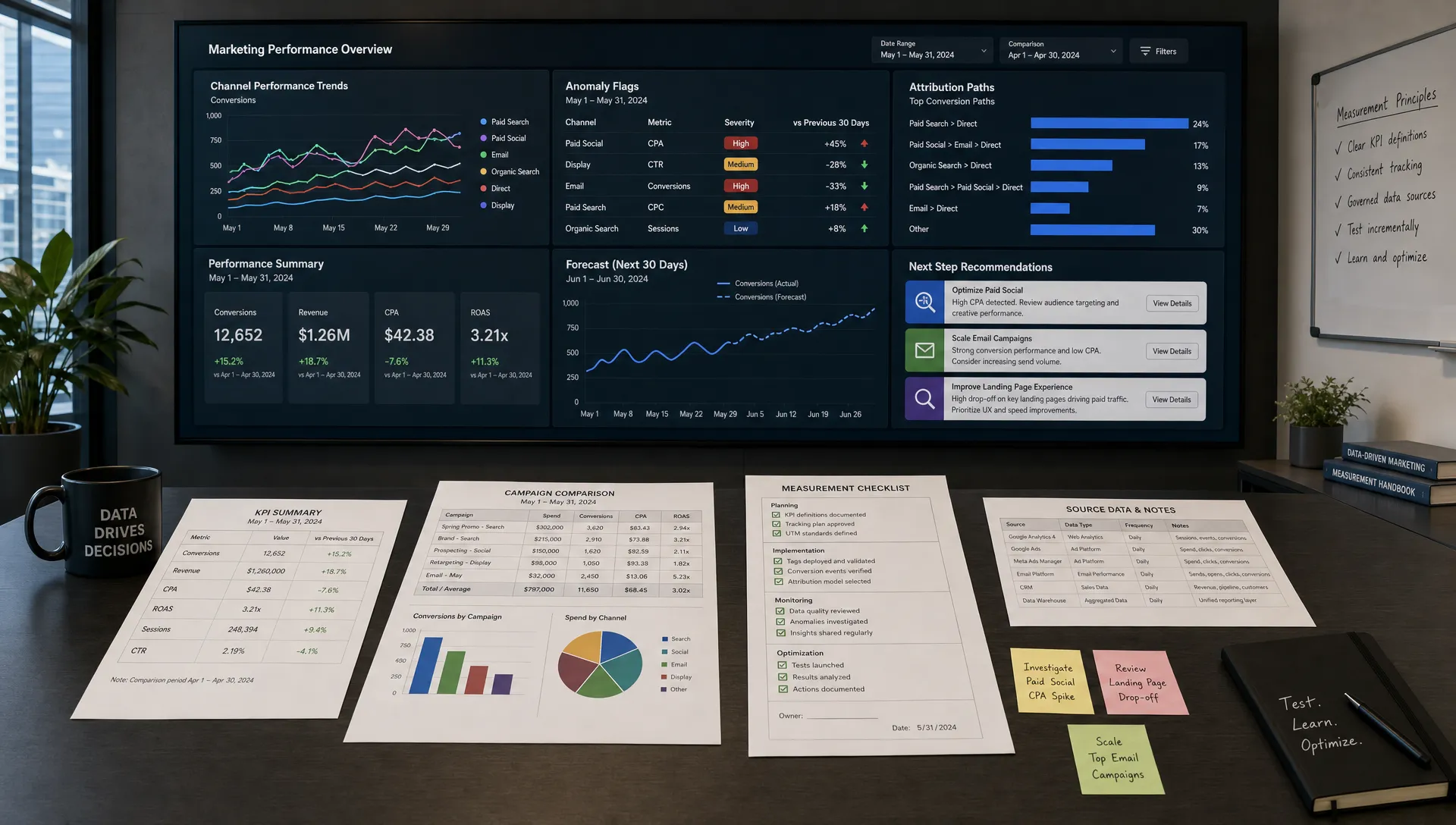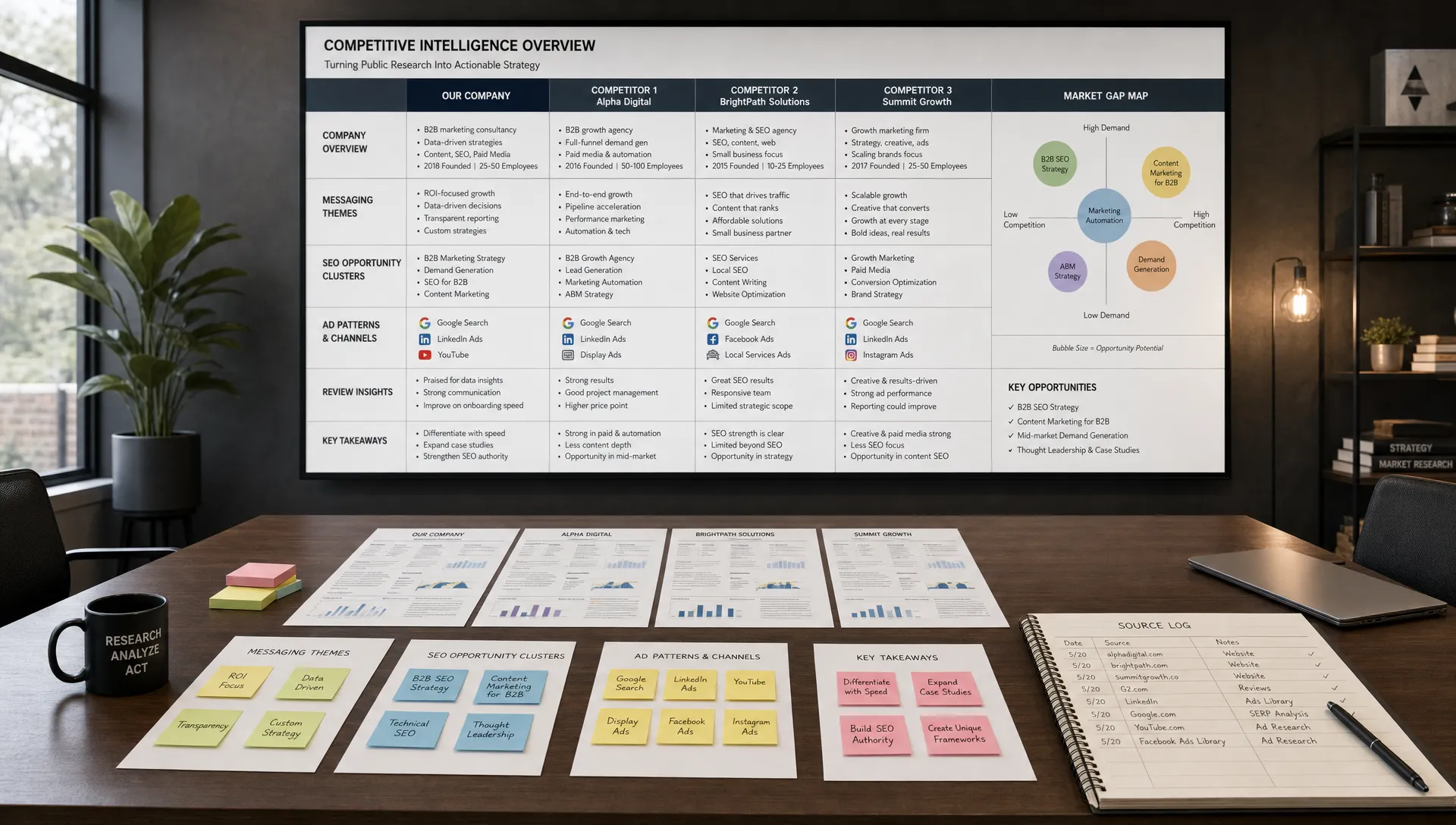
AI assistants can draft briefs, summarize research, outline campaigns and turn raw ideas into usable marketing assets. Yet they only become dependable when they can pull from a clear, current source of truth. A marketing knowledge base for AI assistants is the system that gives your tools context, guardrails and approved facts so they stop guessing and start supporting real work.
For marketing teams, this is where AI marketing moves from experimentation to repeatable execution. The goal is not to dump every document into a folder and hope a chatbot understands it. The goal is to design a knowledge layer that reflects how your team thinks, sells, publishes and measures performance.
Prompts matter, but they are not enough. A strong prompt can tell an AI assistant what to do, but the knowledge base tells it what is true for your business. Without that foundation, even capable AI tools may produce generic copy, outdated positioning, wrong product details or confident answers that do not match your brand.
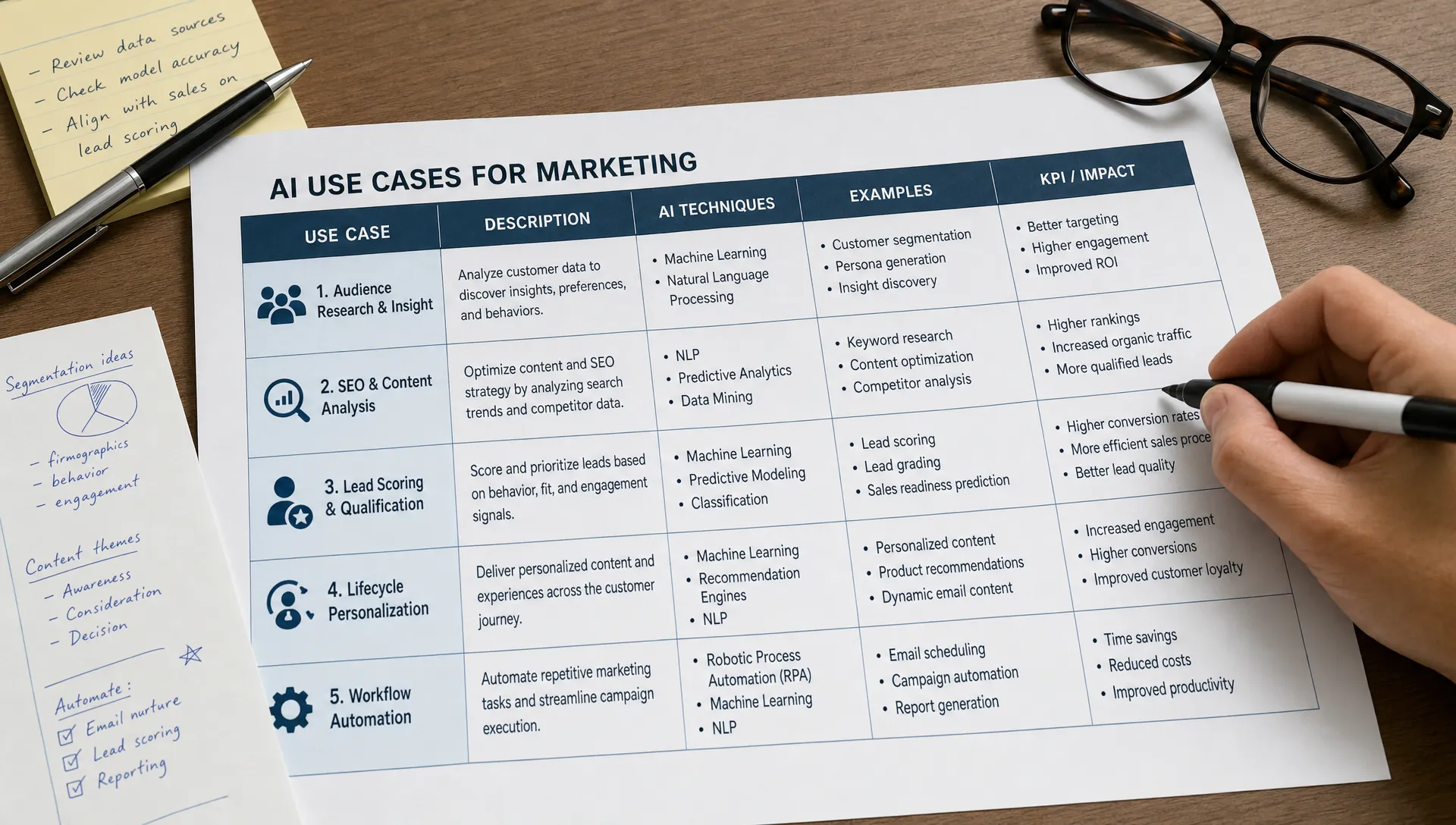
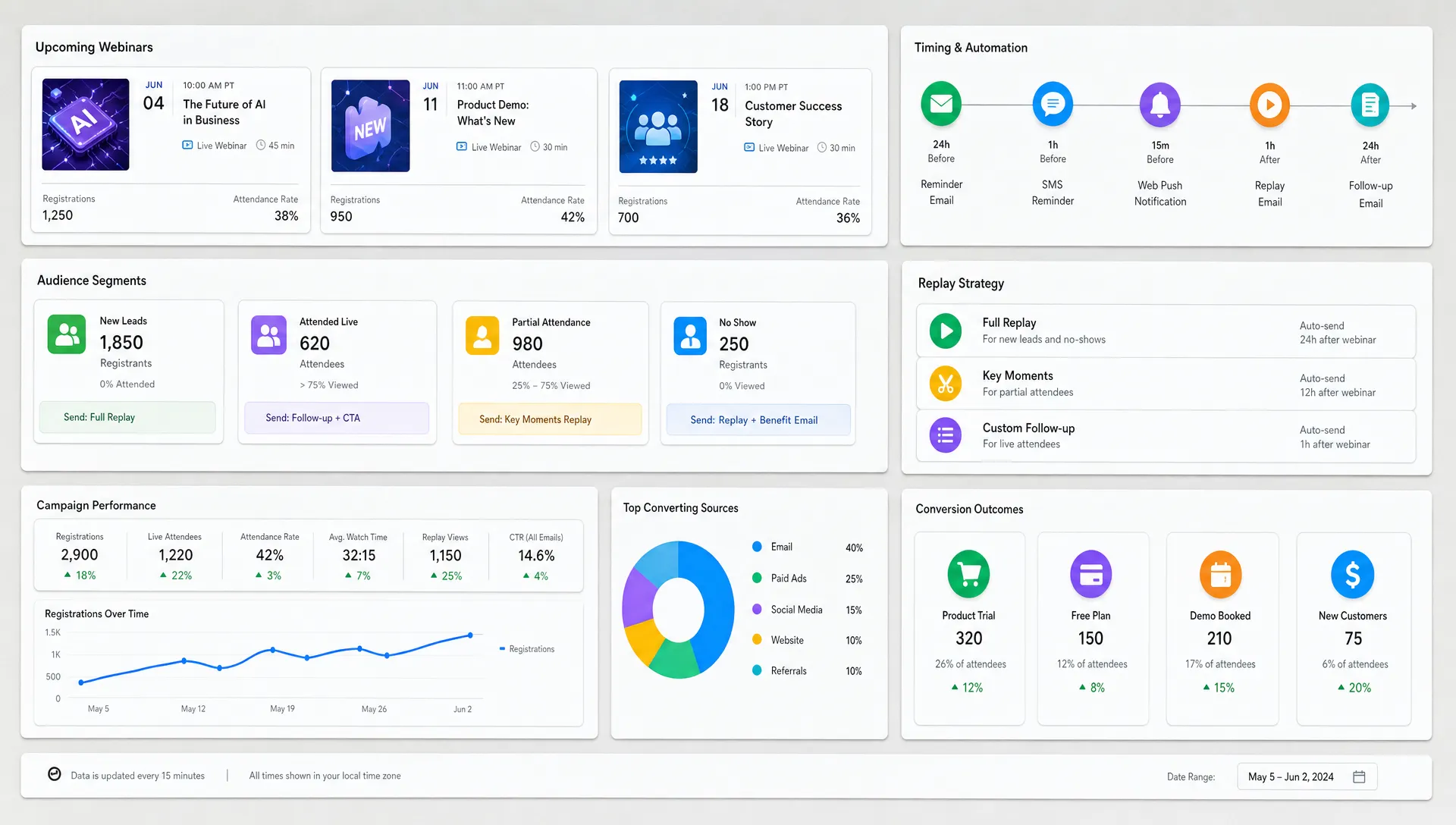
This matters more as teams use AI across content creation, SEO, paid media, customer research and marketing workflow automation. The assistant is no longer a novelty sitting outside the process. It becomes part of campaign planning, content reviews, sales enablement and analytics interpretation.
A marketing knowledge base also reduces dependency on one person’s memory. If your head of content is out, your AI assistant can still retrieve the current audience segments, messaging pillars, competitor notes and compliance rules. If a new team member joins, they can use the same source of truth instead of learning through scattered Slack threads and old slide decks.
The most useful approach is to build in layers. Start with the decisions your AI assistant must support, then organize the information it needs to make those decisions well. This keeps the system lean, searchable and easier to govern.
A practical marketing knowledge base for AI assistants usually includes strategy, audience insight, offer details, brand voice, channel rules, examples, performance data and approval requirements. The exact structure depends on your business model, industry and risk profile, but the build process is consistent.
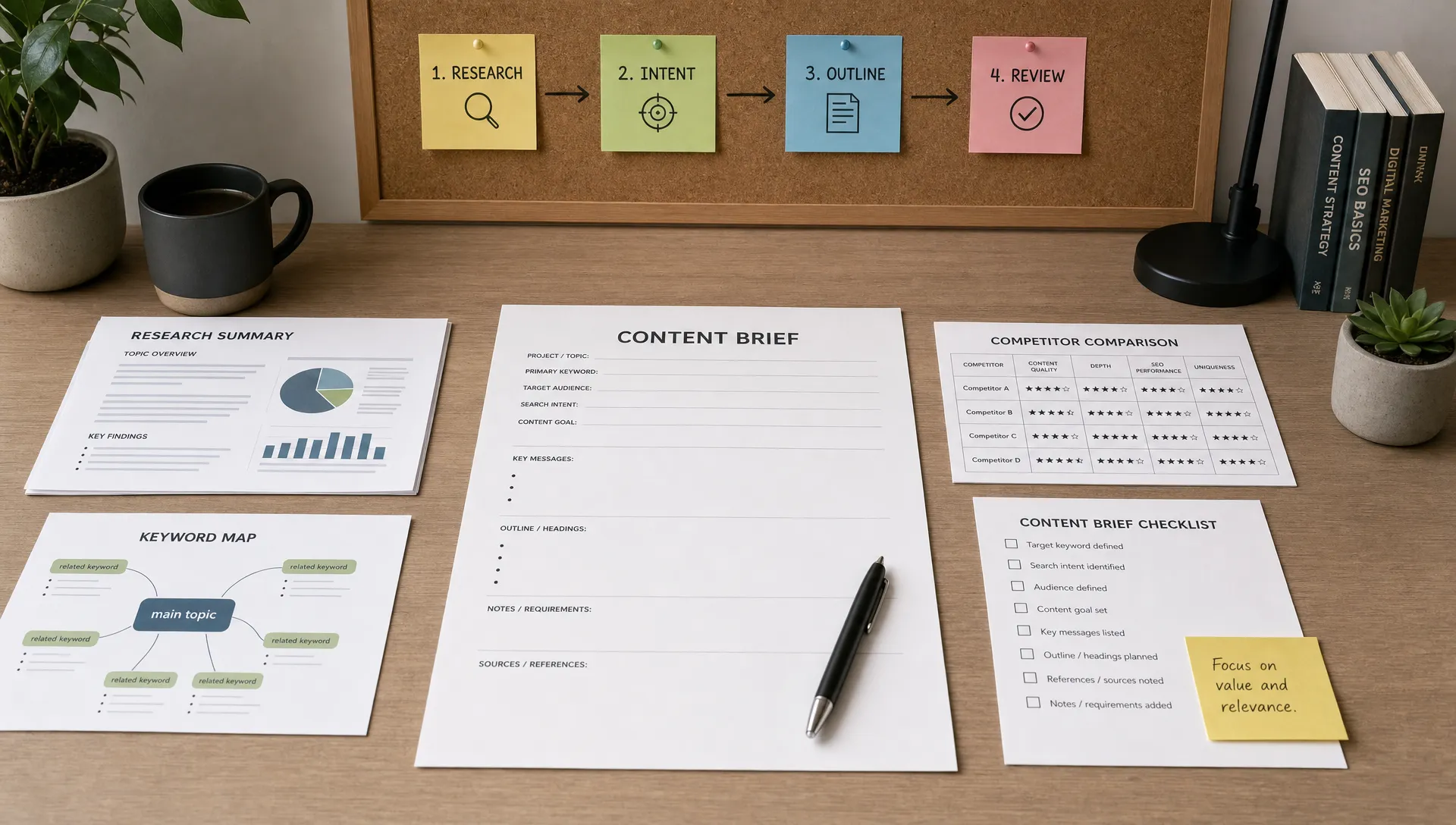
Before collecting documents, define what the AI assistant will help with. A knowledge base built for blog production will look different from one built for sales enablement or lifecycle email. Many teams skip this step, then wonder why the assistant retrieves irrelevant files.
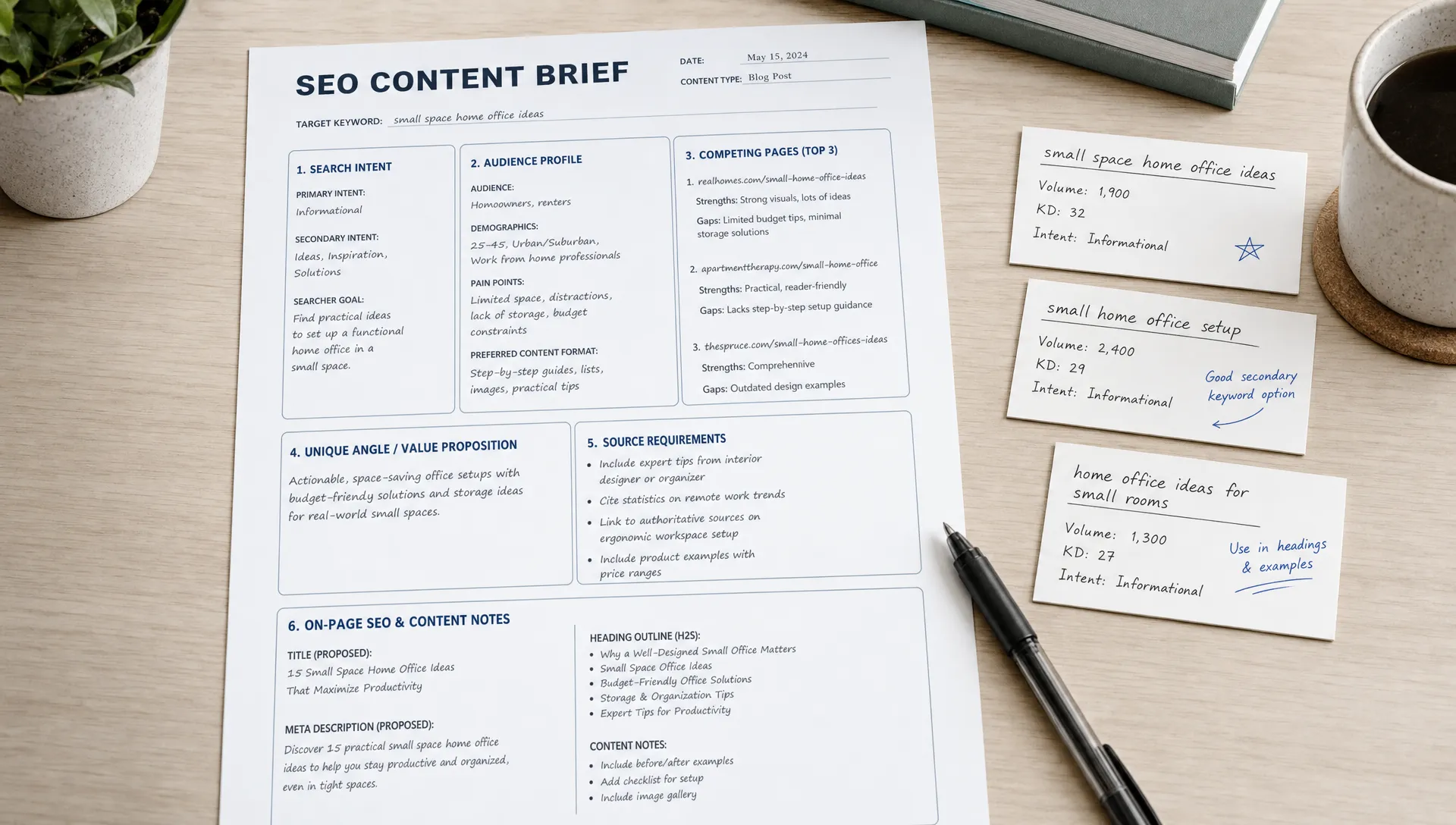
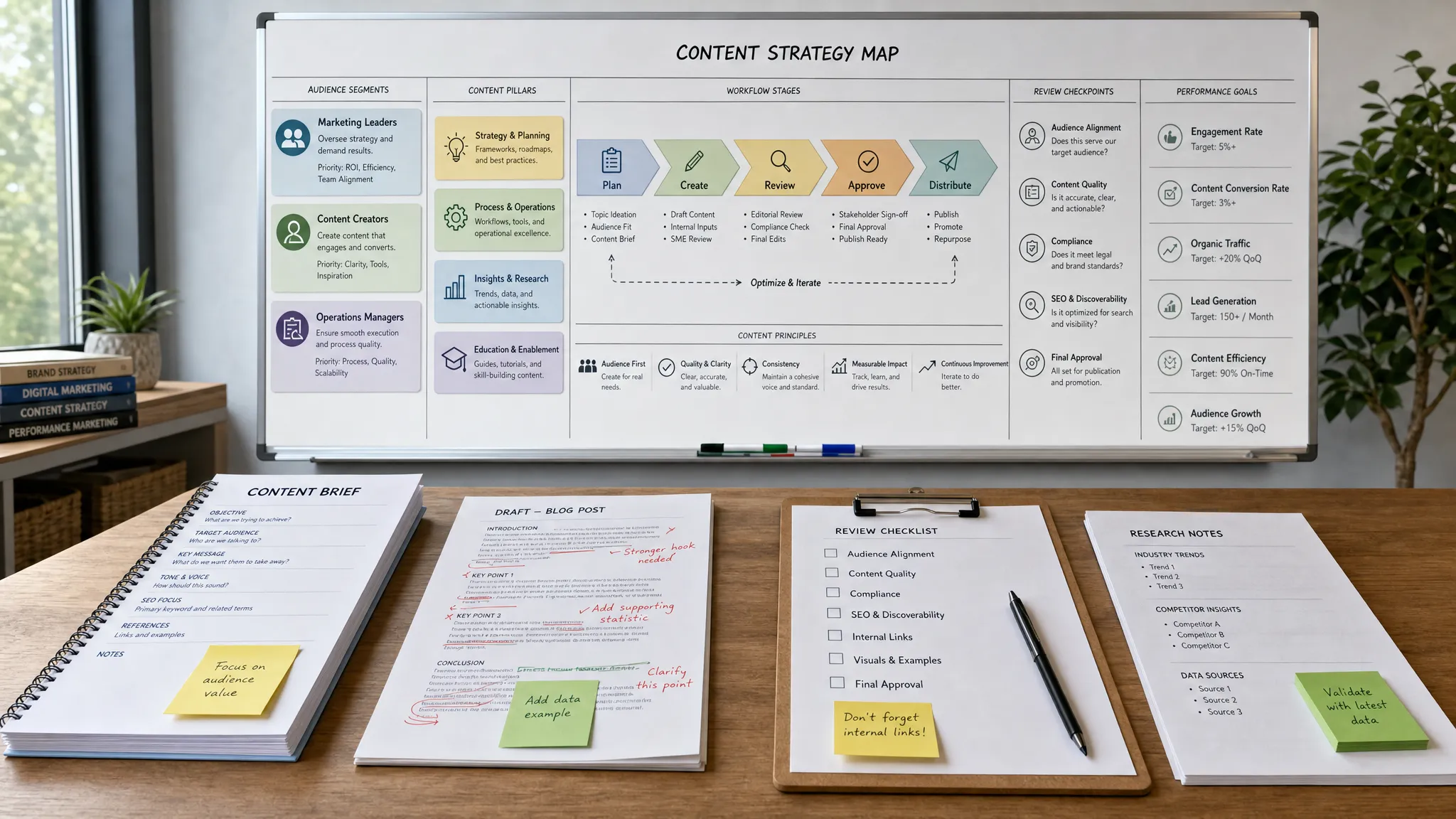
List the top workflows where AI can save time or improve quality. Then map each workflow to the decisions the assistant must make. For example, an SEO assistant needs keyword intent, internal linking rules, target audiences and content standards. A campaign planning assistant needs positioning, segments, offers, past performance and launch calendars.
| AI assistant use case | Knowledge it needs | Common failure if missing |
|---|---|---|
| SEO content briefs | Audience, search intent, internal links, content standards | Generic outlines that do not fit the site |
| Paid ad copy | Offer details, claims rules, audience pain points, channel limits | Overpromising or weak message match |
| Email campaigns | Lifecycle stage, customer triggers, brand tone, segmentation rules | One-size-fits-all messaging |
| Sales enablement | ICP, objections, proof points, competitor notes | Inaccurate battlecards or vague value props |
| Analytics summaries | KPI definitions, campaign goals, attribution notes | Misleading conclusions from raw numbers |
This use-case map prevents the knowledge base from becoming an archive. It becomes an operating asset.
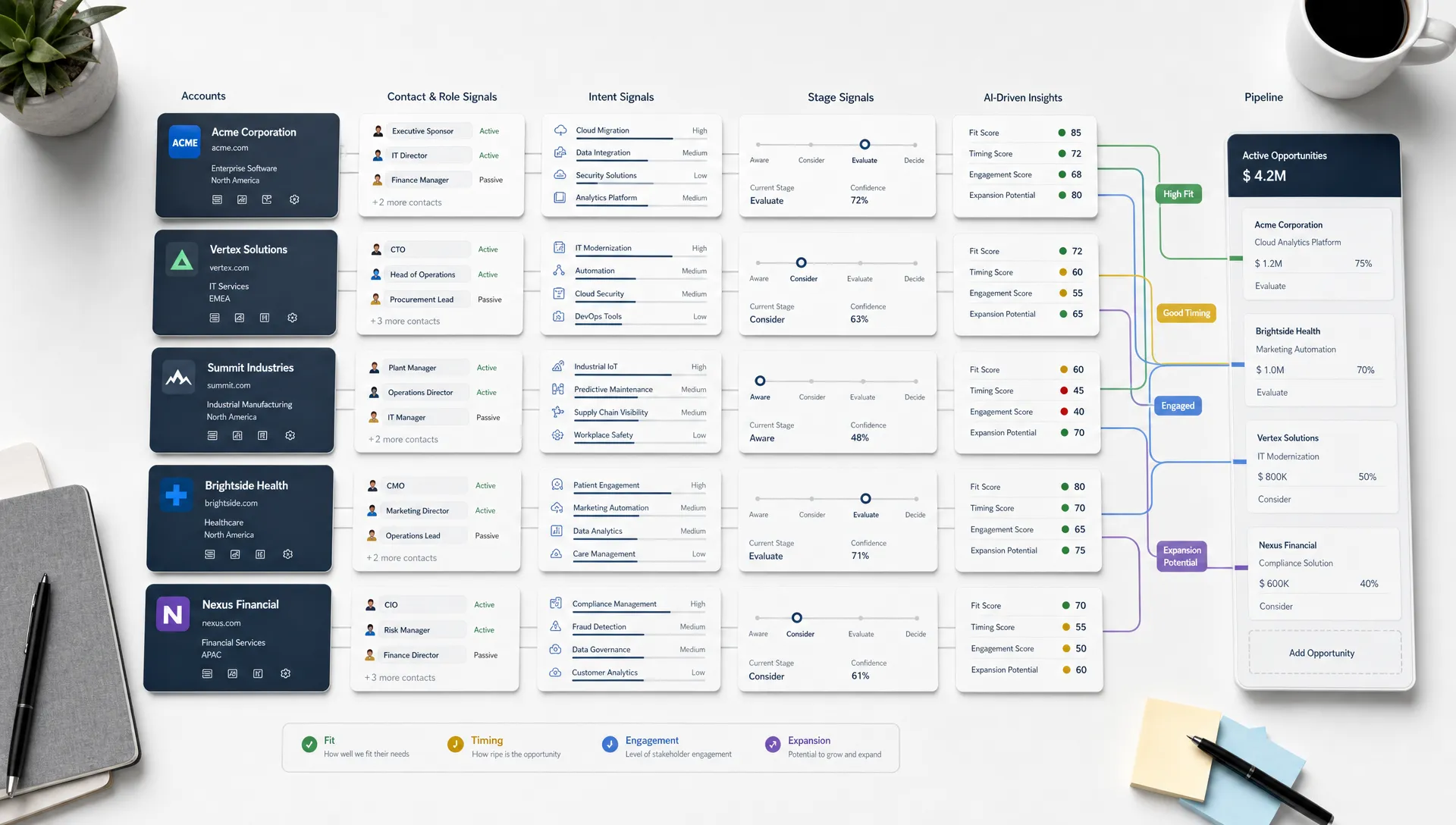
Most companies already have useful knowledge, but it is spread across tools. You might find messaging in pitch decks, personas in a PDF, SEO rules in a spreadsheet, campaign learnings in a project management tool and customer language inside call transcripts.
Run a source audit before building anything new. Identify which assets are approved, which are outdated and which contain useful but unverified information. A practical audit should capture the owner, update date, reliability and primary use case for each source.
Do not treat all documents equally. Your latest positioning deck should carry more weight than a three-year-old campaign brainstorm. A verified product specification should outrank a rough meeting note. AI assistants need this hierarchy because retrieval systems often return what looks textually relevant, not what is strategically authoritative.
A useful rule is to classify each source as canonical, supporting or reference-only. Canonical documents contain approved facts and rules. Supporting documents provide context, examples or research. Reference-only documents can inspire thinking but should not be used as a final authority.
A knowledge base works best when the structure mirrors how marketers search for answers. Avoid folder systems built around internal politics, such as one folder per department, if the assistant needs to retrieve by task. Use categories that match marketing work.
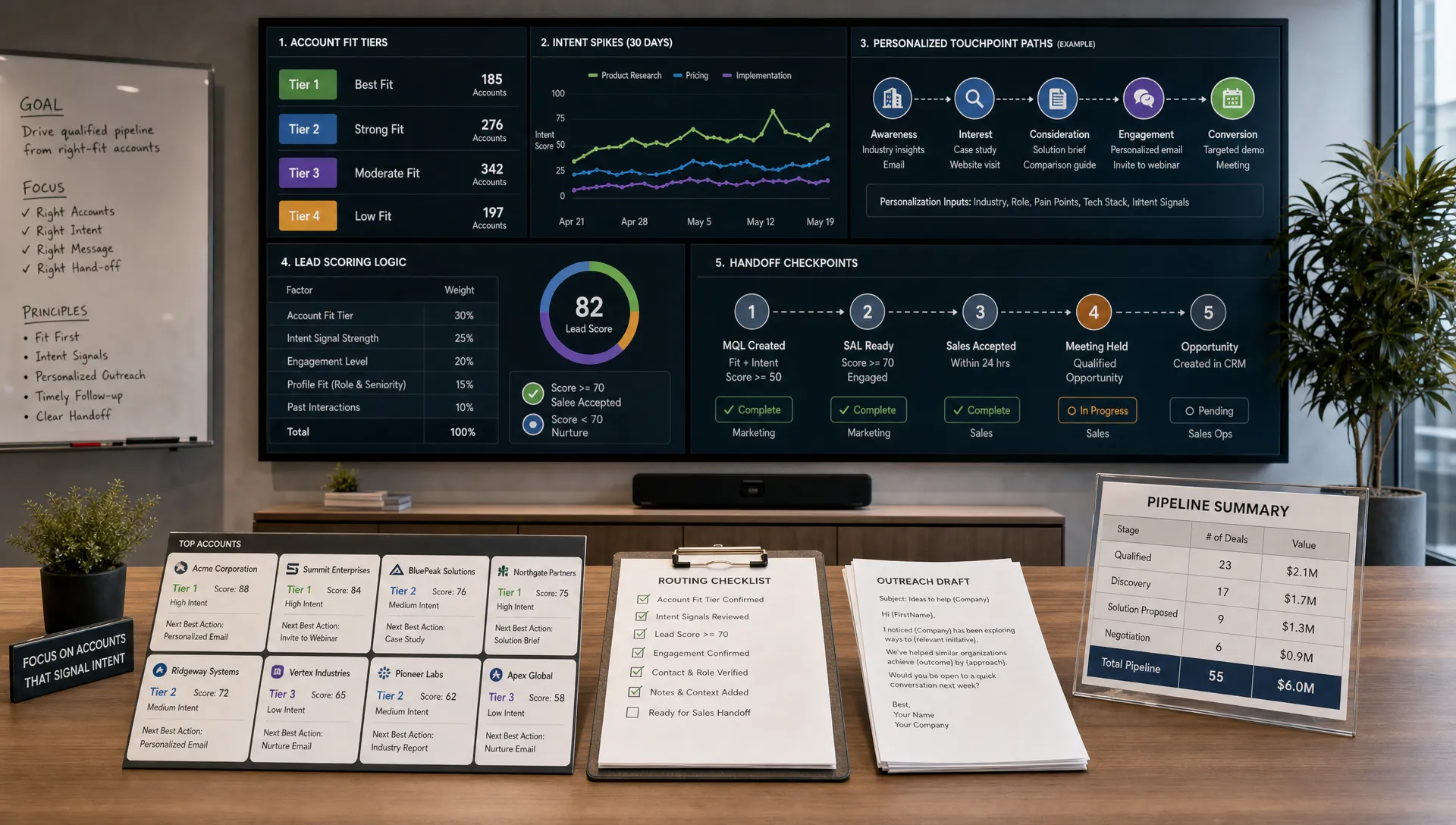
At minimum, define collections for audience, messaging, products, content standards, channels, campaigns, analytics and governance. Add metadata so the assistant can filter by region, persona, funnel stage, product line or approval status.
| Collection | Typical contents | Owner | Refresh cadence |
|---|---|---|---|
| Audience and ICP | Personas, segments, buyer journeys, objections | Growth or product marketing | Quarterly |
| Messaging | Positioning, value propositions, proof points | Product marketing | Quarterly or after launches |
| Brand and voice | Tone guide, writing rules, approved examples | Brand or content lead | Twice per year |
| Product and offers | Features, pricing rules, FAQs, limitations | Product or revenue team | After each release |
| Channel playbooks | SEO, email, social, paid media and webinar rules | Channel owners | Monthly or quarterly |
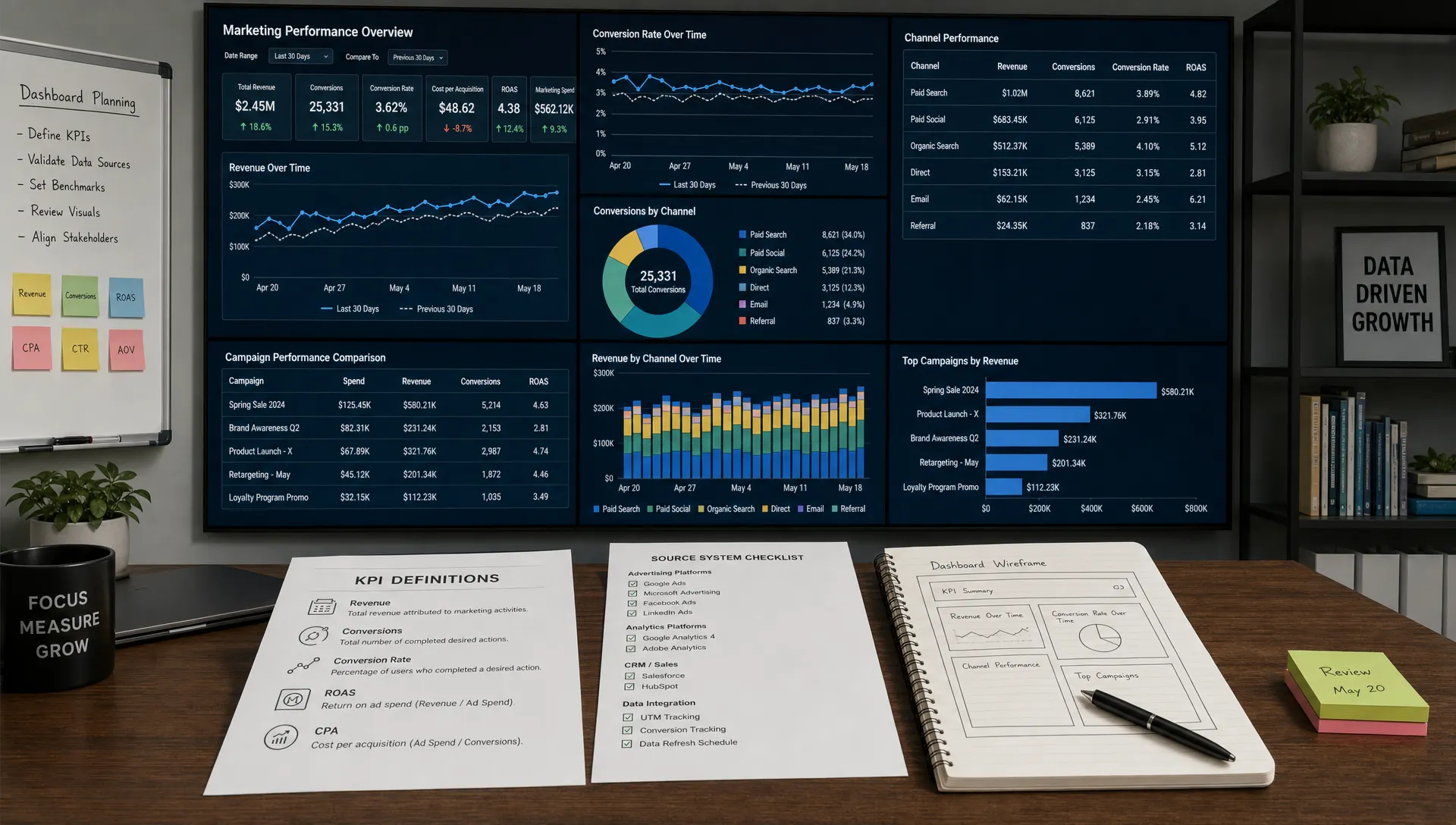
| Performance insights | KPI definitions, benchmarks, campaign learnings | Marketing operations | Monthly |
| Compliance and approvals | Legal rules, claim restrictions, review paths | Legal or compliance | As needed |
Ownership is as important as structure. If nobody is responsible for updates, the knowledge base will decay. Assign one business owner per collection and one operations owner for the overall system.
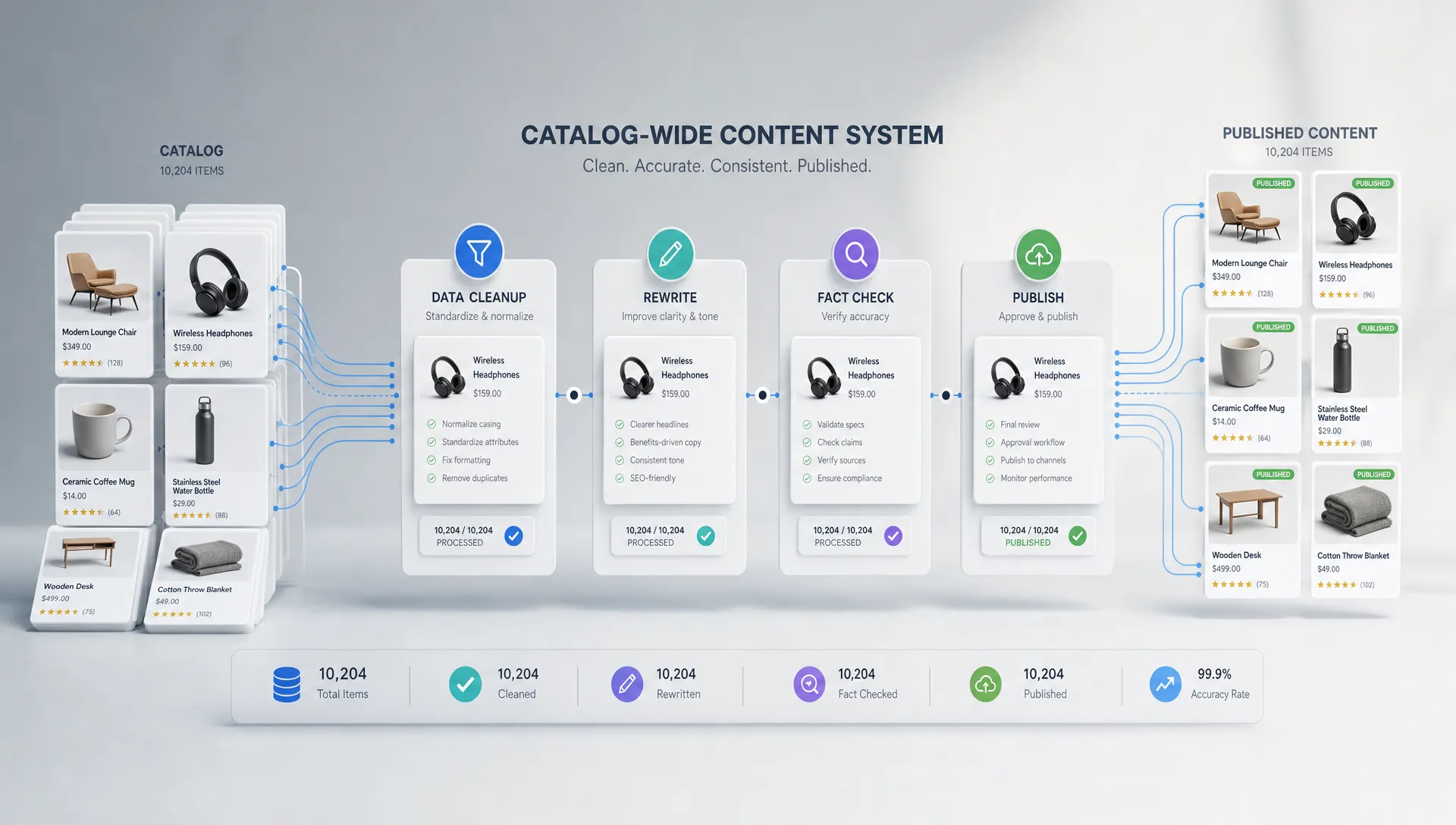
AI assistants struggle with long, inconsistent documents. A 90-page strategy deck may contain useful knowledge, but it is not always easy for retrieval systems to extract the right detail at the right moment. Convert large assets into smaller, labeled knowledge entries.
Each entry should answer one clear question or support one clear task. For example, instead of uploading a single brand book, create separate entries for tone principles, prohibited claims, headline patterns, product naming rules and approved customer story formats.
Strong entries usually include:
This format improves retrieval augmented generation, often called RAG, because the assistant can pull precise context into its answer instead of scanning an entire archive. It also makes updates easier. When a positioning point changes, you update one entry instead of reprocessing every document that mentioned it.
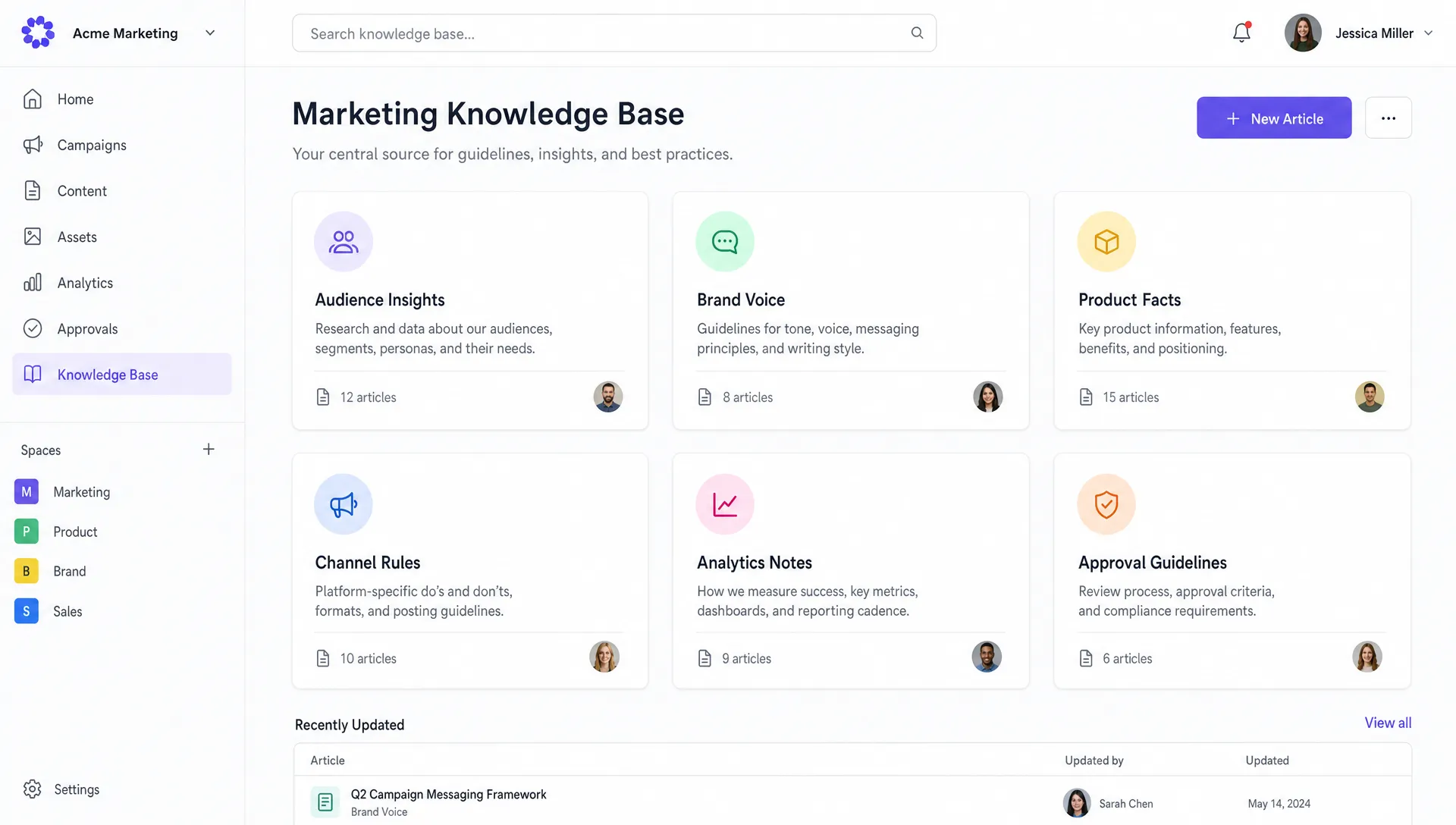
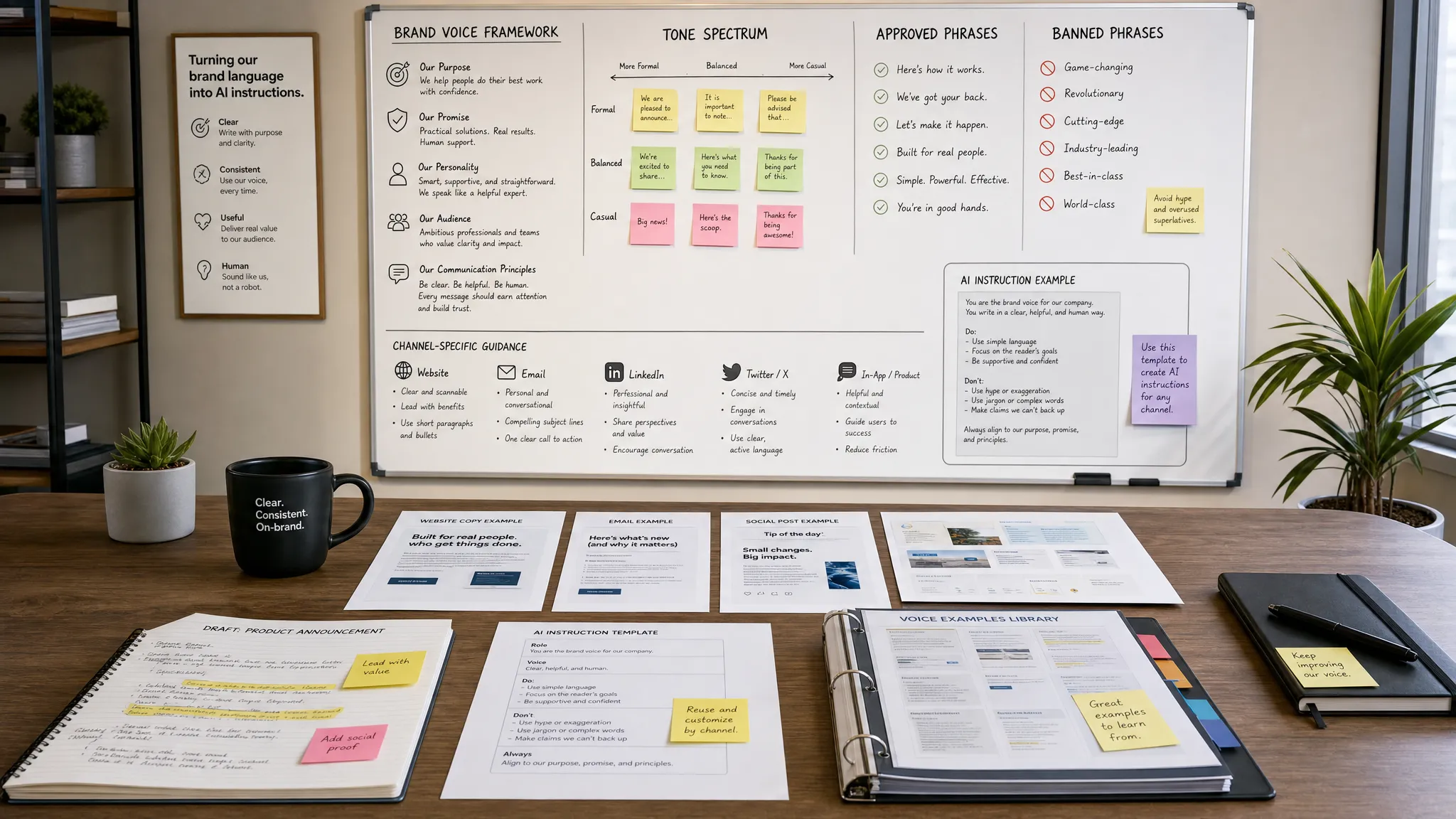
Many brand voice documents describe a company as friendly, bold, expert or human. Those words are too vague for AI assistants. To make voice operational, translate style preferences into specific writing rules and annotated examples.
Instead of saying the brand is expert, show what expert means in your context. It might mean using concrete examples, avoiding inflated claims, citing named sources and explaining trade-offs without sounding academic. Instead of saying the tone is conversational, define sentence length, acceptable contractions, humor boundaries and words the brand avoids.
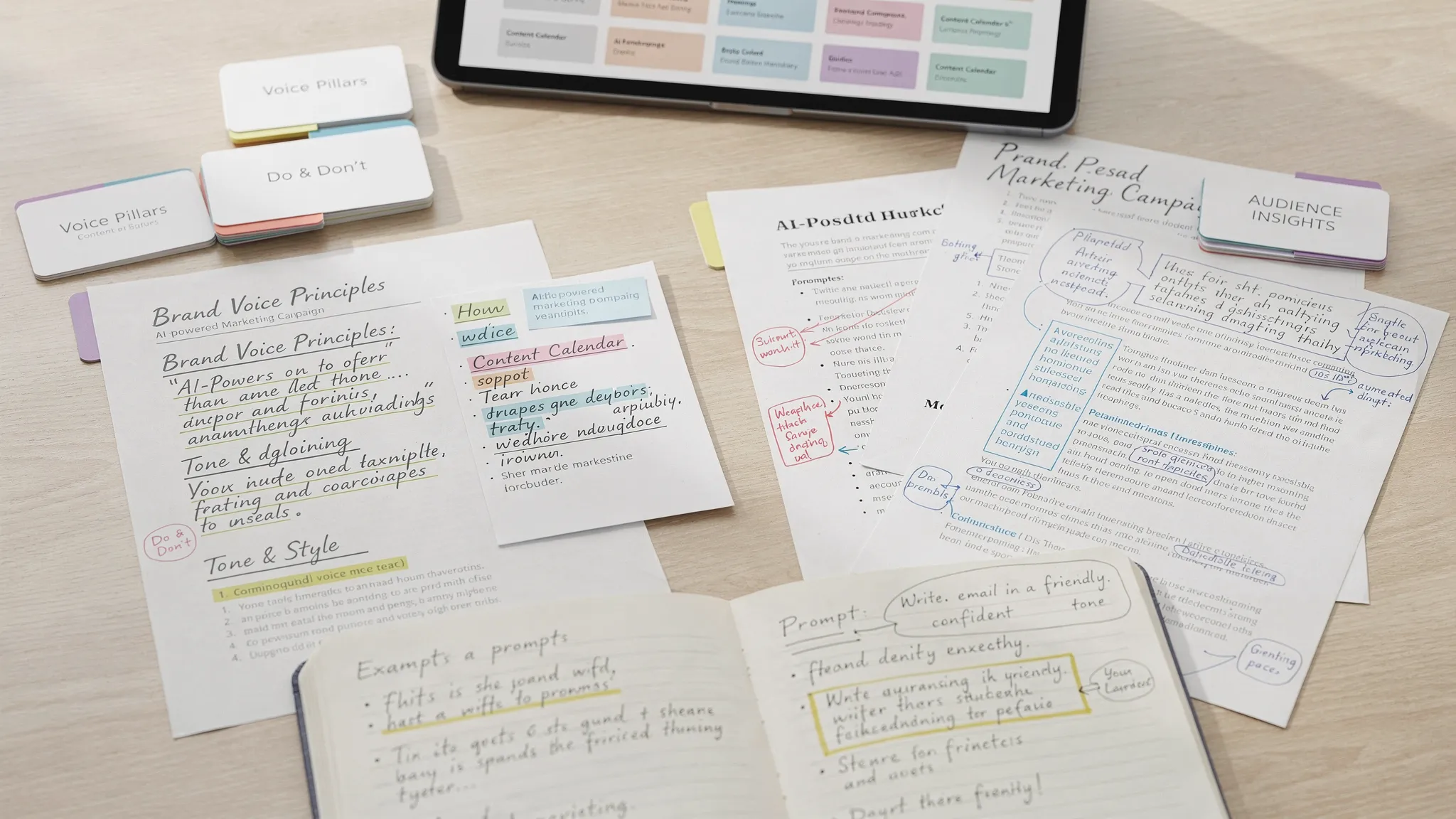
A practical voice entry can include before-and-after rewrites. Show a weak paragraph, explain why it fails, then show the approved version. AI assistants learn more from patterns than from abstract labels.
This layer is especially valuable for content creation because it keeps AI-assisted drafts from sounding like everyone else’s. If this is a major concern for your team, AIMarketer Hub has a deeper guide on using AI for marketing without losing your brand voice that pairs well with your knowledge base build.
A marketing knowledge base for AI assistants should include the details that prevent polished but inaccurate output. This includes product capabilities, limitations, pricing rules, packaging, delivery details, integrations, implementation timelines, customer objections and proof points.
The more specific your business, the more important this becomes. A SaaS company may need entries for integrations, feature availability and security language. A legal services firm may need jurisdictional disclaimers and prohibited advice. A finance company may need eligibility rules, calculator assumptions and disclosure requirements.
For physical product and B2B companies, the knowledge base should also capture material specs, customization options, sustainability claims and operational constraints. For instance, a team studying how a custom cardboard packaging supplier presents corrugated packaging, custom boxes, printing and sustainability can see why product knowledge must be precise before an AI assistant writes web copy or sales collateral.
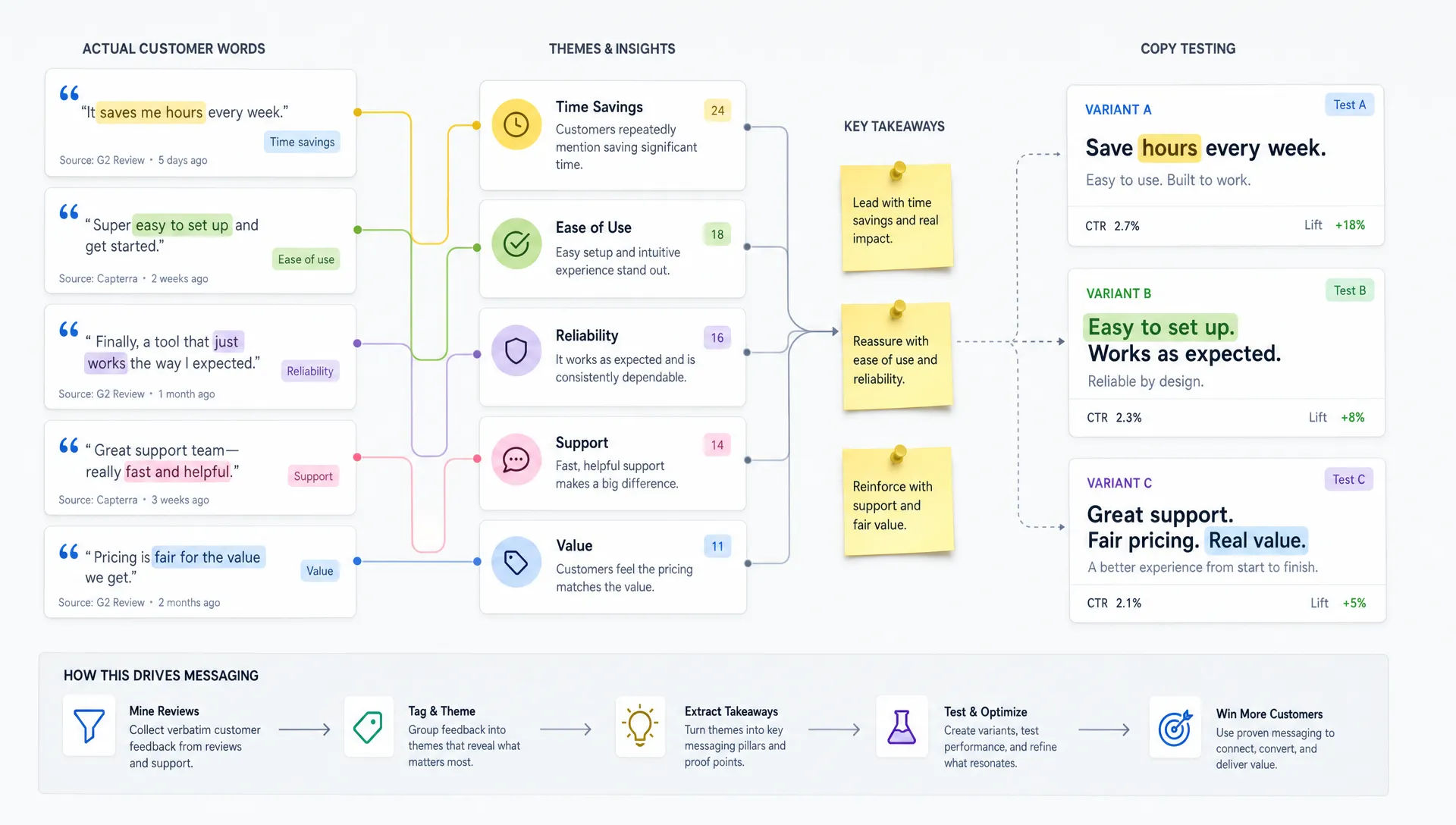
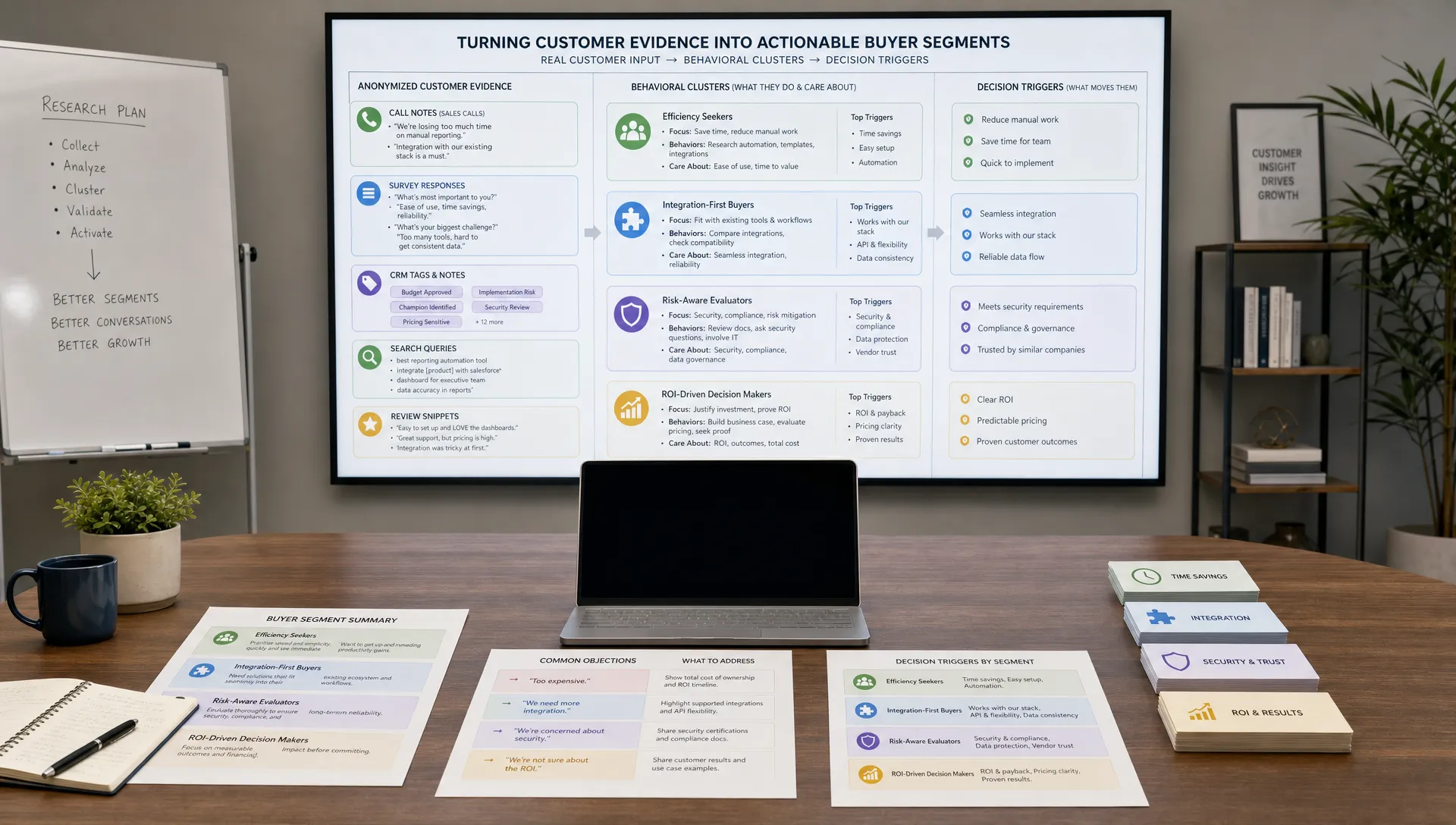
Customer knowledge deserves the same rigor. Pull in validated insights from sales calls, support tickets, surveys, win-loss notes and reviews. Capture exact customer language when possible, but label it as customer language rather than approved brand copy. That distinction helps assistants generate copy that sounds relevant without turning anecdotal comments into official claims.
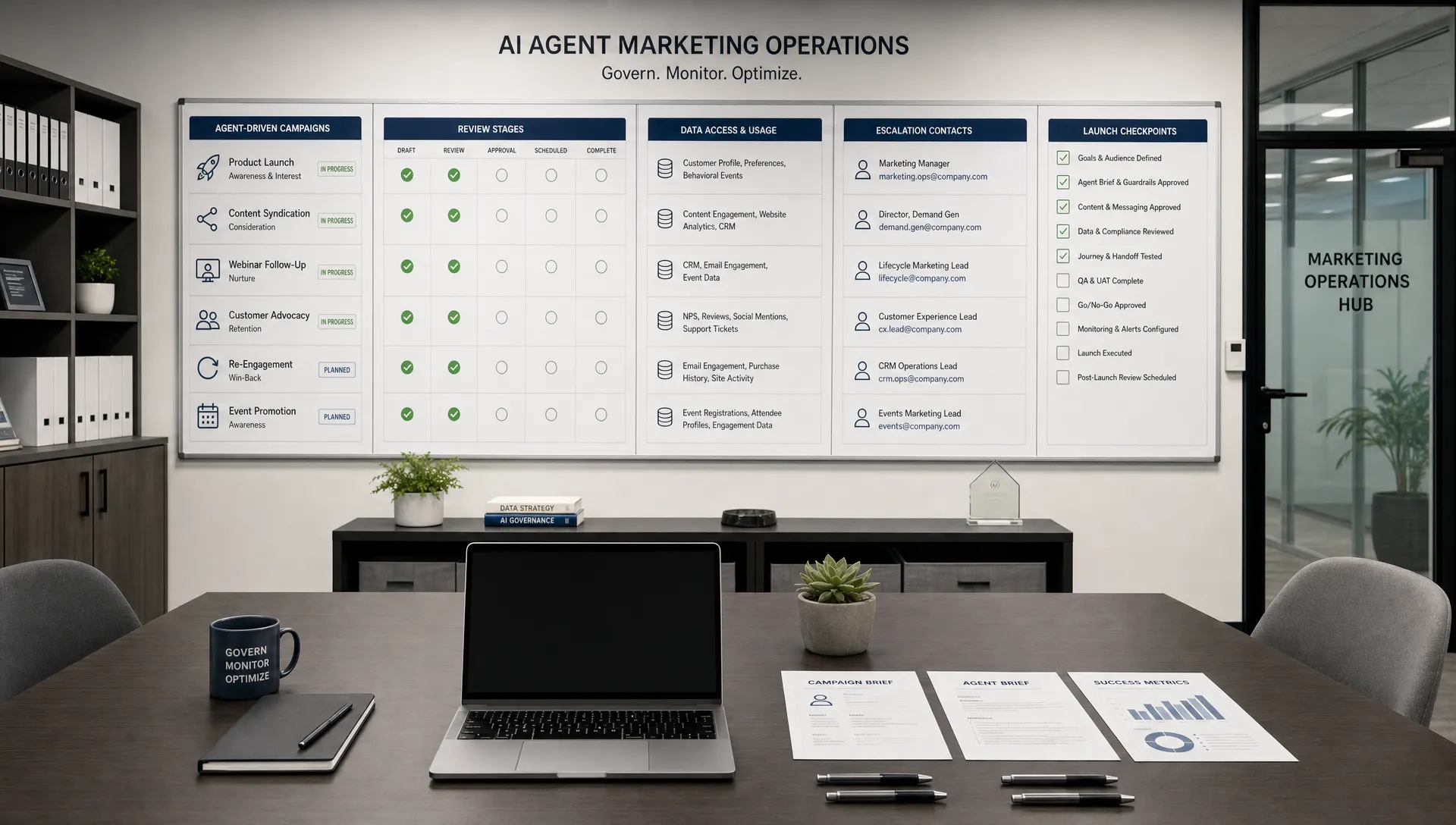
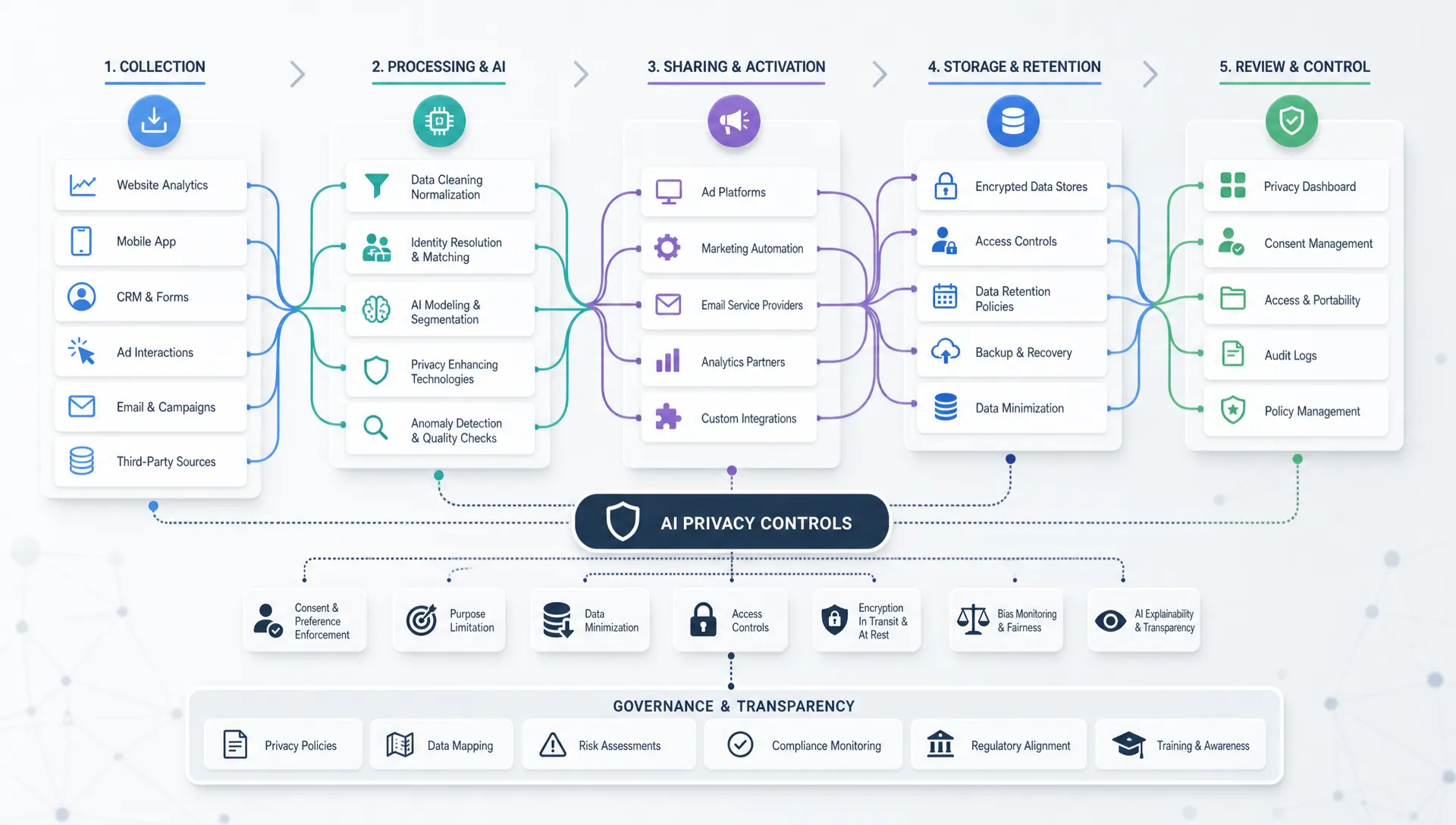
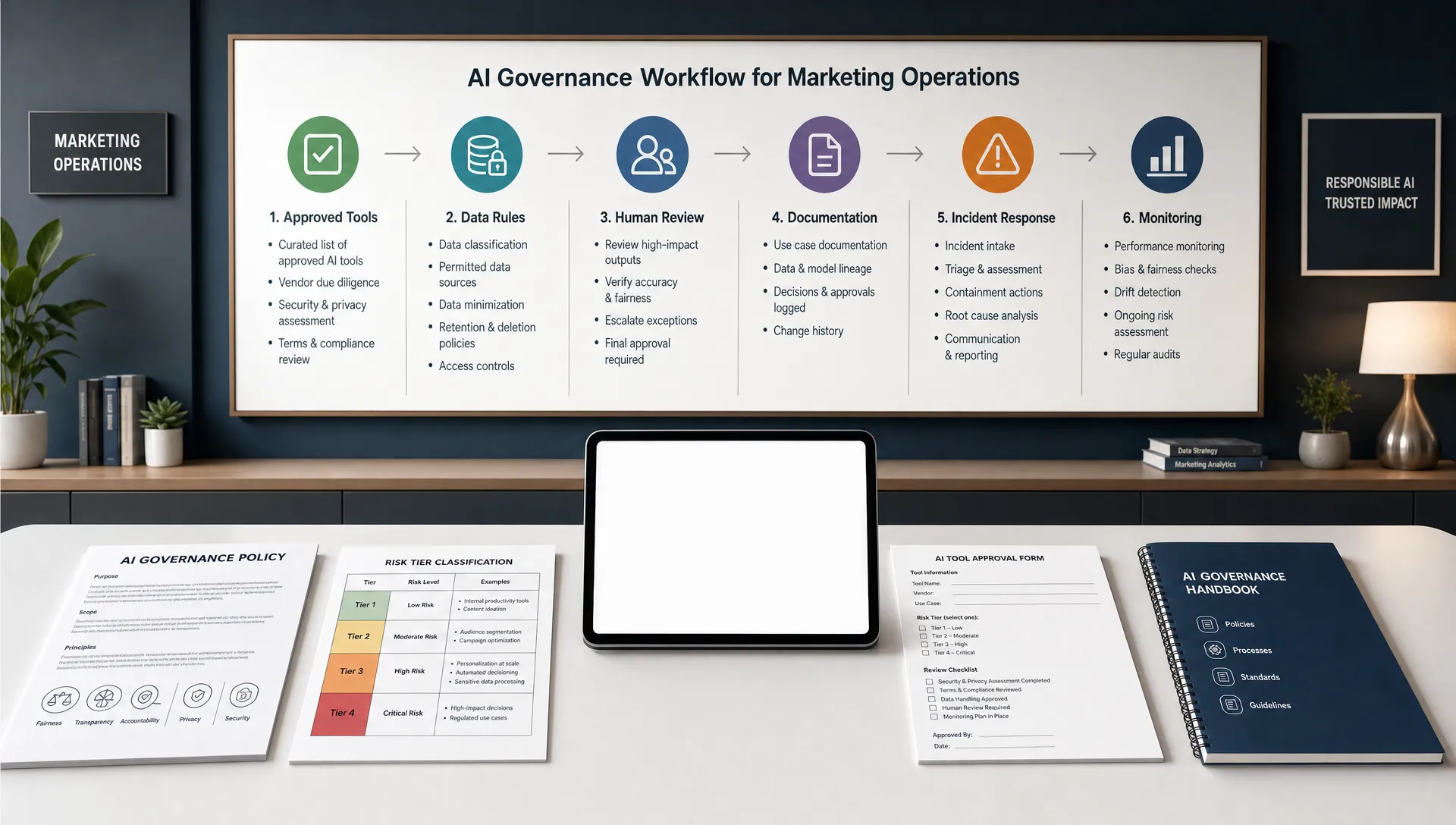
Governance is not a blocker. It is what lets teams use AI marketing automation with confidence. The more people rely on assistants, the more you need rules for permissions, approvals, privacy and measurement.
Start with a simple access model. Not every assistant should access every document. A public content assistant may need brand and product information, but not raw customer data. A reporting assistant may need analytics definitions, but not confidential roadmap notes. If your workflows use customer data, align with your company’s privacy and security policies before connecting systems.
The NIST AI Risk Management Framework describes AI risk management through governance, mapping, measuring and managing risk. For marketers, that translates into practical habits: know what the assistant is used for, document the data it can access, test output quality and create escalation paths when answers are wrong or sensitive.
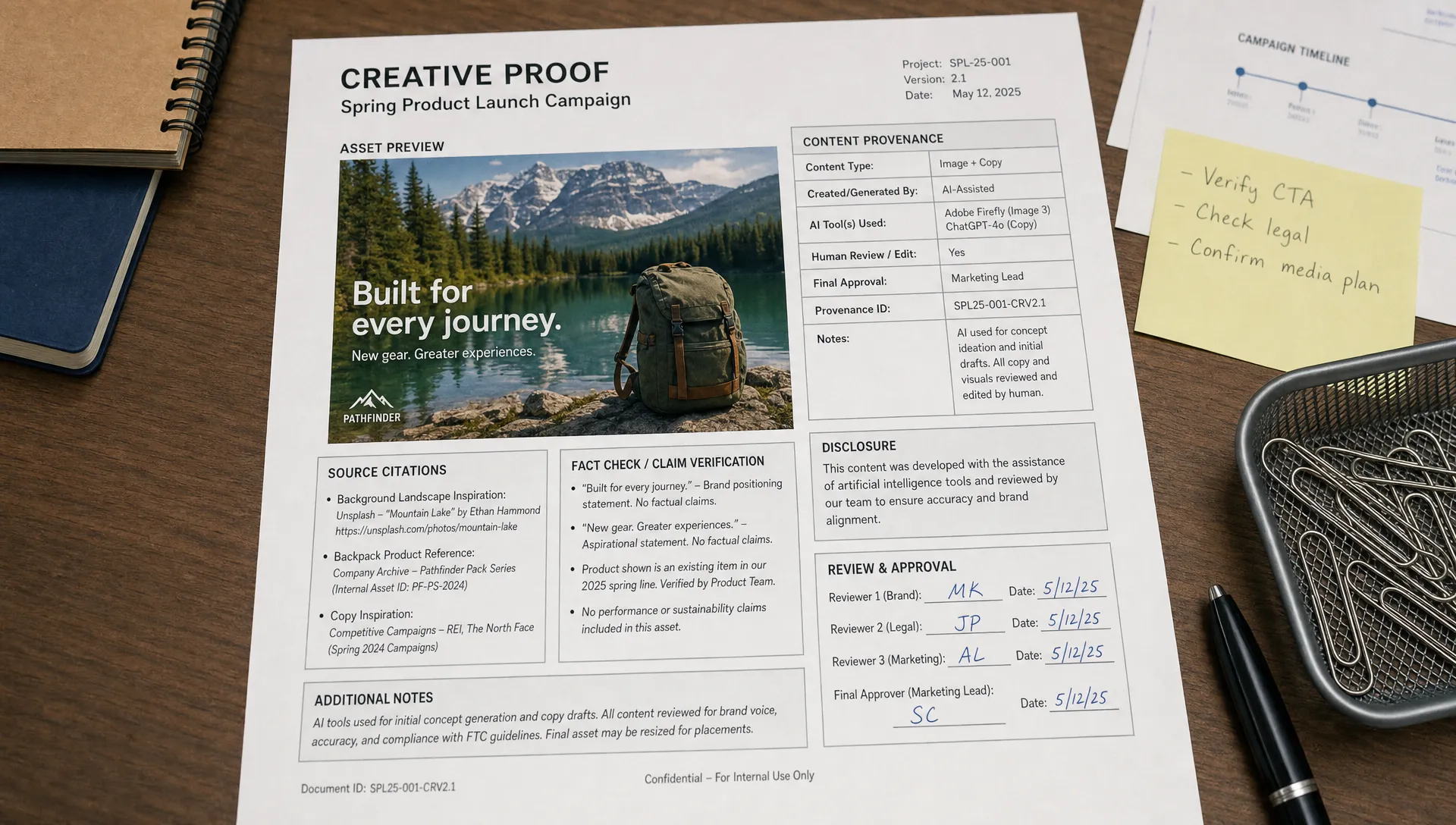
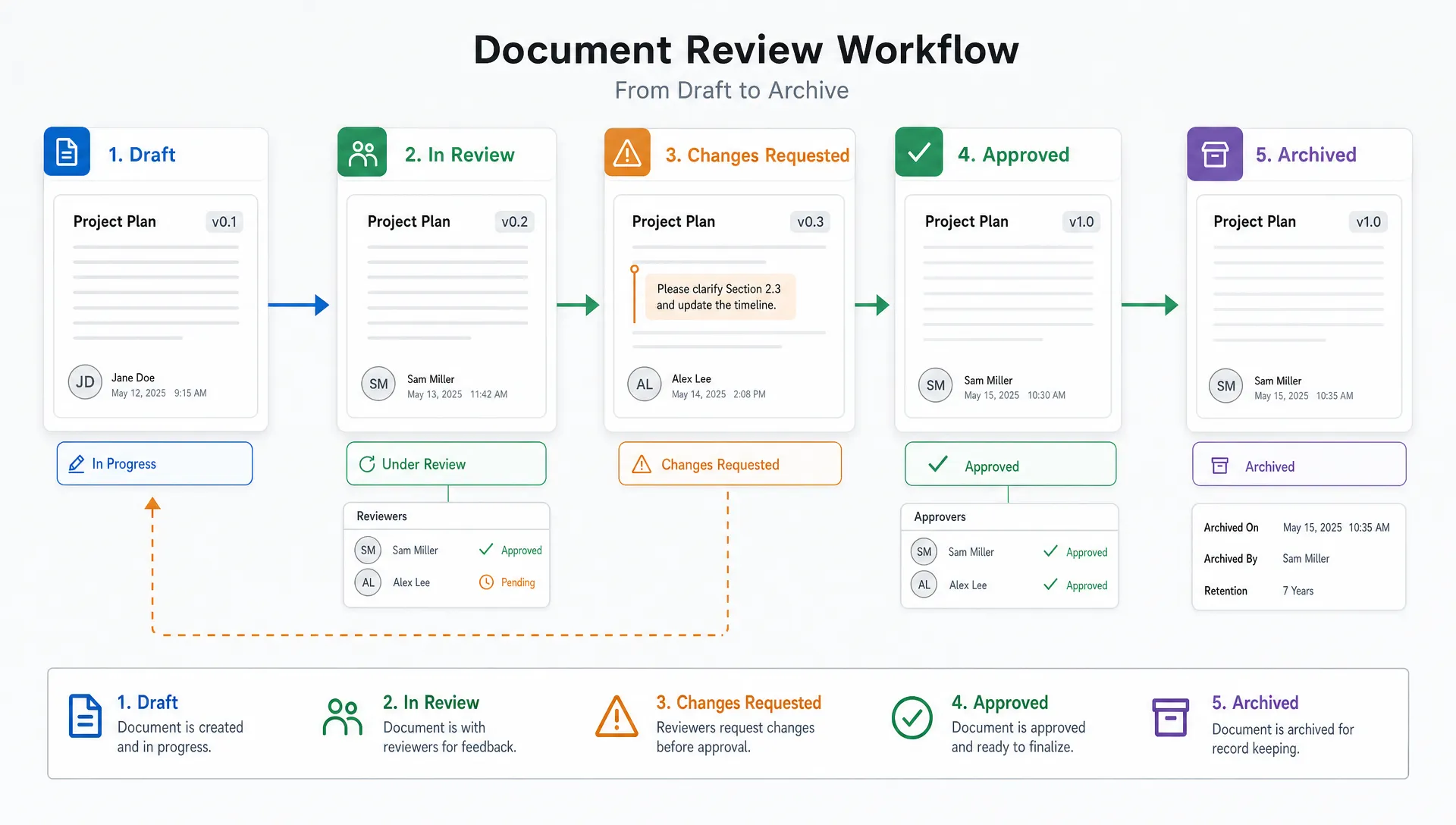
You should also define approval levels. Low-risk outputs, such as first-draft social variations, may only need marketer review. High-risk outputs, such as regulated claims, pricing language or legal disclaimers, should require subject matter approval before publication.
A knowledge base only creates value when it shows up where work happens. Connect it to the AI tools, content systems and collaboration spaces your team already uses. This may include a content management system, digital asset manager, CRM, project management tool, chatbot interface or internal assistant.
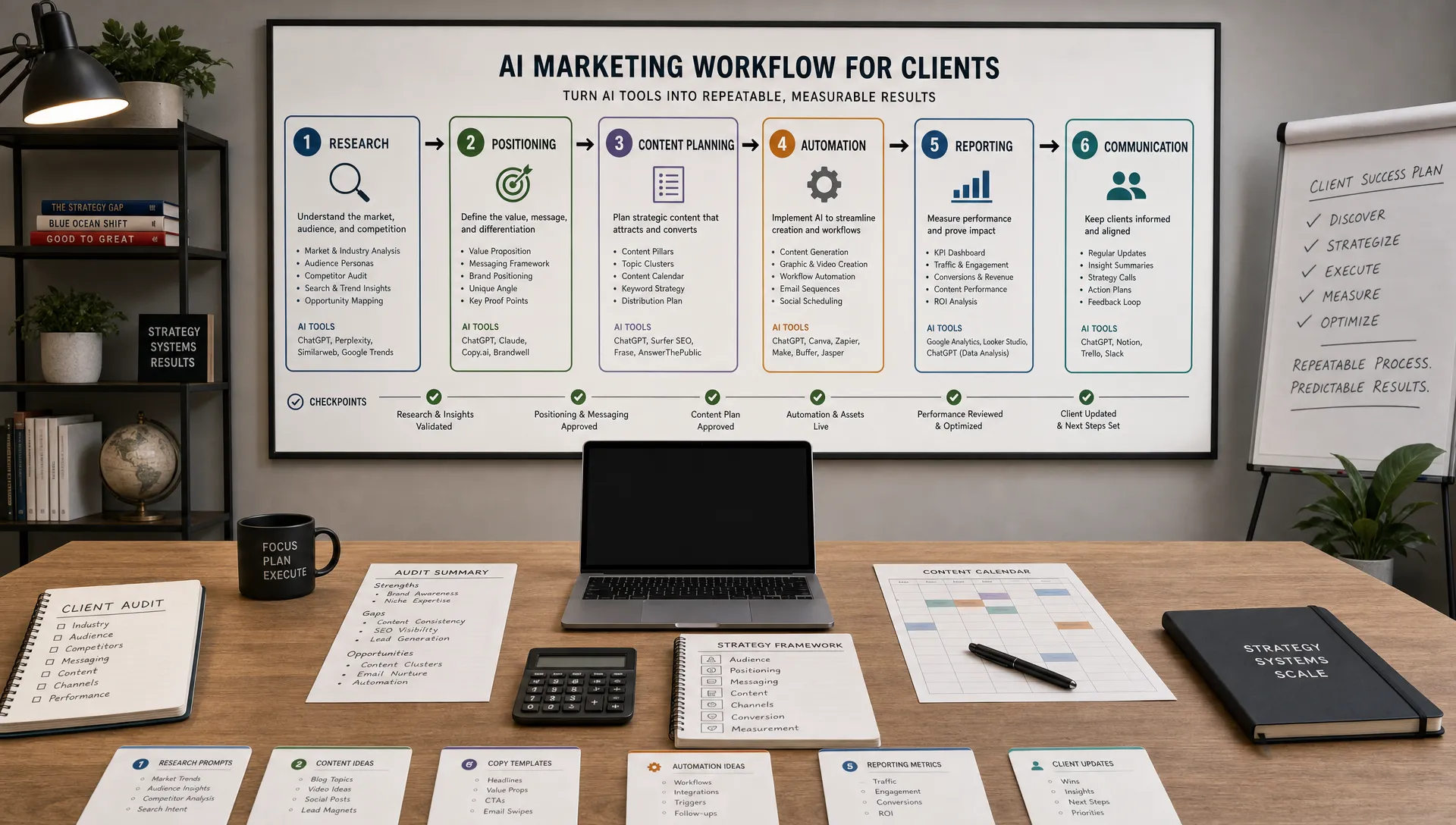
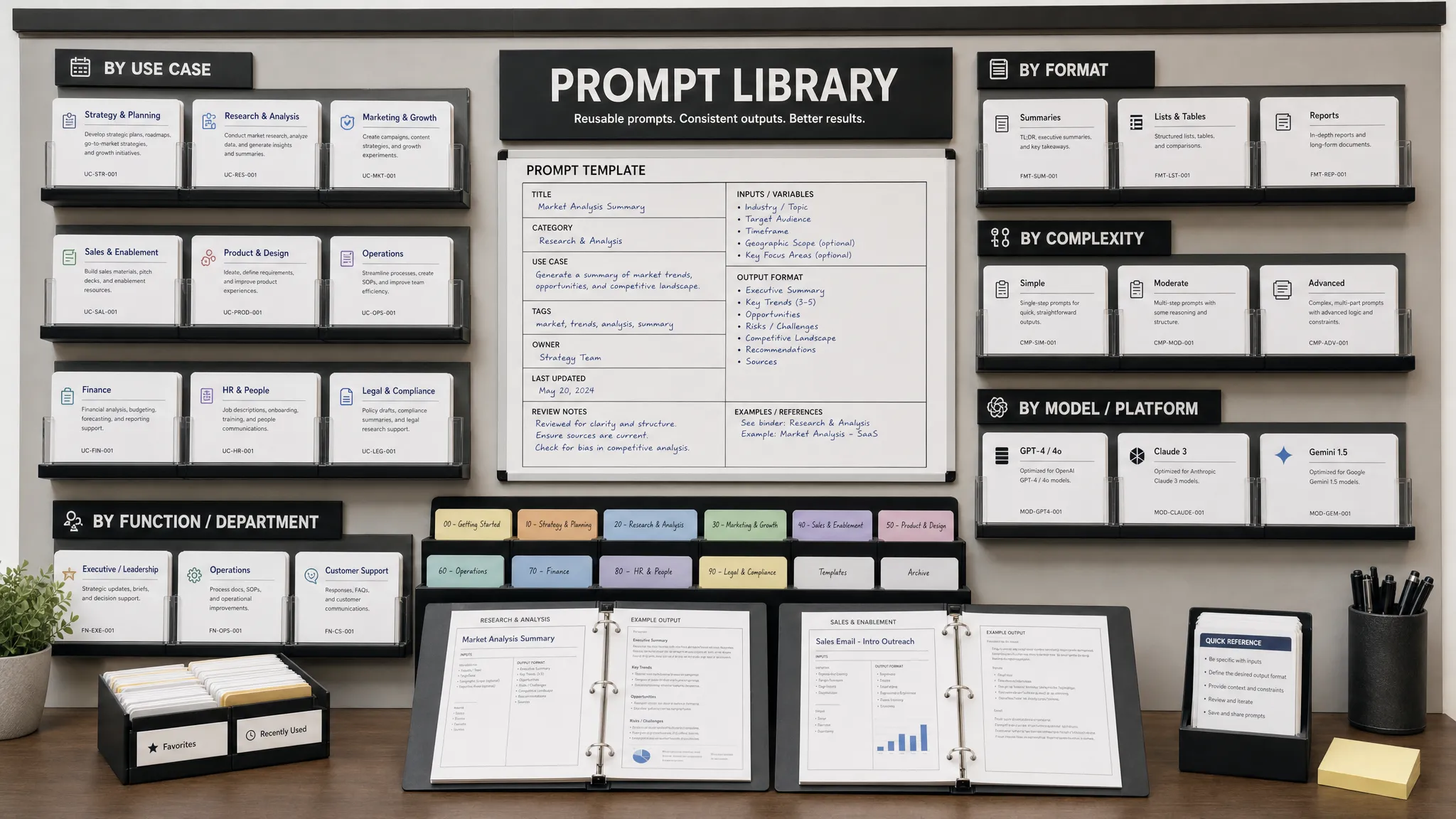
The connection does not need to be complex on day one. Some teams begin with a curated document library and a prompt library that tells assistants which source collections to use for each task. Others build deeper integrations where an assistant retrieves approved snippets automatically during briefing, drafting or QA.
If your team is building a broader production system, the knowledge base should sit inside the content workflow rather than beside it. AIMarketer Hub’s guide to building an AI content workflow that scales covers the operating model around intake, briefs, prompts, review and publishing.
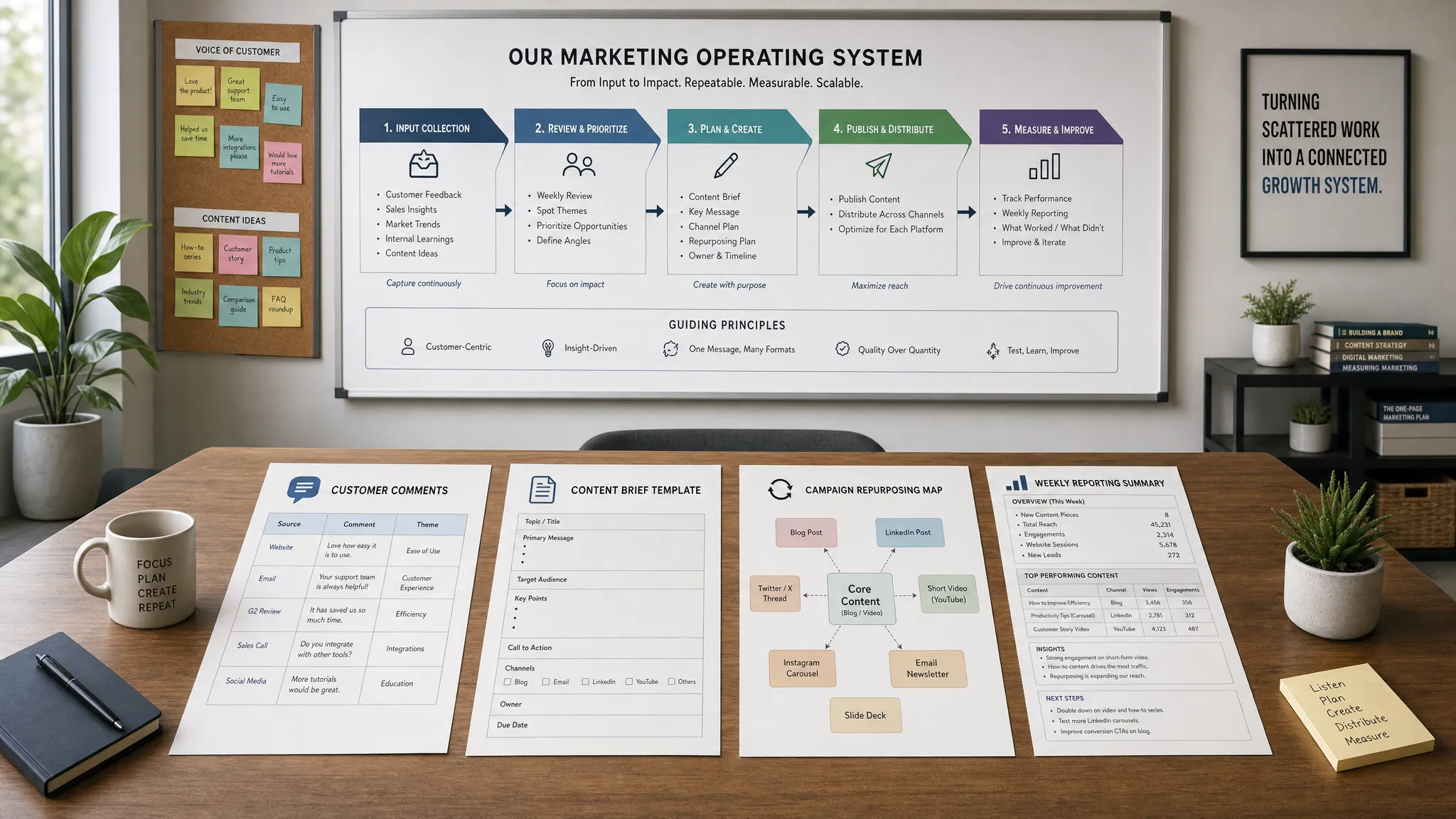
For larger teams, connect the knowledge base to marketing operations. This helps make AI outputs measurable, governed and repeatable. If that is your direction, review the framework for an AI-powered marketing operations system so the knowledge base supports strategy, workflow and performance analytics together.
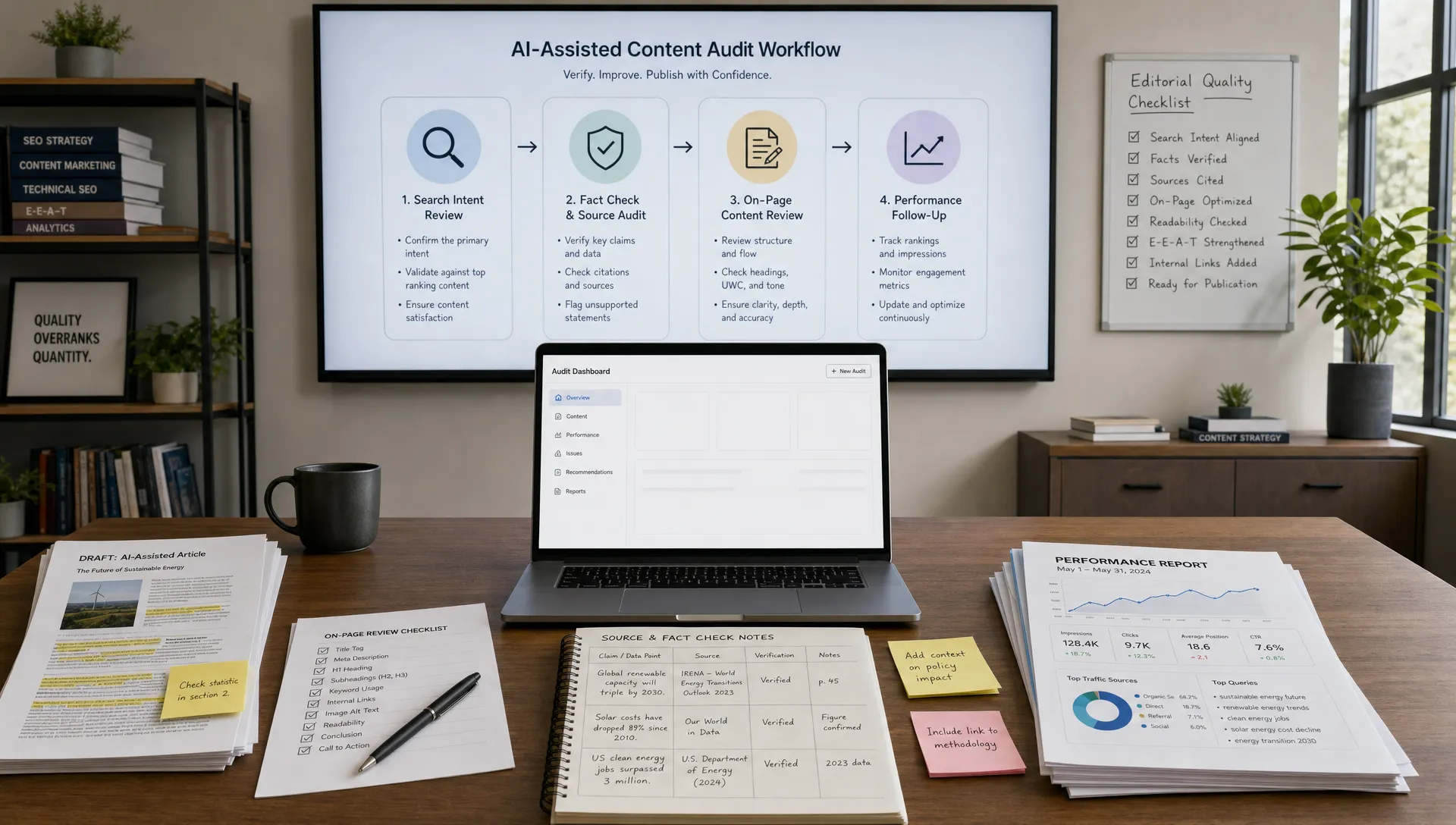
Do not judge the knowledge base by whether files were uploaded successfully. Judge it by whether the AI assistant performs useful work. Create test prompts that reflect real marketing tasks and score the outputs.
Your test set should include easy, normal and difficult scenarios. Easy tasks confirm that basic retrieval works. Normal tasks reflect everyday work, such as drafting an email for a specific persona. Difficult tasks reveal weak governance, such as asking the assistant to make an unsupported claim or combine information from two conflicting sources.
| Test area | What to check | Good signal |
|---|---|---|
| Factual accuracy | Product details, claims, audience definitions | Output matches approved sources |
| Source relevance | Whether the assistant uses the right collection | Answer reflects current canonical docs |
| Brand fit | Tone, terminology and formatting | Draft sounds like your company |
| Task completion | Brief, draft, summary or recommendation quality | Output is usable with light editing |
| Risk handling | Unsupported claims, privacy or compliance concerns | Assistant refuses, flags or escalates |
Review failures by category. If the assistant gives outdated answers, fix source freshness or ranking. If it sounds off-brand, improve examples. If it misses context, add metadata or split long entries into smaller pieces.
A knowledge base is not a one-time setup. Treat it as a product that has users, owners, quality metrics and a roadmap. Marketing teams change positioning, launch offers, learn from campaigns and refine digital marketing strategies. The knowledge base must change with them.
Set a recurring review rhythm. Monthly reviews work well for channel playbooks and performance notes. Quarterly reviews fit personas, messaging and competitive insights. Product and compliance entries should update whenever the underlying facts change.
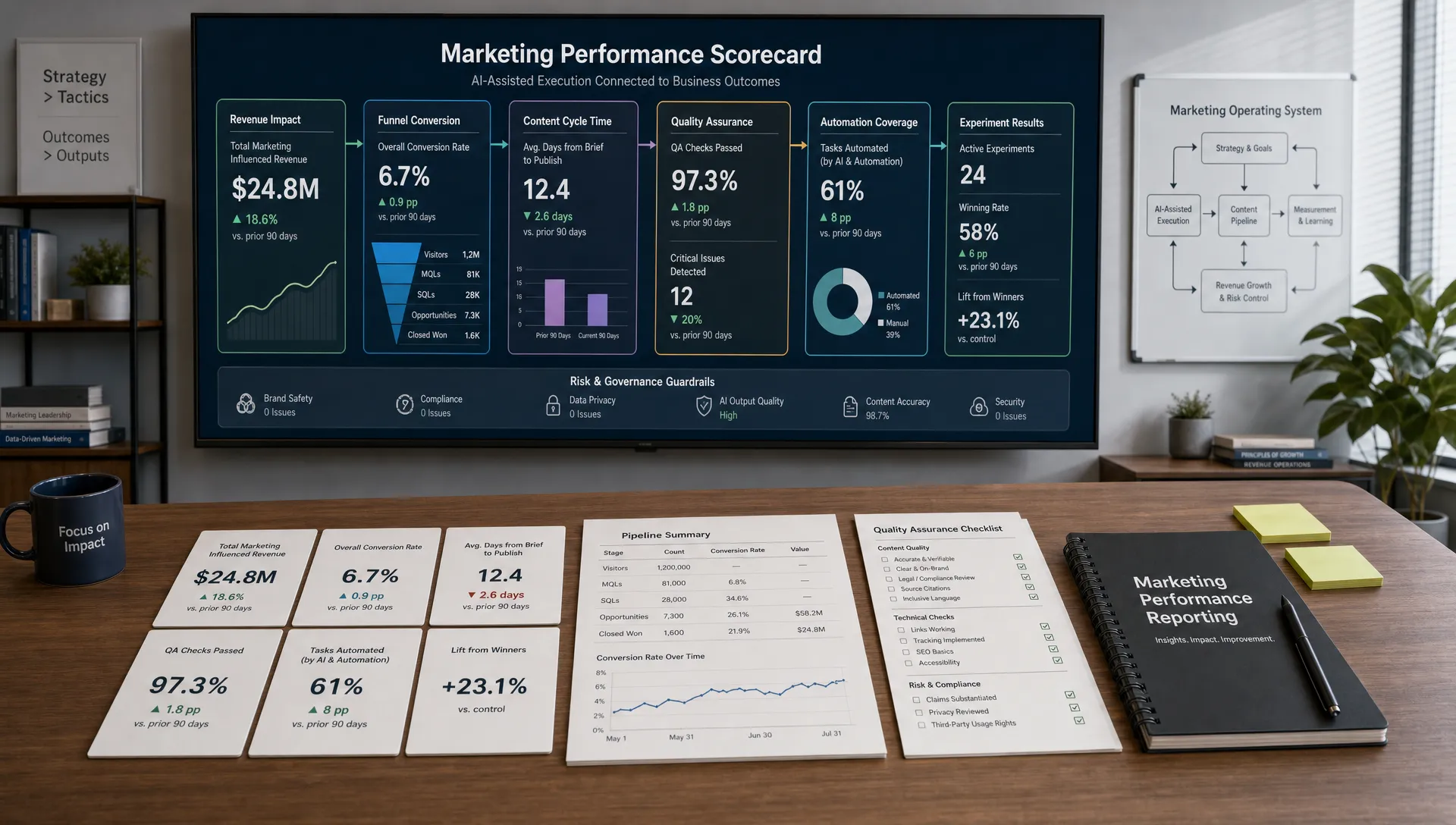
Track a few simple metrics instead of overcomplicating measurement. Useful signals include assistant adoption, output approval rate, number of corrections per draft, time saved on repeat tasks and user-reported confidence. Pair quantitative signals with qualitative reviews from marketers who use the assistant every week.
Also maintain a feedback loop. Give users an easy way to flag wrong answers, missing knowledge or confusing entries. Every flag should become a source update, prompt adjustment or workflow change. This is how the system gets better without relying on heroic manual review.
If you are starting from scratch, keep the first version focused. Choose one high-value workflow, such as SEO briefs, campaign summaries or email drafts. Build the minimum knowledge base that makes that workflow reliable, then expand once the team sees value.
A strong first version usually includes:
This gives you a controlled foundation. Once it works, you can add more channels, deeper analytics, additional AI assistants and more advanced automations.
What is a marketing knowledge base for AI assistants? A marketing knowledge base for AI assistants is a structured, governed collection of approved marketing knowledge that AI tools can use to answer questions, draft content, summarize insights and support workflows. It usually includes audience data, messaging, brand voice, product facts, channel rules and approval guidelines.
How is this different from a normal document library? A normal document library stores files. A knowledge base for AI assistants organizes information for retrieval and decision support. It uses metadata, ownership, source hierarchy, smaller entries and governance rules so the assistant can find the most relevant and reliable context.
Which documents should I add first? Start with the documents needed for one workflow. For content creation, add audience profiles, messaging, brand voice, SEO standards, product details and examples of approved content. For campaign planning, add goals, offers, segments, channel playbooks, past campaign results and approval rules.
How often should the knowledge base be updated? Update product, pricing, legal and compliance entries whenever the facts change. Review channel playbooks and performance insights monthly or quarterly. Review messaging, personas and brand voice at least twice per year or after major strategy changes.
Can small teams build one without expensive software? Yes. A small team can begin with well-organized documents, clear naming conventions, metadata fields, a prompt library and a simple review process. More advanced AI tools and integrations can come later once the team understands which workflows produce the most value.
AI assistants become more valuable when they are grounded in the way your business actually works. If you want faster content creation, better AI-powered analytics and more reliable marketing workflow automation, start by building the knowledge base that all of those systems can trust.
AIMarketer Hub helps marketers turn AI from scattered experiments into practical systems with guides, tools, prompt resources and strategy content. Explore the latest AI marketing articles and guides to keep improving your workflows with clearer structure and better execution.